Developer tools · JWT decoder
Anatomy of a JWT: Splitting on Dots and Decoding Base64url
· How it works
jwt encoding security
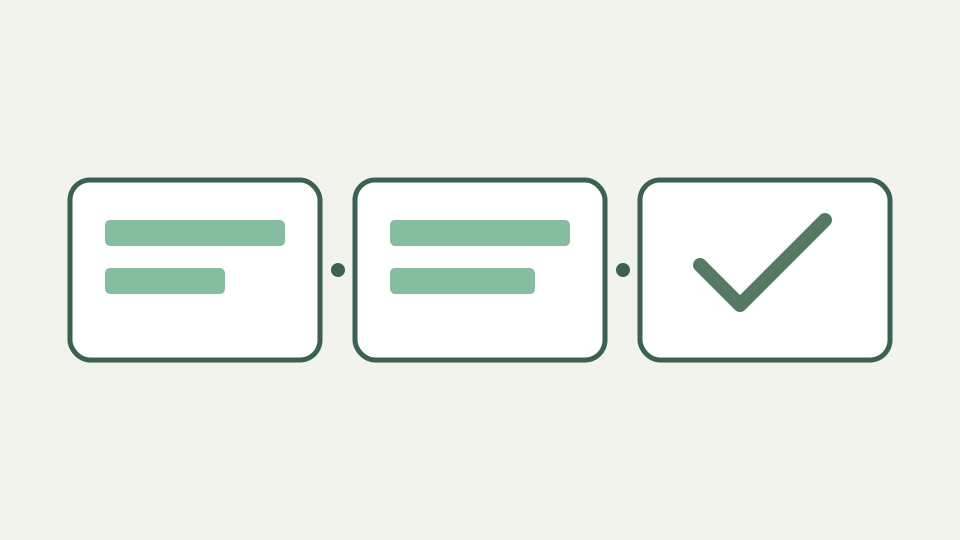
A JWT is three base64url segments separated by dots. This post decodes each part by hand, explains why the signature segment is not text, and shows what a decoder can and cannot tell you.
The long string in the Authorization header — what you are looking at and why it has exactly two dots
A bearer token often arrives in an Authorization header as a compact, dot-separated string. A typical signed JWT in compact JWS form has three segments and therefore two separating dots. An active token is a credential: do not paste production tokens into a demonstration.
Compact serialization — header, payload and signature as three base64url segments
In compact JWS serialization the first segment is the protected header, the second is the payload, and the third is a signature or MAC. The signature covers the encoded first two segments, joined by a dot. Splitting the string locates the segments; it cannot establish trust.
Base64url without padding — the alphabet JWS uses and why the segments have no trailing equals signs
Base64url uses - and _ in place of + and / in ordinary Base64. Compact JWS omits trailing = padding; a decoder can restore padding before decoding. Decoding produces bytes. For JSON header and claims, decode the bytes as UTF-8 before parsing text.
The header — a small JSON object naming the algorithm and, often, the key
The header is usually JSON containing alg and sometimes a key identifier, kid. These are assertions made by the token itself. A verifier must enforce its own allowed-algorithm policy and securely obtain the appropriate key; reading alg alone is not authorization.
The payload — a JSON object of claims, readable by anyone who holds the token
The payload contains claims such as sub, exp and aud. Anyone holding the token can read them; encoding is not encryption. An exp NumericDate counts seconds since the Unix epoch, but an unverified claim has no authority. Do not store secrets in a readable payload.
The signature — raw bytes over the first two segments, meaningless as text and useless without a key
The last segment is signature bytes encoded in base64url, not a third JSON object. Validating it requires a cryptographic algorithm, key and application policy. ToolAcre deliberately does not perform verification: it reports signature presence and always marks signatureVerified false.
Worked example — decoding a sample token segment by segment, including the JSON that appears
Take the non-sensitive demonstration header {"alg":"HS256","typ":"JWT"} and payload {"sub":"demo"}. Their base64url encodings are eyJhbGciOiJIUzI1NiIsInR5cCI6IkpXVCJ9 and eyJzdWIiOiJkZW1vIn0. Decoding recovers the JSON. Appending an arbitrary third segment does not make the token authentic.
Takeaway: decoding is reading, not trusting — the ToolAcre JWT decoder shows the header and payload and never verifies the signature, so nothing it shows proves the token is genuine
Decoding is reading, not trusting. Use the ToolAcre JWT decoder for a throwaway token’s header, claims and warnings; use your application’s trusted verifier to decide whether a signed token is valid. Displayed claims alone must never grant access.