ToolAcre blog
Practical explanations of the formats and browser tools behind everyday work.
560 published articles.

What Happens Under the Hood When You Merge PDFs in a Browser
Merging PDFs looks like stapling, but the tool is actually copying page objects, fonts and images from one object graph into another and writing a new cross-reference table. This post walks through that process as it happens inside a browser tab.
· Documents · PDF Toolkit
pdf file-formats browser-processing

Anatomy of a JWT: Splitting on Dots and Decoding Base64url
A JWT is three base64url segments separated by dots. This post decodes each part by hand, explains why the signature segment is not text, and shows what a decoder can and cannot tell you.
· Developer tools · JWT decoder
jwt encoding security
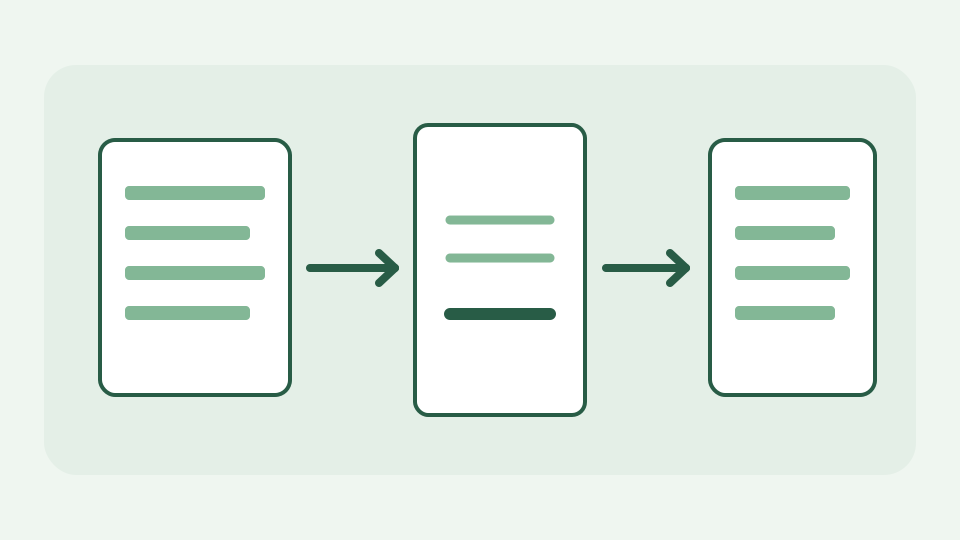
How a Browser Builds an Invoice PDF Without Sending Data to a Server
An invoice generator does not need a server: the form, the calculation, the layout and the PDF writing can all happen in the tab. This post follows your typed details from the form to the downloaded file and explains each step.
· Documents · Freelance Invoice Tool
invoice pdf browser-processing

How cropping works in a browser image editor: canvas and pixels
Cropping looks trivial, but a browser editor has to decode the file, copy a rectangle of pixels onto a canvas and encode a brand-new file. This post walks through each step and explains what changes and what stays identical.
· Images & photos · Browser Image & Drawing Editor
image-editing canvas browser-processing
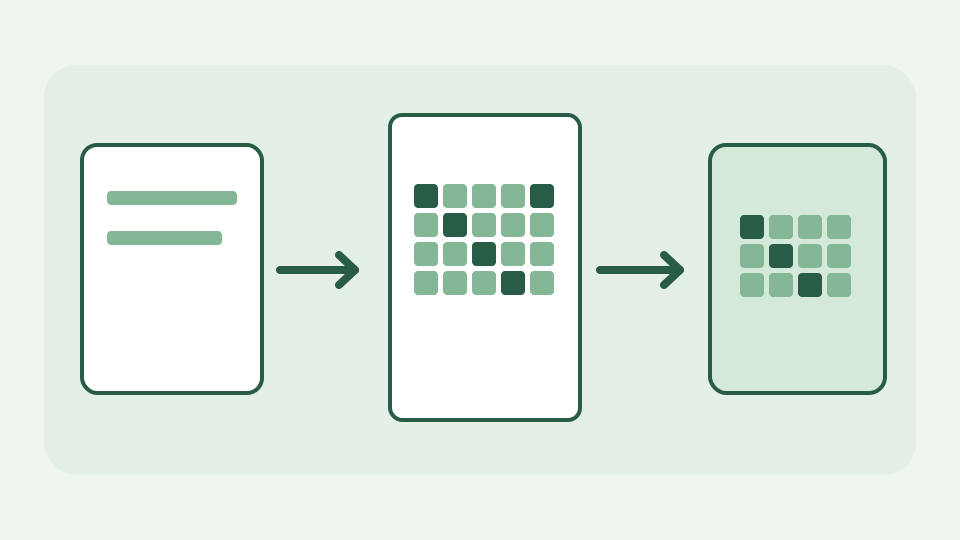
How canvas.toBlob converts PNG to WebP inside your browser
A browser image converter is a decoder, a bitmap and an encoder chained together, and the whole chain is built into the browser. This post follows one PNG through decode, canvas and toBlob to a WebP file, and notes what is lost on the way.
· Images & photos · Image Converter & Compressor
image-formats canvas webp
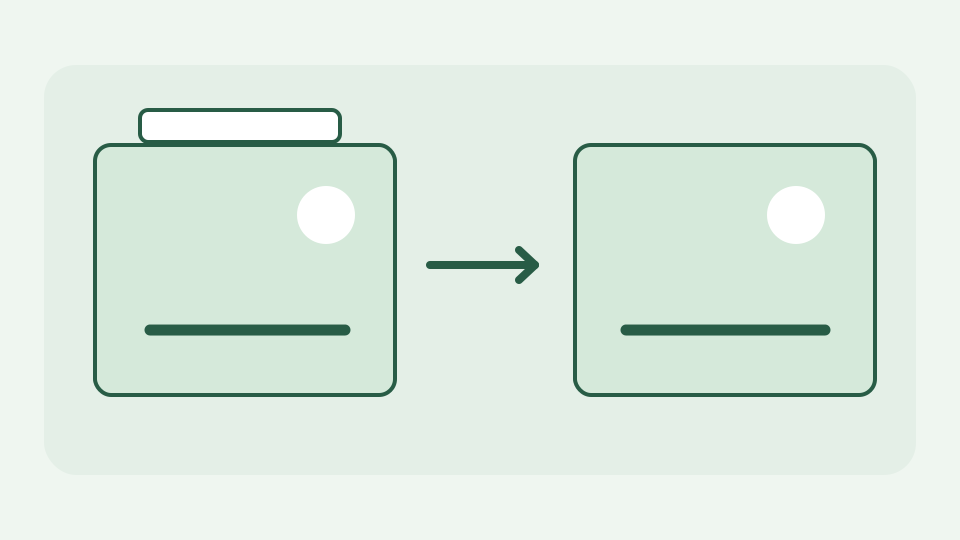
Segment Removal vs Canvas Re-Encode: Two Ways to Strip Photo Metadata
Many online strippers simply redraw your photo on a canvas and save it again, which discards metadata but also re-compresses the pixels. This post explains the alternative: removing the metadata segments and copying the compressed image data through untouched.
· Images & photos · Image Metadata Privacy Tool
exif image-privacy file-formats

Aspect Ratio Maths: How to Crop Any Photo to 1:1, 4:5, 9:16 or 16:9
Cropping to a ratio is arithmetic: compare the photo's ratio with the target, work out which dimension has to shrink, then choose where the crop sits. This post gives the formula, a worked example and the rounding traps.
· Images & photos · Social Image Resizer
image-resizing aspect-ratio canvas
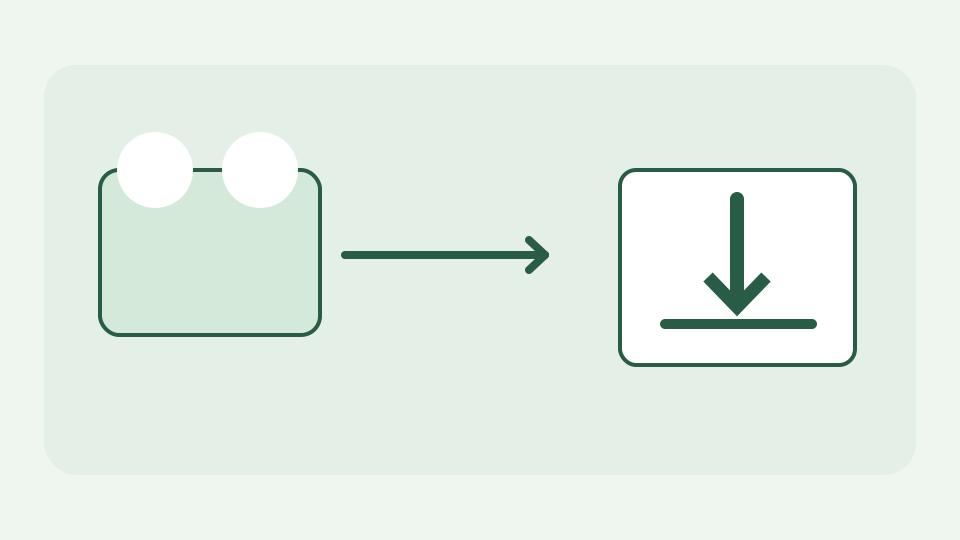
How a browser downloads a file from a direct link with fetch and Blob
Walks through the pipeline a browser tool uses to turn a direct link into a saved file: fetch the bytes, hold them as a Blob, and hand them to the download attribute. Explains why no server is needed at any step.
· Video & subtitles · Direct Media Downloader
downloads browser-apis cors
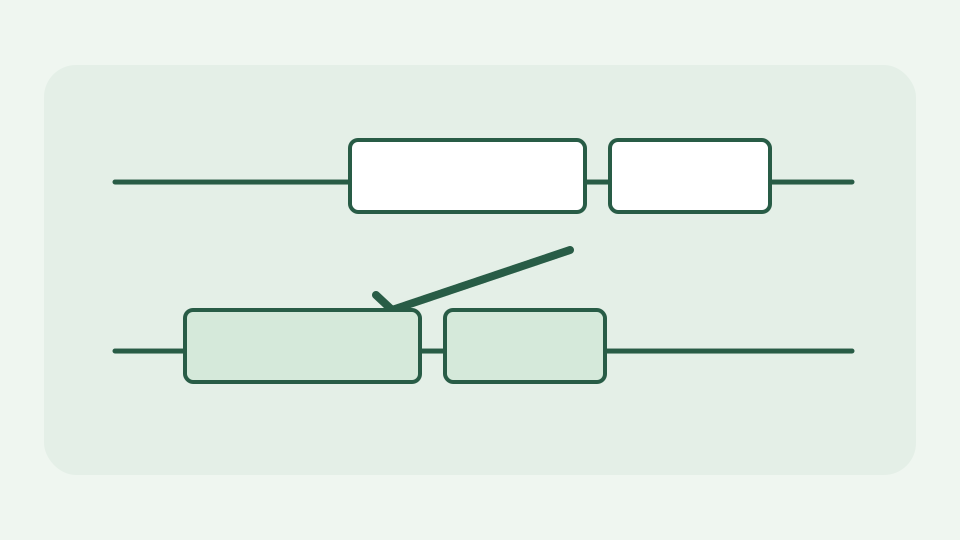
How subtitle retiming works: shifting every cue by a fixed offset
When every caption is late or early by the same amount, the fix is timecode arithmetic. This post explains how a retime shifts each cue's start and end, what happens at zero and how to measure the offset in the first place.
· Video & subtitles · Subtitle Toolkit
subtitles timecodes browser-processing
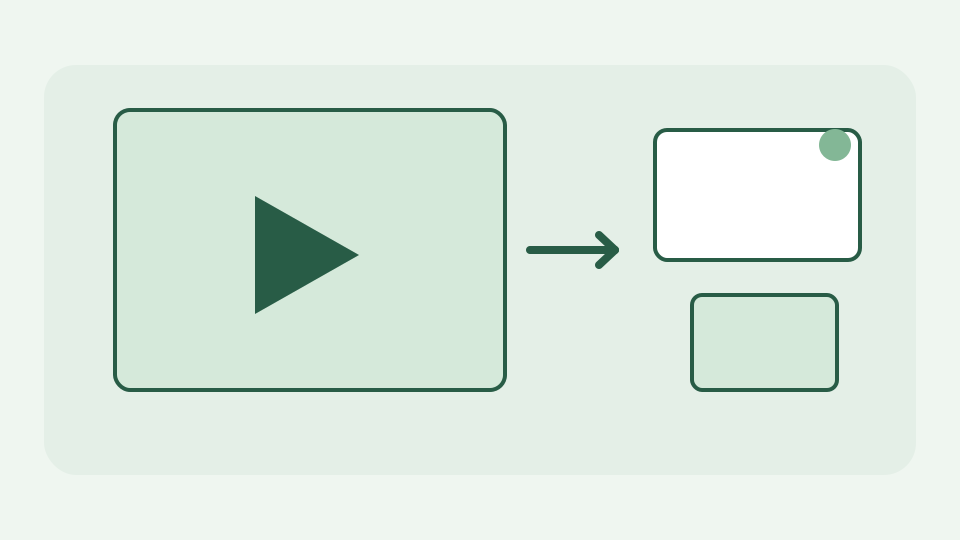
Why maxresdefault.jpg is missing for some videos and how a tool detects it
Not every video has every thumbnail size. This post explains why the largest size can be absent, how a browser tool tells a real image from a placeholder or a 404 and how to choose the best available fallback.
· Video & subtitles · YouTube Thumbnail Downloader & Metadata Viewer
youtube thumbnails image-formats
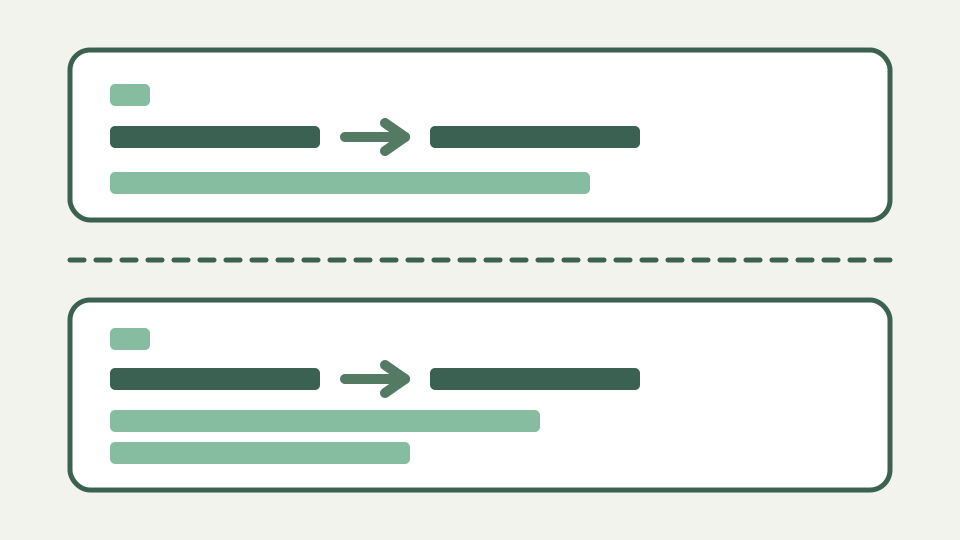
How a browser parses an SRT file: blocks, indexes, timecodes and text
SRT looks trivial until you meet real files. This post walks through how a parser splits blocks, reads indexes and timecodes, handles multi-line text and recovers from the malformed blocks that real-world files contain.
· Video & subtitles · Subtitle Toolkit
subtitles srt file-formats
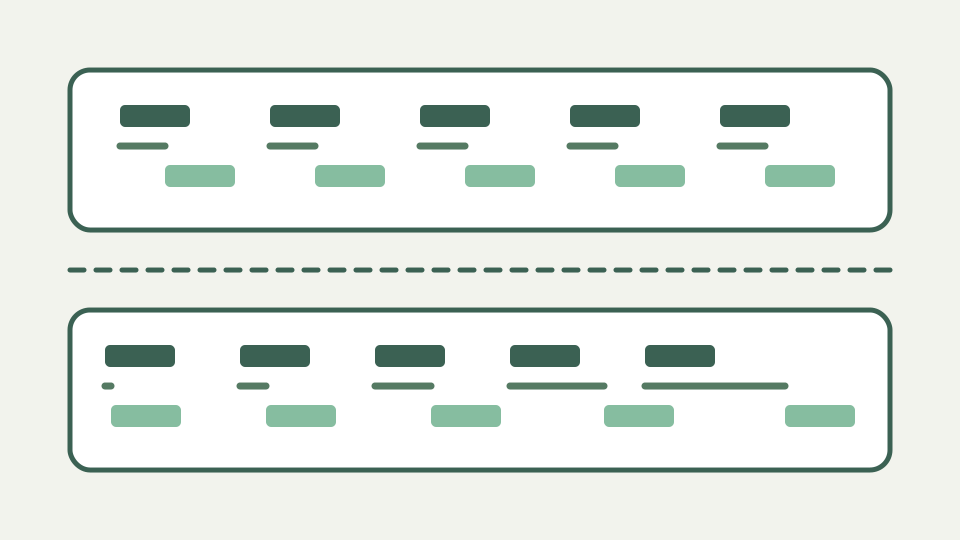
Subtitle drift explained: why a fixed offset fails and how stretch works
If captions are fine at the start and late by the end, the problem is speed, not offset. This post explains how frame-rate mismatches cause drift, how to diagnose it and how the maths of a linear stretch differs from a shift.
· Video & subtitles · Subtitle Toolkit
subtitles timecodes frame-rate
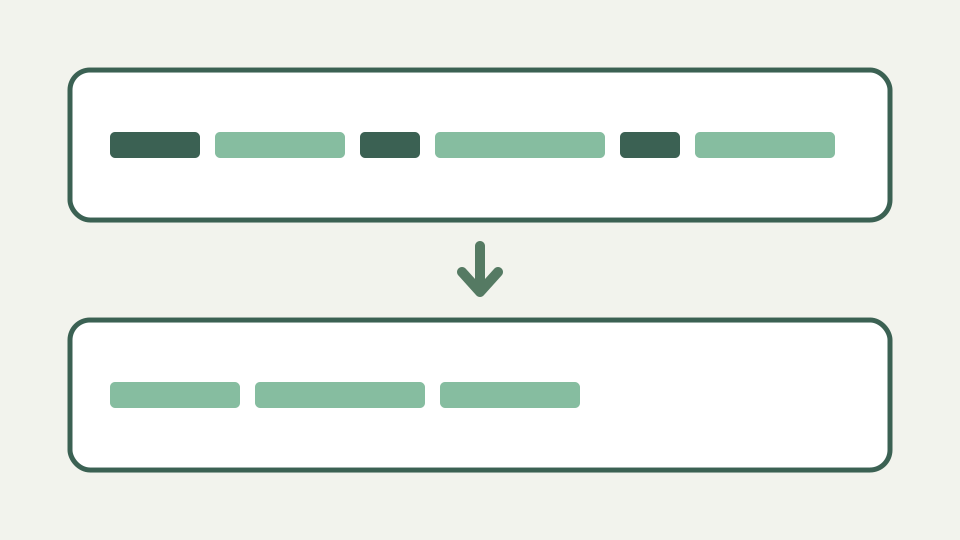
What 'cleaning' a subtitle file means: tags, codes and stray formatting
Subtitle files collect junk: HTML-like tags, styling codes from other formats, stray BOMs and mixed line endings. This post explains what each kind of clutter is, where it comes from and how a clean step removes it without touching the words.
· Video & subtitles · Subtitle Toolkit
subtitles text-processing file-formats
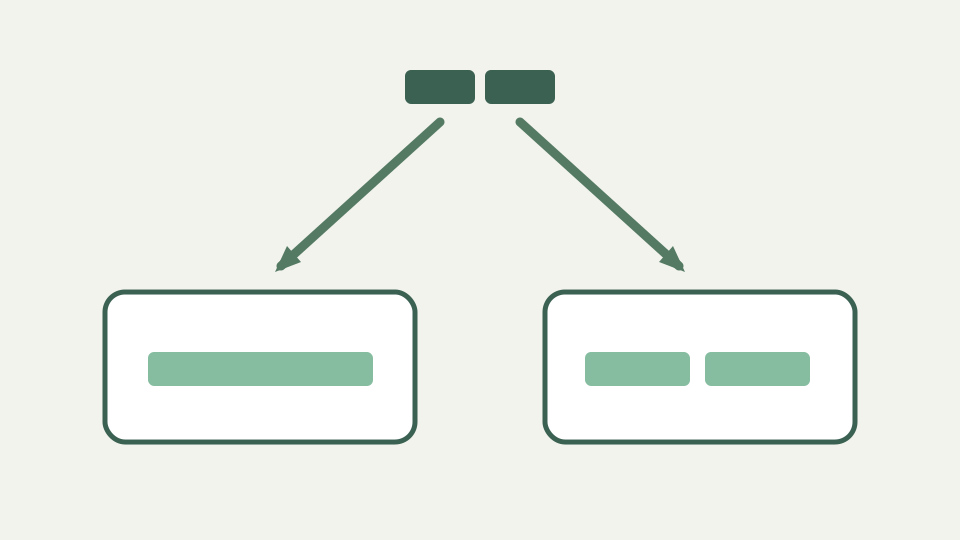
Why é becomes é in subtitles: text encodings and how browsers decode them
Mojibake in subtitles is almost always an encoding mismatch. This post explains how bytes become characters, why UTF-8 and legacy Windows code pages disagree and how a browser-based tool decodes a file without sending it anywhere.
· Video & subtitles · Subtitle Toolkit
subtitles character-encoding browser-processing
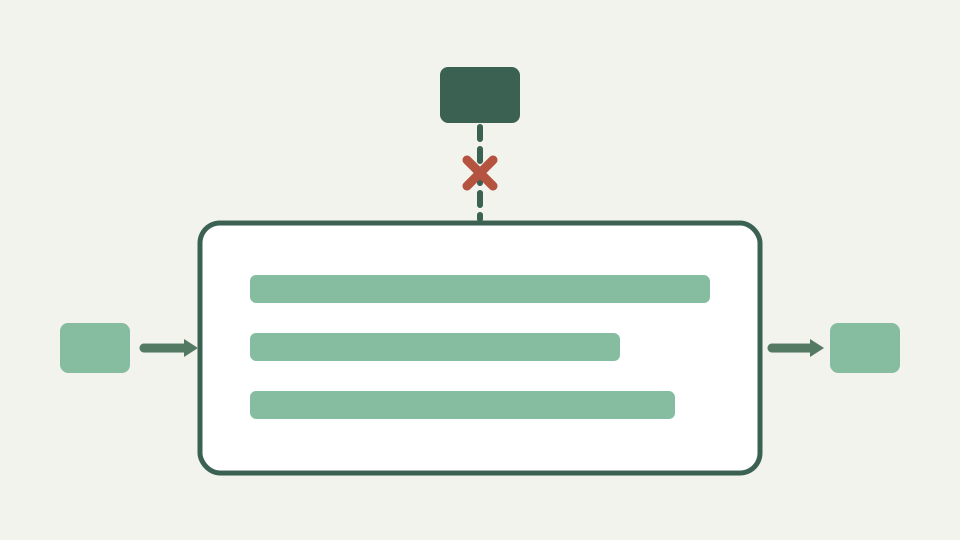
How a subtitle file is edited without leaving your device: File API to Blob
ToolAcre's file tools read and write files inside the tab. This post explains the browser APIs that make that possible for a subtitle file, from the file picker to the download link, and how to confirm nothing was uploaded.
· Video & subtitles · Subtitle Toolkit
subtitles browser-processing privacy
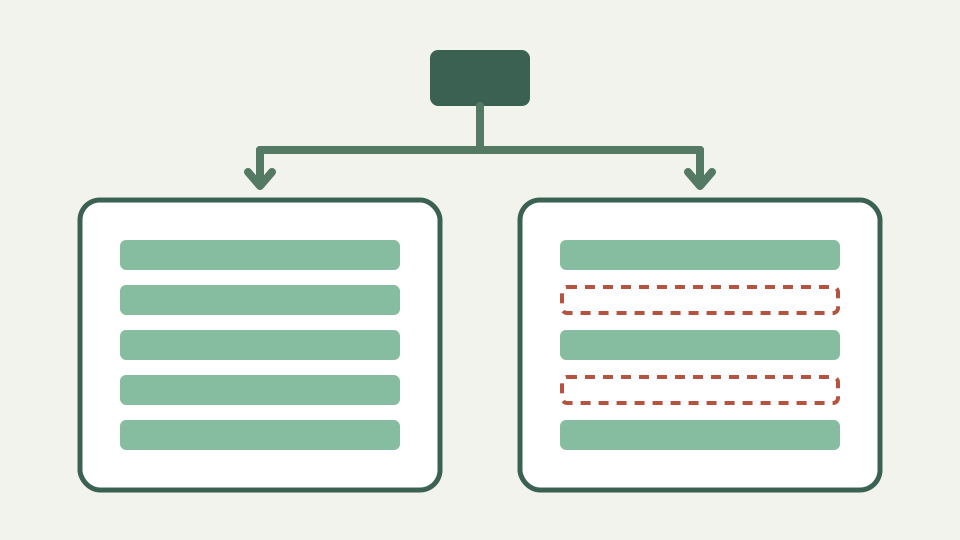
Why a subtitle file plays in VLC but fails in the HTML5 track element
Desktop players are forgiving; the browser's track element is not. This post explains how the HTML5 caption parser reads a WebVTT file, the errors it silently drops and how to prepare a file that both accept.
· Video & subtitles · Subtitle Toolkit
subtitles webvtt browser-processing

Subtitle timecodes compared: SRT commas, VTT dots and SMPTE frames
Three ways of writing time show up in caption work: SRT's HH:MM:SS,mmm, WebVTT's HH:MM:SS.mmm and SMPTE's HH:MM:SS:FF. This post explains what each means, how they convert and where conversions go wrong.
· Video & subtitles · Subtitle Toolkit
subtitles timecodes frame-rate
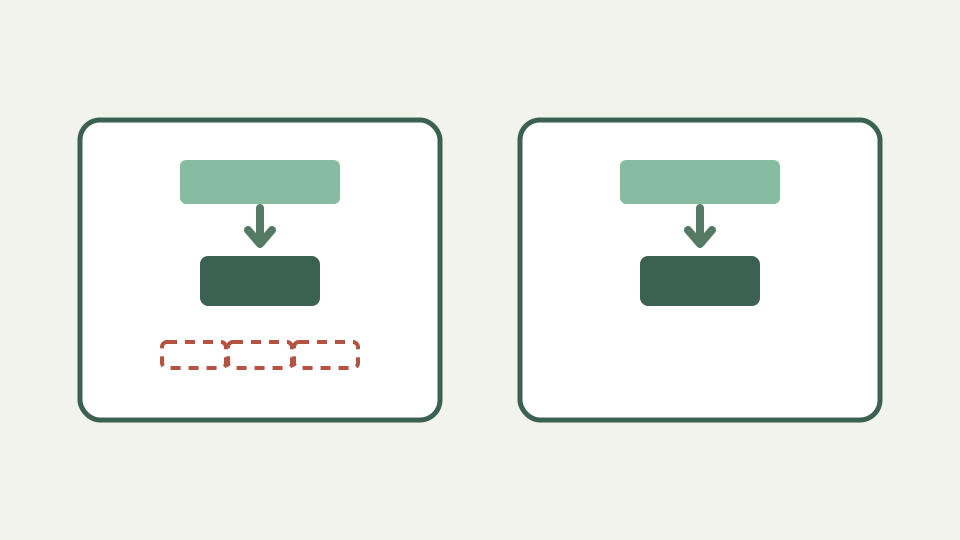
Why subtitle files should never be uploaded to a random online converter
A subtitle file is the entire spoken content of a video in plain text. This post explains what that means when you upload it to a converter, who might keep it and why processing it in your own browser removes the question entirely.
· Video & subtitles · Subtitle Toolkit
subtitles privacy browser-processing

Why stray tags in a subtitle file can break a platform caption upload
Platforms parse caption uploads strictly and often silently. This post explains the common reasons a subtitle file is rejected or displays oddly, why formatting tags and codes are the usual culprits and how a clean, standard file avoids the problem.
· Video & subtitles · Subtitle Toolkit
subtitles text-processing webvtt

Why small subtitle timing errors are so noticeable to viewers
Viewers spot out-of-sync captions quickly, even when the error is a fraction of a second. This post explains, qualitatively, why the eye and ear are so sensitive to it, how sync errors arise in a workflow and how to measure and fix them.
· Video & subtitles · Subtitle Toolkit
subtitles timecodes accessibility

Line length, cue duration and reading speed: the rules subtitlers follow
Good subtitles are readable, not just accurate. This post explains the conventions professional subtitlers follow for line length, cue duration and gaps between cues, why they exist and how to check a file against them.
· Video & subtitles · Subtitle Toolkit
subtitles accessibility text-processing

How a DCF Calculator Turns Cash Flow Forecasts Into a Present Value
A walk through the pipeline inside a discounted cash flow model: from the cash flows and rates you type in, to discount factors, terminal value and one present value figure. Written for readers who want to understand the output rather than just read it.
· Data & spreadsheets · DCF Calculator
dcf valuation cash-flow

How CSV Delimiter Detection Works: Commas, Semicolons, Tabs and Pipes
A CSV file never says which character separates its fields, so software has to guess. This post explains how delimiter sniffing works, why it fails on tricky files, and how to make the delimiter explicit.
· Data & spreadsheets · CSV Cleaner
csv data-cleaning file-formats

QR code error correction levels L, M, Q and H explained
Explains what the four error correction levels actually promise, how Reed–Solomon recovery works in plain terms, and how to choose a level for print, screens and damaged surfaces.
· Text & everyday tools · QR & Barcode Toolkit
qr-code error-correction printing
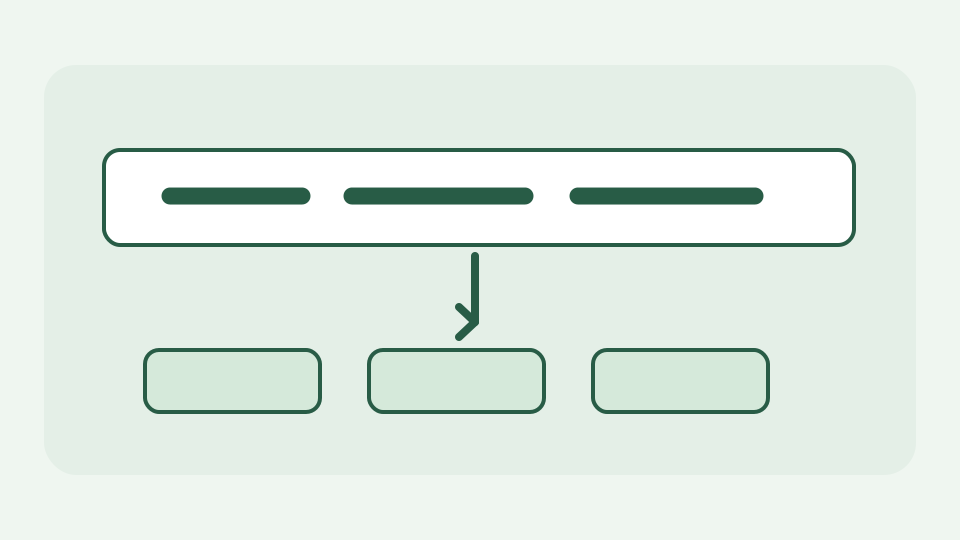
How case converters split camelCase and acronyms like parseHTTPResponse
Explains the three boundary rules a good case converter applies — separator runs, lower-to-upper transitions and acronym edges — and why parseHTTPResponse2Json is the test that exposes weak ones.
· Text & everyday tools · Text Toolkit
text-conversion developer-workflow unicode
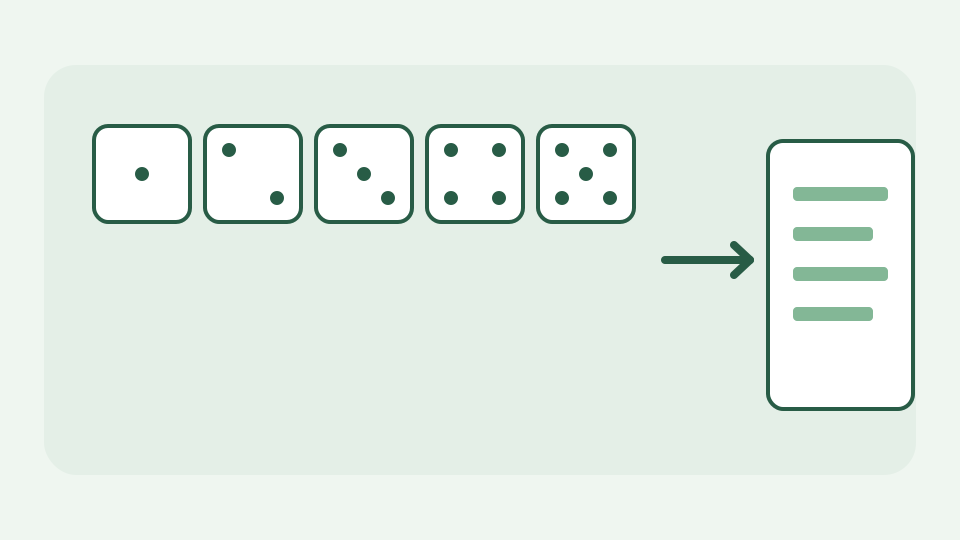
How diceware passphrases work: five dice, 7,776 words, 12.9 bits each
Explains the diceware method — roll five dice, look up one of 7,776 words, repeat — and why each word adds a fixed, calculable amount of strength regardless of which word came up.
· Text & everyday tools · Password Generator
passwords passphrases cryptography

How a JSON validator finds the exact line and column of an error
Browser engines report JSON.parse failures differently, and some give only a character offset. This post explains how a validator turns that into a line and column, and why the position marks where parsing stopped rather than where you made the mistake.
· Developer tools · JSON formatter & validator
json validation developer-workflow
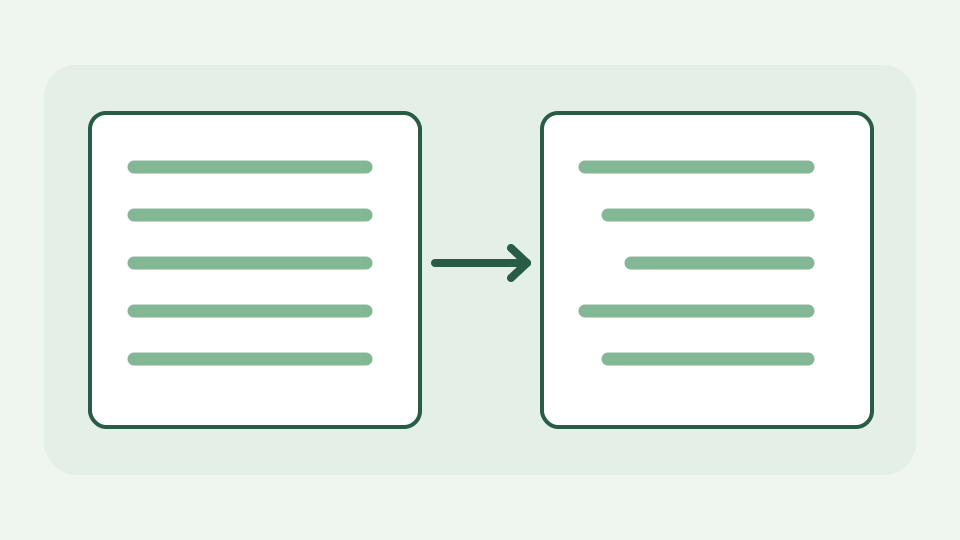
How JSON to YAML conversion works: quoting, indentation and flow style
JSON to YAML looks like a matter of deleting braces, but a converter makes real decisions about which strings need quotes and when to use block versus flow style. This post walks through those decisions.
· Developer tools · Syntax converters
json yaml developer-workflow

Seconds or milliseconds? Telling a 10-digit epoch from a 13-digit one
Most epoch values you meet today are either ten digits (seconds) or thirteen digits (milliseconds), and guessing wrong puts a date tens of thousands of years out. This post explains the arithmetic behind the digit counts and why a converter should state the unit rather than infer it.
· Developer tools · Unix timestamp converter
timestamps unix-time developer-workflow
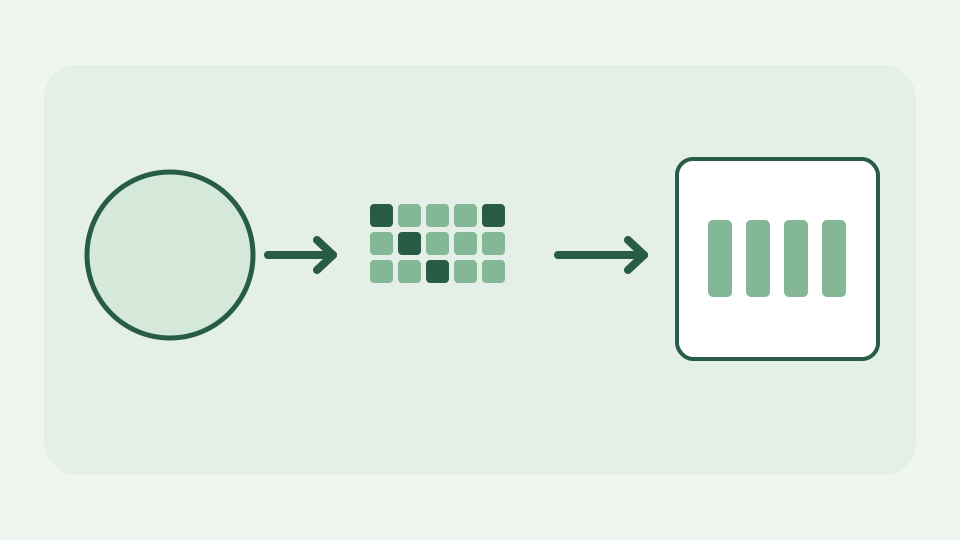
Why btoa() throws on emoji and how to Base64-encode UTF-8 in JavaScript
btoa() only accepts characters up to U+00FF, so accented text, CJK and emoji throw. This post shows what the function actually expects and how TextEncoder gets you a correct UTF-8 Base64 string.
· Developer tools · Base64 encoder & decoder
base64 unicode encoding
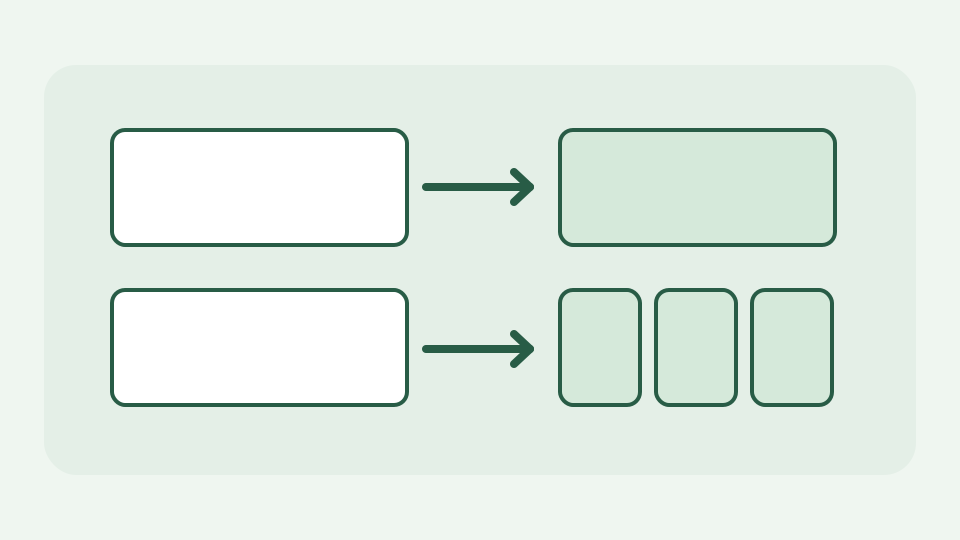
encodeURI vs encodeURIComponent: which characters each one leaves alone
The two JavaScript functions differ by exactly eleven characters, and choosing the wrong one either breaks a URL or fails to escape a value. This post spells out the sets and gives a rule you can remember.
· Developer tools · URL encoder & decoder
url-encoding javascript developer-workflow
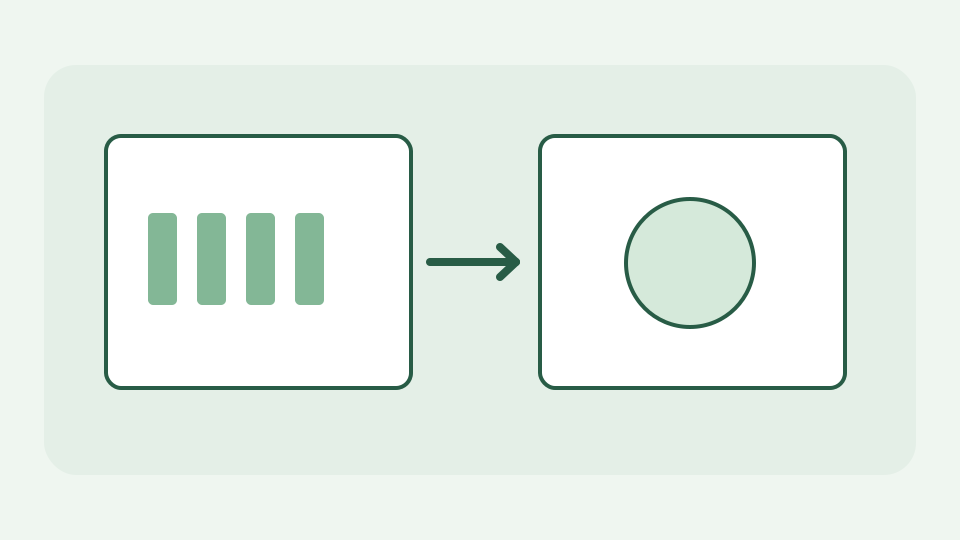
Decoding HTML entities without innerHTML: how a lookup-table decoder works
The popular trick of decoding entities by assigning to innerHTML runs your input through the HTML parser, which is exactly what you do not want. This post explains the safer table-based approach and how it handles named, decimal and hex references.
· Developer tools · HTML entity escaper
html security encoding

How crypto.getRandomValues Turns 16 Random Bytes Into a v4 UUID
A version 4 UUID is 16 bytes from a cryptographically secure generator with six bits overwritten. This post walks the bytes from the Web Crypto call to the familiar 36-character string.
· Developer tools · UUID generator
uuid cryptography browser-apis
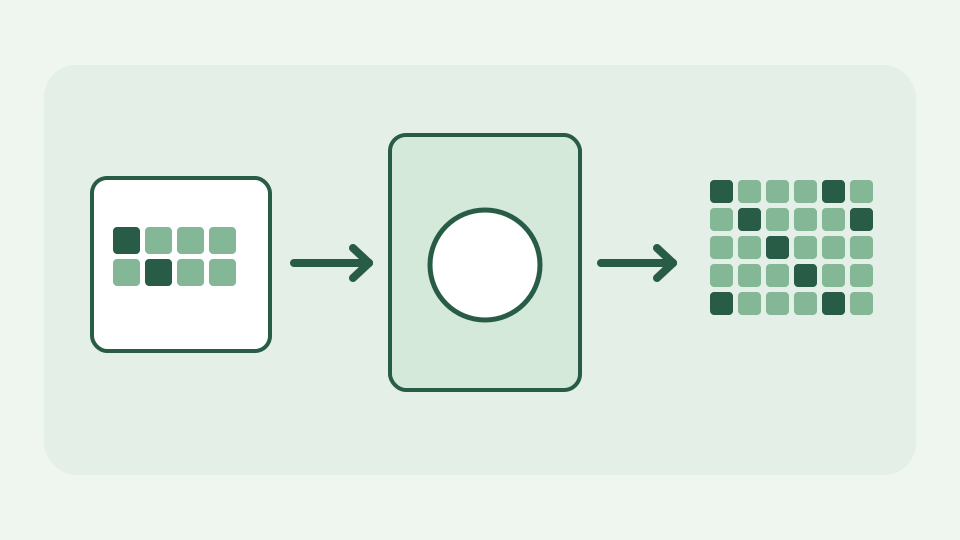
How SubtleCrypto.digest Computes a SHA-256 Hash in the Browser
Every modern browser can hash bytes natively through Web Crypto. This post follows one string from TextEncoder through crypto.subtle.digest to a hex digest, and explains each step's constraints.
· Developer tools · SHA hash calculator
sha-256 cryptography browser-apis

What 'Ignore Whitespace' Really Ignores in a Line-by-Line Text Diff
Breaks down the kinds of whitespace a comparison can normalise away, from leading indentation to internal runs, and warns where whitespace carries meaning and should not be ignored.
· Developer tools · Text comparison
text-diff developer-workflow whitespace
How a WYSIWYG Editor Turns Formatting into HTML: contenteditable Explained
Explains the contenteditable attribute that makes any element editable, how the browser mutates the DOM as you type and format, and how that DOM becomes the HTML you copy out.
· Developer tools · HTML WYSIWYG editor
html contenteditable developer-workflow
How chmod octal digits map to rwx permission bits (4, 2, 1)
Each octal digit is three binary flags in disguise. This post shows the arithmetic that turns 7 into rwx and 5 into r-x, so you can read and write any mode without a lookup table.
· Developer tools · Chmod calculator
chmod unix developer-workflow
How docker run flags map to Compose keys: -p, -v, -e, --name and more
Most docker run flags have a one-to-one Compose equivalent, and a few have none. This post walks through the mapping so a converted service definition reads as expected.
· Developer tools · Docker run to Docker compose converter
docker compose developer-workflow

How the five crontab fields work: minute, hour, day, month, weekday
Every cron schedule is five positional fields, and the order never changes. This post explains each field's range, the special case of Sunday, and how a line becomes a set of matching minutes.
· Developer tools · Crontab generator
cron scheduling developer-workflow

Why You Shouldn't Upload Contracts to Free Online PDF Merge Sites
Uploading a contract to merge it means handing a copy to a company you have never assessed. This post lays out what you are actually giving away, what to ask of any upload-based service, and why a tool that rewrites the file in your tab avoids the question entirely.
· Documents · PDF Toolkit
pdf privacy contracts
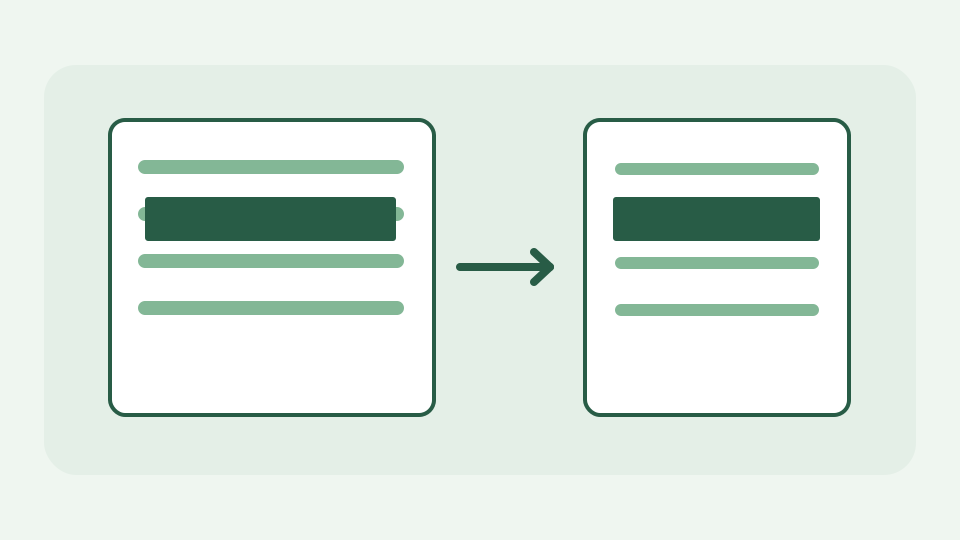
Why blurring text in a screenshot is not redaction (and what is)
Blur and pixelation feel like hiding, but they leave structured information behind that can sometimes be reversed. This post explains why an opaque shape is the only safe redaction for a raster image and how to apply one.
· Images & photos · Browser Image & Drawing Editor
image-privacy redaction image-editing
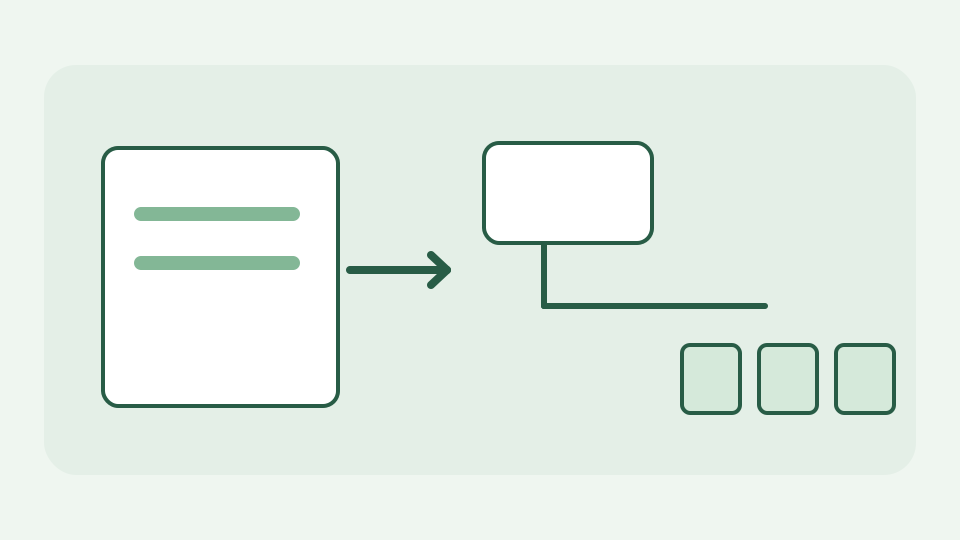
Direct links vs streaming manifests: why an .m3u8 or .mpd is not a file
A direct link points at one file; a streaming manifest is a playlist of segments. This post explains HLS and DASH, how adaptive streaming works and why a manifest is not something a direct-link downloader can save as a video.
· Video & subtitles · Direct Media Downloader
downloads streaming file-formats
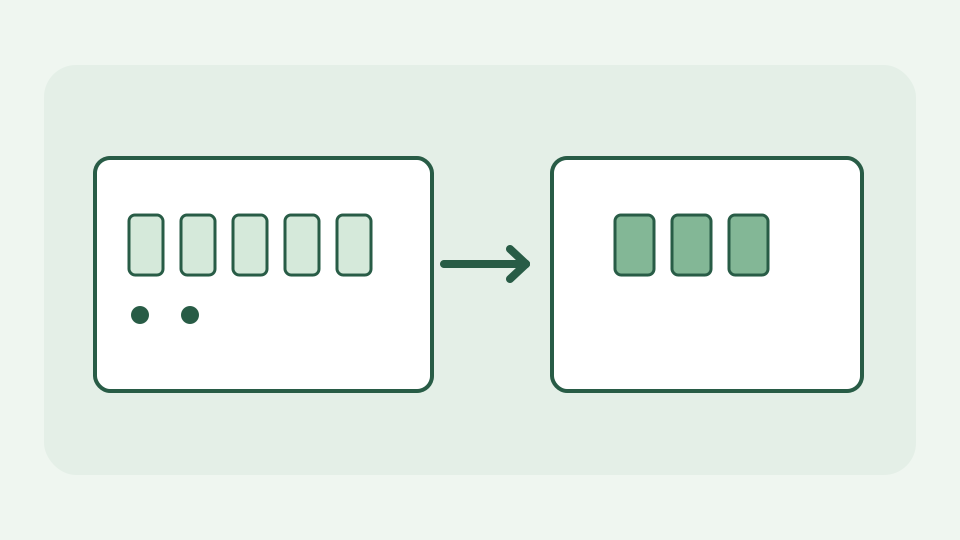
Why Excel Silently Corrupts CSV Fields: Leading Zeros, Dates and Long IDs
Opening a CSV in a spreadsheet is not neutral: postcodes lose zeros, codes become dates and long identifiers turn into scientific notation. This post explains why it happens, what is unrecoverable, and how to keep the raw file intact.
· Data & spreadsheets · CSV Cleaner
csv data-cleaning spreadsheets
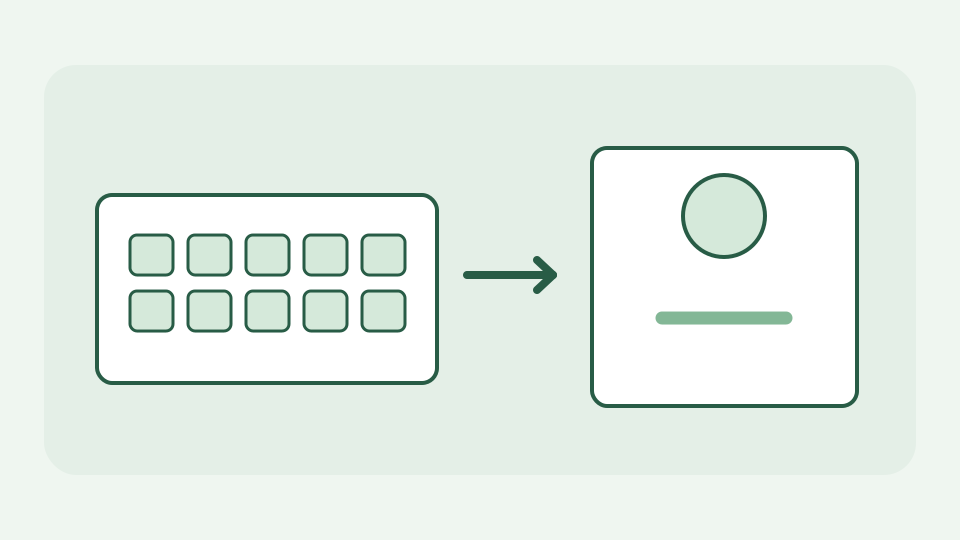
Passphrase or random password? Choosing by where you have to type it
Argues that the right format depends on the input surface — a phone keyboard, a TV remote, a disk-encryption prompt or a password manager's autofill — and gives a decision rule for each.
· Text & everyday tools · Password Generator
passwords passphrases usability

Never Paste a Live Access Token Into a Server-Side JWT Decoder
A bearer token is a credential: whoever holds it can act as you until it expires. This post explains what you hand over when you paste one into a tool that talks to its server, and how to debug safely.
· Developer tools · JWT decoder
jwt security privacy
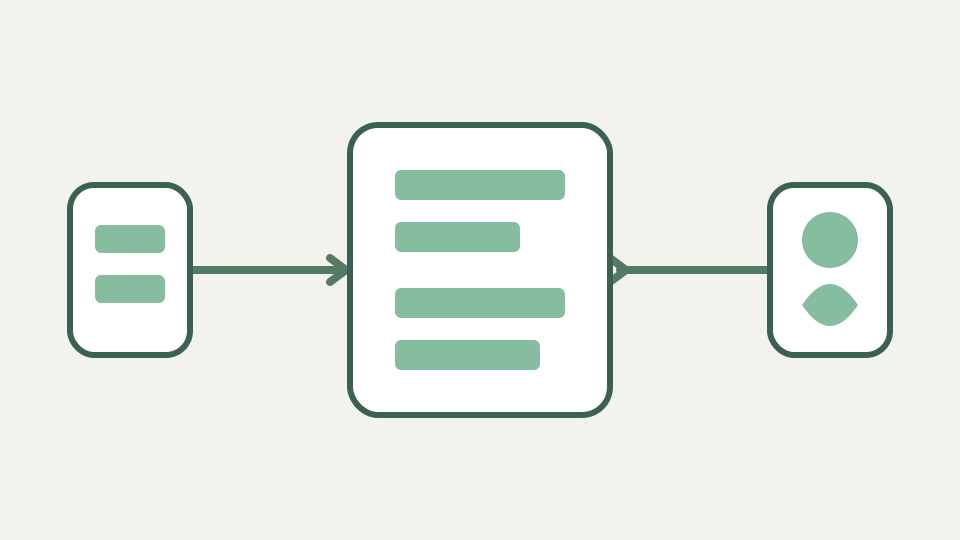
Captions vs subtitles: why accessibility needs more than a transcript
Subtitles translate speech; captions make a video usable without sound. This post explains what accessible captions include, why the distinction matters for deaf and hard-of-hearing viewers and how clean, well-timed files support it.
· Video & subtitles · Subtitle Toolkit
subtitles accessibility timecodes text-processing

One master subtitle file for every platform: an SRT and WebVTT workflow
Maintaining separate caption files per platform multiplies errors. This post lays out a workflow with one master file, deterministic conversion to each required format and a check before every upload, all done without uploading the captions to a third party.
· Video & subtitles · Subtitle Toolkit
subtitles srt webvtt file-formats browser-processing

The history of SubRip: how a DVD ripping tool's output became .srt
SRT is named after a program, not a standard. This post traces how SubRip's OCR output became the most common subtitle format on the web, why it has no formal specification and what that means for compatibility today.
· Video & subtitles · Subtitle Toolkit
subtitles srt file-formats timecodes

WebVTT explained: from WebSRT to the W3C caption format for HTML5 video
WebVTT was created so browsers could show captions natively. This post covers its origins as WebSRT, how it differs from SRT, what the specification adds and where it is used today.
· Video & subtitles · Subtitle Toolkit
subtitles webvtt file-formats browser-processing

Frame rates and subtitles: why 23.976, 25 and 29.97 fps cause drift
Frame rates are a legacy of analogue television, and they still haunt caption timing. This post explains where the odd numbers came from, how a frame-rate mismatch produces drift and how to reason about it before fixing anything.
· Video & subtitles · Subtitle Toolkit
subtitles frame-rate timecodes
Beyond SRT and VTT: where ASS, TTML, DFXP and SCC subtitles are used
SRT and WebVTT dominate the web, but broadcast, anime fandom and streaming delivery use other formats. This post maps the landscape, explains what each format is for and why a focused toolkit supports only two of them.
· Video & subtitles · Subtitle Toolkit
subtitles file-formats srt webvtt
From Line 21 to WebVTT: a short history of closed captions on screen
Closed captions started as data hidden in a television signal. This post traces their path from broadcast experiments and Line 21 to digital captions and today's web formats, and why that history explains the tools we use now.
· Video & subtitles · Subtitle Toolkit
subtitles accessibility webvtt file-formats
Open, closed and burned-in subtitles: three ways text reaches the screen
Subtitles can be a separate file, a hidden track or pixels baked into the picture. This post explains the three approaches, their trade-offs for editing, accessibility and distribution, and why sidecar files are the ones you can still fix.
· Video & subtitles · Subtitle Toolkit
subtitles accessibility file-formats text-processing

Nominal or Real Cash Flows: Matching Inflation to Your DCF Discount Rate
Mixing inflation-adjusted cash flows with a nominal discount rate is one of the quietest ways to get a DCF wrong. This post explains the consistency rule, the Fisher relationship and how to audit your own inputs.
· Data & spreadsheets · DCF Calculator
dcf valuation cash-flow

How Terminal Value Is Discounted Back and Added to the Forecast Period
Terminal value is calculated as of the end of the forecast, not today, so it needs its own discounting step. This post shows which exponent to use, why models are often off by one year, and how the pieces add up.
· Data & spreadsheets · DCF Calculator
dcf valuation cash-flow

How to Run a DCF Sensitivity Analysis One Assumption at a Time
A DCF gives one number, but the honest answer is a range. This post shows how to build a sensitivity table by hand, which inputs to flex first, and how to read the result without over-interpreting it.
· Data & spreadsheets · DCF Calculator
dcf valuation spreadsheets
From Revenue Assumptions to Free Cash Flow: Building DCF Forecast Inputs
A DCF calculator wants cash flows, not revenue. This post shows the chain from revenue growth and margins through tax, depreciation, capital spending and working capital to the free cash flow figures you actually type in.
· Data & spreadsheets · DCF Calculator
dcf cash-flow valuation

How the Perpetuity Formula Breaks When Growth Nears the Discount Rate
The growing perpetuity formula divides by the gap between the discount rate and the growth rate. This post explains what happens as that gap shrinks, why the result turns negative past it, and how to sanity-check terminal assumptions.
· Data & spreadsheets · DCF Calculator
dcf valuation cash-flow

How Enterprise Value Becomes Equity Value: The Net Debt Bridge Explained
A DCF of free cash flow to the firm gives enterprise value, which is not what shareholders own. This post explains the bridge through debt, cash and other claims to equity value, and where per-share maths goes wrong.
· Data & spreadsheets · DCF Calculator
dcf valuation cash-flow

Why Terminal Value Dominates Most DCF Results and What That Means for You
In many DCF models the years you did not forecast are worth more than the years you did. This post explains why that happens, what it says about the reliability of the result, and how to report it honestly.
· Data & spreadsheets · DCF Calculator
dcf valuation cash-flow

Why Your DCF Assumptions Matter More Than the Formula Itself
The discounting arithmetic is settled; the assumptions are not. This post explains which inputs carry the most weight, how to document them, and why a transparent educational model is a better place to learn than a black box.
· Data & spreadsheets · DCF Calculator
dcf valuation cash-flow
Why an Educational DCF Calculator Is Not Investment Advice
A DCF calculator computes present value from your inputs; it knows nothing about a company or a market. This post spells out what the tool can and cannot tell you, and why the distinction protects you.
· Data & spreadsheets · DCF Calculator
dcf valuation cash-flow

Why a DCF Tool That Fetches No Market Data Keeps Your Assumptions Private
Deal assumptions are sensitive. This post explains why a calculator that runs in the browser and makes no data requests means your inputs never leave the device, and how to verify that claim yourself.
· Data & spreadsheets · DCF Calculator
dcf privacy browser-processing

Why Small Changes in the Discount Rate Swing a DCF Result So Much
A one-point move in the discount rate can change a valuation far more than intuition suggests. This post explains the compounding and perpetuity maths behind that sensitivity and why long-dated cash flows amplify it.
· Data & spreadsheets · DCF Calculator
dcf valuation cash-flow

Why Spreadsheet DCF Templates Hide Errors a Transparent Calculator Exposes
Downloaded DCF templates hide hard-coded cells, off-by-one discounting and broken links. This post lists the classic errors, shows how to audit for them, and explains why a small calculator with visible inputs is a useful cross-check.
· Data & spreadsheets · DCF Calculator
dcf spreadsheets valuation

The Time Value of Money: The Idea Behind Every DCF Calculation
Discounting rests on one idea: money now is worth more than the same money later. This post explains why, introduces present and future value, and shows how the idea grows into a full DCF.
· Data & spreadsheets · DCF Calculator
dcf valuation cash-flow
A Short History of Discounted Cash Flow: From Fisher to Williams
DCF feels modern but its roots are old: compound interest tables, Irving Fisher's theory of interest and John Burr Williams's work on investment value. This post traces how the method took its current shape.
· Data & spreadsheets · DCF Calculator
dcf valuation cash-flow

What WACC Is and Why It Is Used as the Discount Rate in a DCF Model
The weighted average cost of capital is the most common DCF discount rate and the least understood. This post explains its components, why debt is cheaper after tax, and what the weighting really assumes.
· Data & spreadsheets · DCF Calculator
dcf valuation cash-flow

Gordon Growth Model Explained: Origins and Assumptions of Terminal Value
The terminal value formula in most DCFs is the Gordon growth model, originally a way to value a stream of dividends. This post explains where it came from, how the formula is derived, and what it quietly assumes.
· Data & spreadsheets · DCF Calculator
dcf valuation cash-flow

Free Cash Flow Defined: FCFF vs FCFE and Which Discount Rate Fits Each
'Free cash flow' means two different things depending on whose cash it is. This post defines free cash flow to the firm and to equity, shows how each is built, and explains which discount rate pairs with which.
· Data & spreadsheets · DCF Calculator
dcf cash-flow valuation

Net Present Value vs Internal Rate of Return: How Both Relate to DCF
NPV and IRR are the same DCF arithmetic asked two different questions. This post explains the relationship, why IRR can mislead with unusual cash flow patterns, and how to find IRR by trial in a simple present value calculator.
· Data & spreadsheets · DCF Calculator
dcf valuation cash-flow
Intrinsic vs Relative Valuation: Where DCF Sits Among Valuation Methods
DCF is one family of valuation, not the only one. This post compares intrinsic methods with multiples-based approaches, explains what each assumes, and shows how they are used to check one another.
· Data & spreadsheets · DCF Calculator
dcf valuation cash-flow
Quotation or Invoice: How the Document Type Changes What You Export
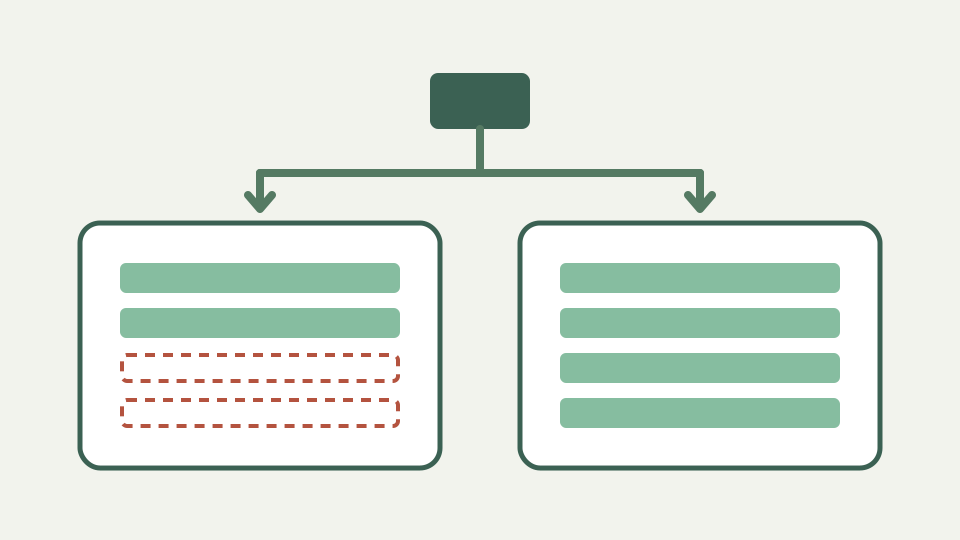
A quotation is an offer; an invoice is a demand for payment. The same client, items and prices produce two different documents, and this post shows what should change between them and how the tool exports each.
· Documents · Freelance Invoice Tool
invoice pdf contracts
How Country Settings Change an Invoice's Labels and Currency Formatting
Choosing a country on an invoice generator is not a cosmetic step: it decides how the tax line is named, which currency is used and where the decimal point goes. This post explains what changes and the browser mechanics that make it work.
· Documents · Freelance Invoice Tool
invoice validation pdf

Calculating Invoice Totals Correctly: Rounding, Tax and Floating Point
A one-cent mismatch between your invoice and a client's system usually comes from where rounding happens, not from a wrong rate. This post explains line-level versus total-level rounding, why computers get 0.1 + 0.2 wrong, and how to check any generator's arithmetic.
· Documents · Freelance Invoice Tool
invoice javascript validation
Where Your Invoice Data Lives When a Tool Runs Only in the Browser
'Data kept on your device' can mean memory that vanishes when the tab closes, or browser storage that persists on the same machine. This post explains the options, how to see for yourself, and how to keep your own archive of exported PDFs.
· Documents · Freelance Invoice Tool
invoice privacy browser-processing
How to Check an Online Invoice Generator Isn't Sending Client Data Away
Invoice forms carry names, addresses, bank details and tax numbers, so it is worth knowing where they go. This post shows how to watch the network while you type and export, and how to read a site's Content Security Policy for third-party code.
· Documents · Freelance Invoice Tool
invoice privacy browser-apis security

Why Currency Symbols Need the Right Fonts in a Generated Invoice PDF
A PDF only shows the characters its fonts contain, so a currency symbol or accented client name can turn into a box or a blank. This post explains how text and fonts work inside a PDF and what to check in your exported invoice.
· Documents · Freelance Invoice Tool
invoice pdf character-encoding
Why Your Clients' Details Shouldn't Live in a Random Invoice Generator
An invoice is a bundle of personal and financial data about two parties, one of whom never agreed to your choice of tool. This post explains what is at stake, the obligations you may carry toward client data, and why a tool with no account or server copy sidesteps the problem.
· Documents · Freelance Invoice Tool
invoice privacy browser-processing
Why Accounts Payable Rejects Freelance Invoices and How to Avoid It
Large clients pay through processes, and processes reject invoices for missing or ambiguous details. This post lists the usual reasons, explains why each blocks payment, and shows how a clean, complete PDF avoids the loop.
· Documents · Freelance Invoice Tool
invoice validation pdf
Why a PDF Is Still the Right Format for a Freelance Invoice
Clients can edit a Word invoice, break a spreadsheet's formulas or fail to open either. This post explains why a fixed-layout PDF remains the expected format for invoices, where it falls short, and how structured e-invoicing fits alongside it.
· Documents · Freelance Invoice Tool
invoice pdf file-formats
Invoicing Software vs a Browser Invoice Tool: What Freelancers Need
Subscription invoicing suites bundle bookkeeping, reminders and payment collection; a browser tool builds the document. This post compares the two honestly by volume, cost and data footprint so you can pick the one that fits.
· Documents · Freelance Invoice Tool
invoice browser-processing privacy

Ambiguous Dates and Currencies Delay Cross-Border Invoice Payments
03/04 is March or April depending on who reads it, and '$' names at least half a dozen currencies. This post explains how those ambiguities delay payment across borders and what to put on the invoice instead.
· Documents · Freelance Invoice Tool
invoice timestamps validation
Why Freelancers Abroad Need Country-Specific Labels on Their Invoices
A borrowed invoice template does not fit a freelancer registered elsewhere: the tax line, the identifiers and even the word for 'invoice' differ. This post explains why labels matter to clients and tax authorities, and why they should follow your registration, not your client's.
· Documents · Freelance Invoice Tool
invoice validation contracts

A Short History of the Invoice: From Ledgers to PDF Attachments
The invoice is one of the oldest business documents, and most of its familiar parts exist to solve problems traders faced long before computers. This post traces how it took shape and why the modern PDF invoice still follows the same logic.
· Documents · Freelance Invoice Tool
invoice pdf file-formats

Invoice Numbering Conventions: Sequential, Prefixed and Yearly Schemes
An invoice number is a promise that the document is unique and part of an unbroken series. This post explains the common schemes, why gaps and duplicates cause trouble, and how to choose a format you can sustain for years.
· Documents · Freelance Invoice Tool
invoice validation contracts

VAT, GST, Sales Tax and IVA: Why Invoice Tax Labels Differ by Country
The tax line on an invoice is called VAT in one country, GST in another, IVA or MwSt in others, and 'sales tax' somewhere else. This post explains what those labels mean, how the underlying systems differ in outline, and why the label must match your registration.
· Documents · Freelance Invoice Tool
invoice validation contracts

ISO 4217 Currency Codes: Why '$' Is Not Enough on an Invoice
Currency symbols are shared, shifted and sometimes missing from fonts; three-letter codes are unambiguous. This post explains the ISO 4217 standard, minor units, and the formatting conventions that make an amount readable in any country.
· Documents · Freelance Invoice Tool
invoice file-formats validation

Quotation, Pro Forma, Invoice and Credit Note: What Each Document Does
Clients ask for quotes, pro formas, invoices, receipts and credit notes, and each has a distinct job. This post defines the family, explains the order they appear in a transaction, and shows which two the Freelance Invoice Tool produces.
· Documents · Freelance Invoice Tool
invoice contracts pdf
E-Invoicing Standards vs a Plain PDF: What Freelancers Should Know
A PDF invoice is a picture of an invoice; an e-invoice is structured data a system can read without a human. This post explains the difference, names the main standards families in outline, and is clear that a PDF export is not one of them.
· Documents · Freelance Invoice Tool
invoice pdf file-formats
What an Invoice Must Contain: The Fields Nearly Every Country Expects
Invoice rules differ by country, but a core set of fields appears almost everywhere because clients and tax authorities need them. This post explains each field, why it exists, and how to check your own jurisdiction's additions.
· Documents · Freelance Invoice Tool
invoice validation contracts
How a Browser Reads EXIF From a JPEG Without Uploading It
A walkthrough of what actually happens between dropping a JPEG on the page and seeing its metadata: the bytes are read locally, the APP1 segment is located, and the TIFF directories inside it are decoded in JavaScript, with no server involved.
· Images & photos · Image Metadata Privacy Tool
exif image-privacy browser-processing file-formats
Where PNG Files Hide Metadata: tEXt, iTXt, zTXt and eXIf Chunks
PNG has no EXIF tradition, so people assume it carries nothing, yet it can hold text chunks with software names and comments, XMP packets and, since 2017, a dedicated eXIf chunk. This post explains how a browser tool finds and removes them.
· Images & photos · Image Metadata Privacy Tool
image-privacy file-formats browser-processing
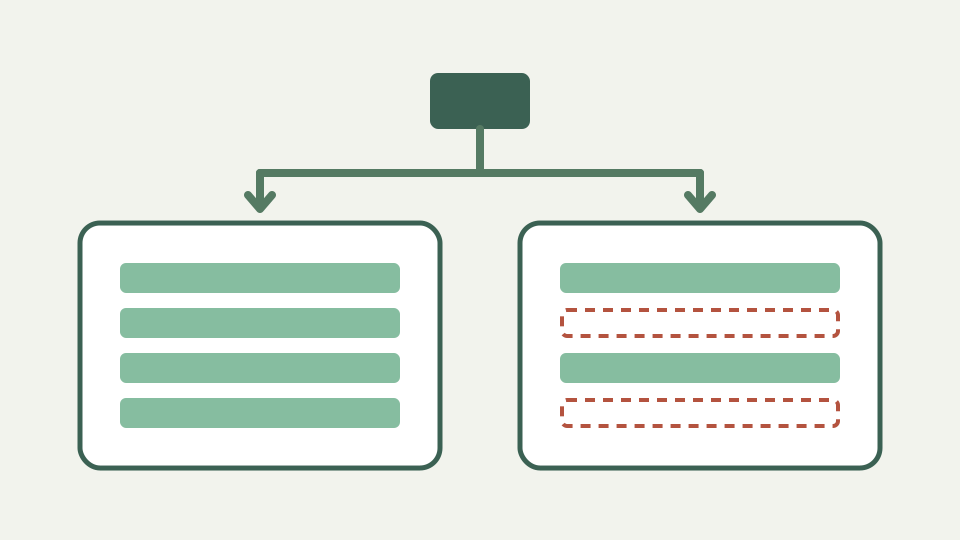
How WebP Stores EXIF and XMP in RIFF Chunks, and How to Strip Them
WebP wraps its image data in a RIFF container, and the extended format can carry EXIF and XMP chunks alongside the picture. This post explains the container, the flags in the VP8X header, and what a browser tool has to do to strip metadata cleanly.
· Images & photos · Image Metadata Privacy Tool
exif image-privacy file-formats

The Hidden Thumbnail Inside Your JPEG: How the EXIF IFD1 Preview Works
Most camera JPEGs carry a second, small copy of the picture inside their EXIF block, and editors that crop or blur the main image do not always regenerate it, so the thumbnail can still show what you removed. This post explains where it lives and how stripping deals with it.
· Images & photos · Image Metadata Privacy Tool
exif image-privacy file-formats
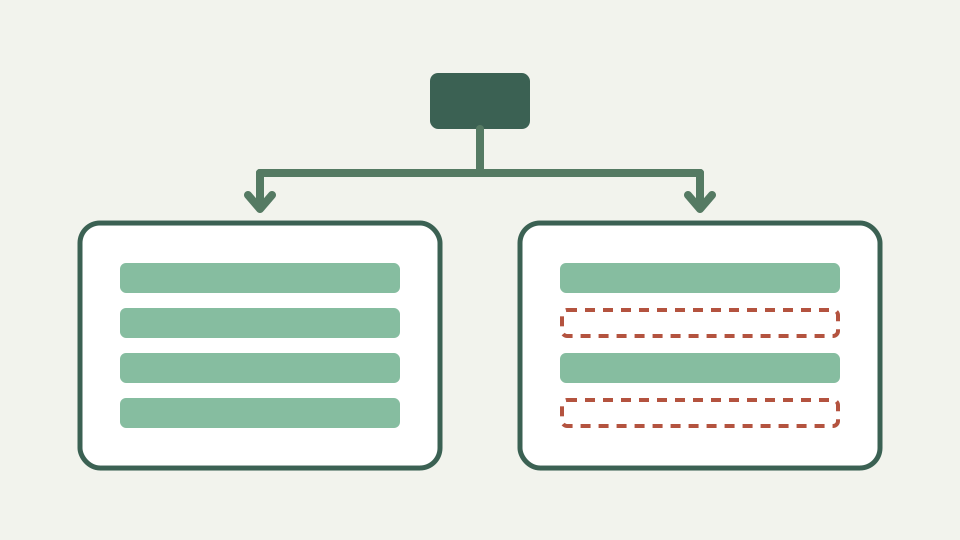
Why Photos Rotate After Stripping EXIF: The Orientation Tag Explained
Cameras often save the sensor's pixels unrotated and record how to display them in a single EXIF tag, so removing that tag can make some viewers show the photo sideways. This post explains the eight orientation values and how to avoid the surprise.
· Images & photos · Image Metadata Privacy Tool
exif image-privacy image-editing
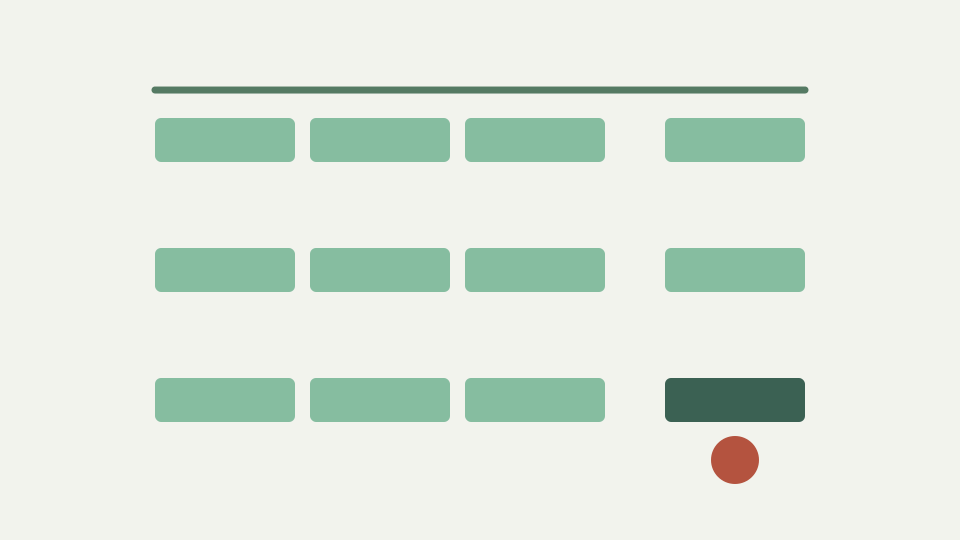
How to Verify a Metadata Stripper Never Uploads Your Photo
'Runs in your browser' is a claim you can check. This post shows how to open the network panel, process a photo and read what did and did not leave the tab, and what a strict Content Security Policy adds to that assurance.
· Images & photos · Image Metadata Privacy Tool
image-privacy browser-processing privacy
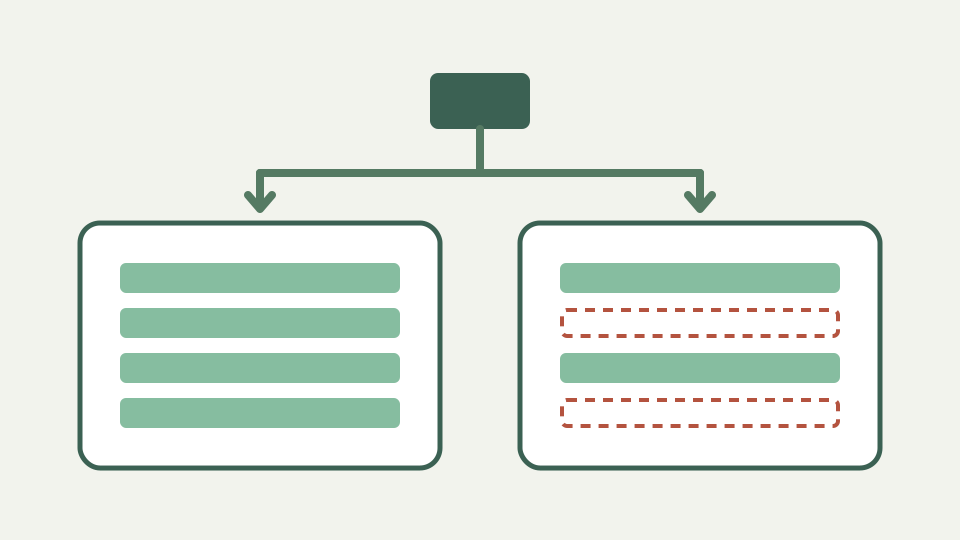
Do Social Networks Strip EXIF? Why You Should Not Rely on Them
Large platforms generally remove metadata from the copies they show the public, but that is a policy rather than a guarantee, and it says nothing about what they keep or what messaging apps, email and cloud links pass through untouched. The reliable move is to strip before you share.
· Images & photos · Image Metadata Privacy Tool
exif image-privacy privacy

Camera Serial Numbers in EXIF: How Photos Get Linked Back to You
Body and lens serial numbers are written into EXIF by many cameras, and often again inside the MakerNote. Two photos with the same serial are provably from the same camera, which can tie an anonymous account to a named one.
· Images & photos · Image Metadata Privacy Tool
exif image-privacy privacy
What a Geotagged Marketplace Photo Reveals About Your Home Address
A photo taken at home with location services on carries coordinates precise enough to point at your street, and combined with a listing that says when you are available it publishes more than you meant to. This post walks through what the GPS block contains and why stripping it matters for sellers.
· Images & photos · Image Metadata Privacy Tool
exif image-privacy privacy
Software Tags and XMP History: What a Photo Says About How You Edited It
Beyond camera settings, photos record which software touched them, when, and sometimes every develop setting you applied. This post explains the Software tag, XMP media-management history and Camera Raw settings, and why you may not want a client or the public to read them.
· Images & photos · Image Metadata Privacy Tool
exif image-privacy image-editing
Stripping Metadata Is Not Enough: What the Pixels Themselves Reveal
Removing EXIF, GPS and XMP closes the hidden channel, but the picture itself still shows faces, street signs, reflections, screens and shadows. This post sets honest limits on what a metadata tool can do and what habits fill the gap.
· Images & photos · Image Metadata Privacy Tool
image-privacy privacy image-editing

Why Photo Metadata Adds Weight to Every Page Load on Your Website
Embedded thumbnails, XMP packets and MakerNote blocks travel with every image your visitors download, and they contribute nothing to what is displayed. This post explains where the weight comes from and why stripping without re-compression is a free improvement.
· Images & photos · Image Metadata Privacy Tool
image-privacy file-formats browser-processing
EXIF, TIFF and IFDs: The 1990s Structure Still Inside Every Photo
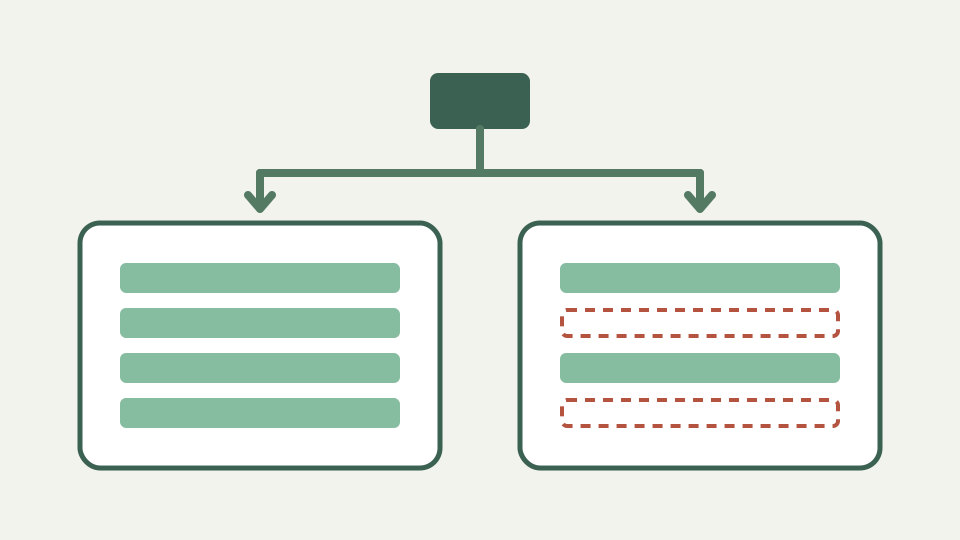
EXIF was published in 1995 and borrowed its data model from TIFF, which is why a metadata block inside a JPEG is really a small TIFF file with directories, tags and offsets. Knowing the structure explains what a stripper can remove cleanly and why.
· Images & photos · Image Metadata Privacy Tool
exif file-formats image-privacy
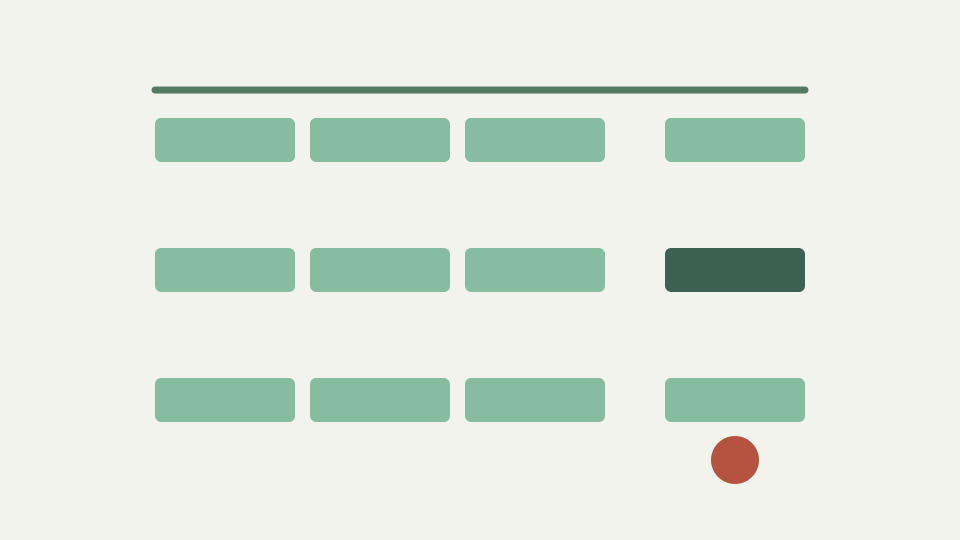
IPTC IIM vs XMP: Why Photos Carry the Same Caption Twice
News photos carried captions and bylines in the IPTC Information Interchange Model long before Adobe's XMP re-expressed those fields in XML, and many files now carry both blocks without agreeing. This post explains the history and the synchronisation problem.
· Images & photos · Image Metadata Privacy Tool
image-privacy file-formats image-editing
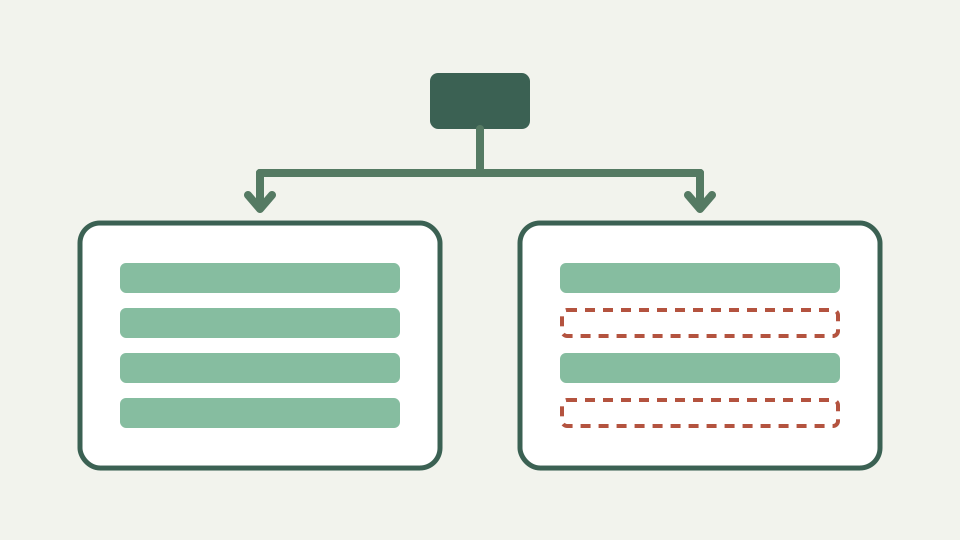
How GPS Coordinates Are Stored in EXIF: Rationals, Refs and Precision
The GPS IFD stores position as three rational numbers each for latitude and longitude, with separate reference tags for hemisphere, plus altitude, a UTC time and optional heading and accuracy fields. Understanding the encoding shows just how precise a geotag is.
· Images & photos · Image Metadata Privacy Tool
exif image-privacy file-formats

EXIF Dates Have No Time Zone: DateTimeOriginal, OffsetTime and GPS Time
EXIF records capture time as a plain local clock reading with no zone, and only since 2016 has it had optional offset tags, while the GPS block records UTC. This post explains the three date fields, the offsets, and how the mismatch can reveal where you were.
· Images & photos · Image Metadata Privacy Tool
exif image-privacy file-formats
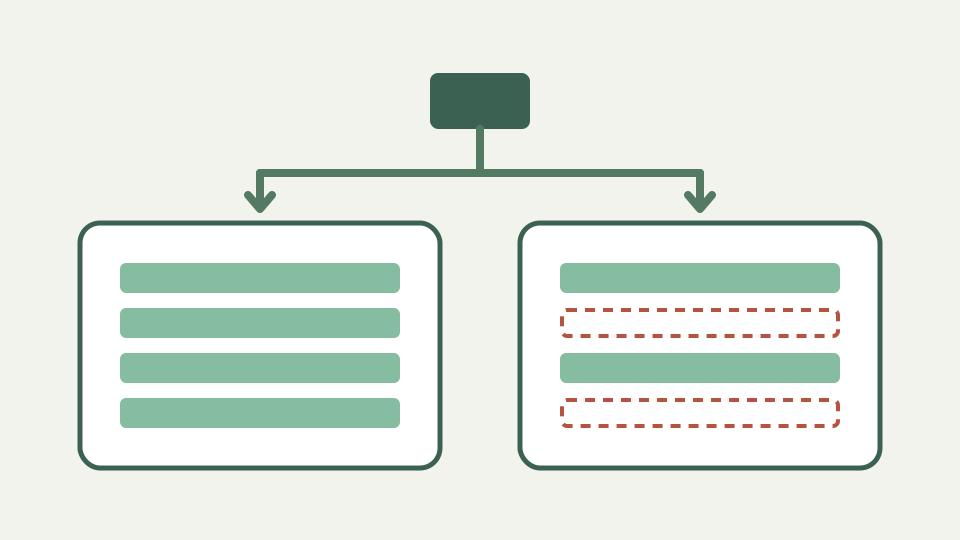
MakerNote: The Proprietary Block Camera Makers Hide Inside EXIF
Inside the Exif sub-IFD sits a tag whose contents each manufacturer defines privately, holding serial numbers, shutter counts, focus points, lens IDs and firmware details. Its undocumented layouts are why many tools show it as opaque bytes, and why stripping removes it whole.
· Images & photos · Image Metadata Privacy Tool
exif image-privacy file-formats
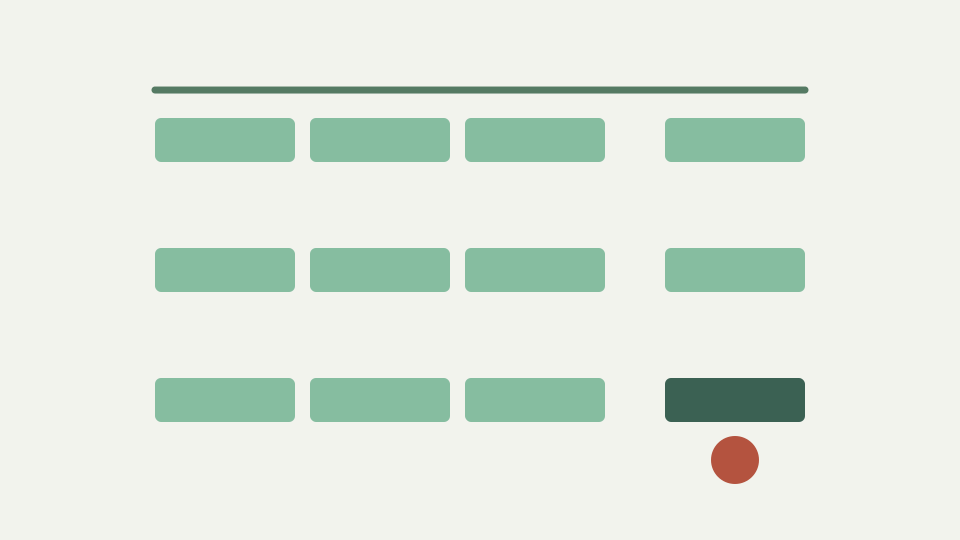
JPEG Markers Explained: APP0, APP1, APP2, APP13 and Where Metadata Lives
A JPEG is a sequence of marker segments, and metadata lives in the application segments near the start: JFIF in APP0, EXIF and XMP in APP1, ICC profiles in APP2, Photoshop resources and IPTC in APP13. This map shows what each carries and what a stripper should and should not remove.
· Images & photos · Image Metadata Privacy Tool
exif image-privacy file-formats
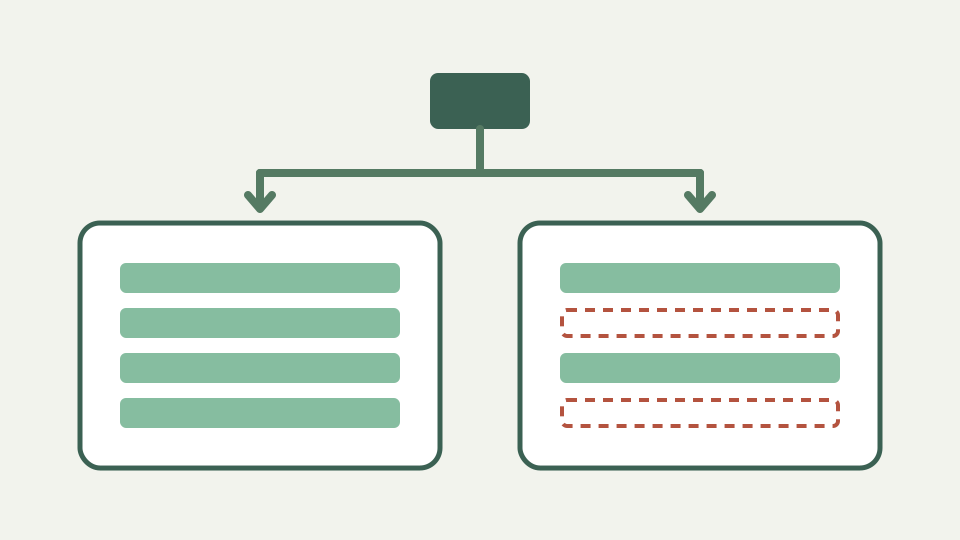
From IPTC IIM to Content Credentials: A Timeline of Photo Metadata
Photo metadata grew in layers: newsroom captions in 1991, camera settings in 1995, PNG text chunks in 1996, Adobe's XMP in 2001, industry reconciliation in the late 2000s, and signed provenance manifests in the 2020s. Each layer is still found in files today.
· Images & photos · Image Metadata Privacy Tool
exif image-privacy file-formats

How a QR code is built: from text to black-and-white modules
Follows one short URL through every stage of QR encoding — mode selection, error correction, placement, masking — so the black-and-white grid stops looking like noise.
· Text & everyday tools · QR & Barcode Toolkit
qr-code encoding browser-processing

How the Code 128 check digit works: a modulo 103 walkthrough
Computes the Code 128 check character by hand for a short label, explaining the weighted sum, the modulo 103 step and why the scanner rejects a label when the sum is wrong.
· Text & everyday tools · QR & Barcode Toolkit
encoding validation developer-workflow

Code 128 code sets A, B and C: why digits make shorter barcodes
Explains the three Code 128 code sets, how code set C packs two digits per symbol, and why a numeric-only label can come out noticeably narrower than a mixed one.
· Text & everyday tools · QR & Barcode Toolkit
encoding printing developer-workflow

Quiet zones and module size: sizing a QR code so it scans first time
Covers the two dimensions people forget — the blank margin around a code and the size of each module — and gives a method for sizing codes for badges, posters and screens.
· Text & everyday tools · QR & Barcode Toolkit
qr-code printing usability

What happens when you generate a QR code in your browser, not on a server
Contrasts a server-rendered QR generator with one that runs as JavaScript in the tab, showing exactly what data leaves your device in each case and how to verify it yourself.
· Text & everyday tools · QR & Barcode Toolkit
qr-code privacy browser-processing

How phones decide what a QR code means: URL, WIFI:, mailto: and tel:
A QR code only ever stores text; this post explains the payload conventions — URLs, WIFI:, mailto:, tel:, MECARD and vCard — that camera apps recognise, with the exact strings to type.
· Text & everyday tools · QR & Barcode Toolkit
qr-code encoding privacy

Static vs dynamic QR codes: why some free QR codes expire or track scans
Explains the business model behind 'free' dynamic QR codes — a redirect through the provider's domain — and why a static, locally generated code cannot expire or report your customers' scans.
· Text & everyday tools · QR & Barcode Toolkit
qr-code privacy browser-processing

Why you should not type a Wi-Fi password into an online QR generator
Walks through what a server-rendered generator can see and keep when you submit a WIFI: payload, and why generating the code on your own device removes the question entirely.
· Text & everyday tools · QR & Barcode Toolkit
qr-code privacy security

QR codes outlive campaigns: choosing a URL that still works in five years
Printed codes stay in the world long after a campaign ends; this post shows how to pick destinations you control and how to keep a code alive when content moves.
· Text & everyday tools · QR & Barcode Toolkit
qr-code printing usability

Test a QR code before printing 500 copies: a scanning checklist
One scan on one phone is not a test; this checklist covers devices, distance, lighting, contrast, colour inversion and the destination itself, so the flyer works for every donor.
· Text & everyday tools · QR & Barcode Toolkit
qr-code printing validation

Code 128 for internal labels: when you do not need a GS1 barcode
Explains the difference between barcodes for retail checkout and barcodes for your own shelves, and why Code 128 with your own numbering scheme is enough for most internal tracking.
· Text & everyday tools · QR & Barcode Toolkit
encoding printing validation

QR code phishing (quishing): what a code can hide and how to check
Explains how sticker-over-the-code and fake-payment scams work, what a QR code can and cannot conceal, and how to read a destination before opening it — useful for both scanners and publishers.
· Text & everyday tools · QR & Barcode Toolkit
qr-code security validation

A short history of the QR code: from car parts tracking to menus
Traces the QR code from a 1994 factory-floor problem at Denso to an open ISO standard, and explains the decisions — open patent, fast finder patterns, error correction — that made it ubiquitous.
· Text & everyday tools · QR & Barcode Toolkit
qr-code encoding file-formats

Code 128 vs Code 39 vs EAN-13: which barcode symbology to use
Compares the common one-dimensional symbologies on character set, density, check digits and scanner support, and explains why Code 128 is the usual answer for general-purpose labels.
· Text & everyday tools · QR & Barcode Toolkit
encoding file-formats printing

How much data can a QR code hold? Versions 1 to 40 and capacity explained
Explains the 40 QR versions, how grid size, encoding mode and error correction combine to set capacity, and why the theoretical maximum is rarely the practical one.
· Text & everyday tools · QR & Barcode Toolkit
qr-code encoding usability

QR code encoding modes: why an uppercase URL makes a smaller code
Explains the four QR data modes and their bit costs, and shows how writing a domain in capitals can drop the code into alphanumeric mode and shrink the grid — with the caveat about case-sensitive paths.
· Text & everyday tools · QR & Barcode Toolkit
qr-code encoding browser-processing

GS1-128 explained: what the numbers in brackets on shipping labels mean
Decodes the (01), (10), (17) and (21) prefixes on logistics labels, explains how GS1-128 layers a data structure on top of Code 128 using FNC1, and clarifies what a plain Code 128 generator does and does not produce.
· Text & everyday tools · QR & Barcode Toolkit
encoding file-formats validation

Why accented text sometimes scans wrong in QR codes: character sets and ECI
Explains why the QR standard's default byte interpretation is not UTF-8, what the Extended Channel Interpretation mechanism does, and why some readers show mojibake for accented or non-Latin text.
· Text & everyday tools · QR & Barcode Toolkit
qr-code encoding browser-processing

QR code vs Data Matrix vs Aztec: choosing a two-dimensional barcode
Compares the QR code with Data Matrix, Aztec and the smaller QR variants on size, quiet zones, error correction and reader support, and explains why standard QR remains the safe default for anything a phone will scan.
· Text & everyday tools · QR & Barcode Toolkit
qr-code file-formats encoding
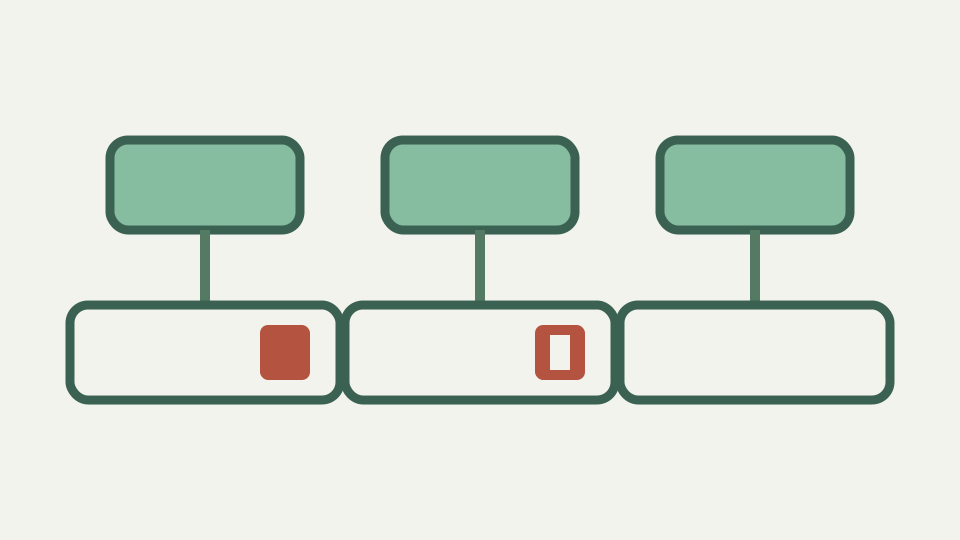
Base64 padding explained: what the = signs mean and when they are required
The = at the end of a Base64 string is not decoration: it records how many bytes the last group was short. This post explains the arithmetic, why some strings have none, and why decoders disagree about missing padding.
· Developer tools · Base64 encoder & decoder
base64 encoding developer-workflow
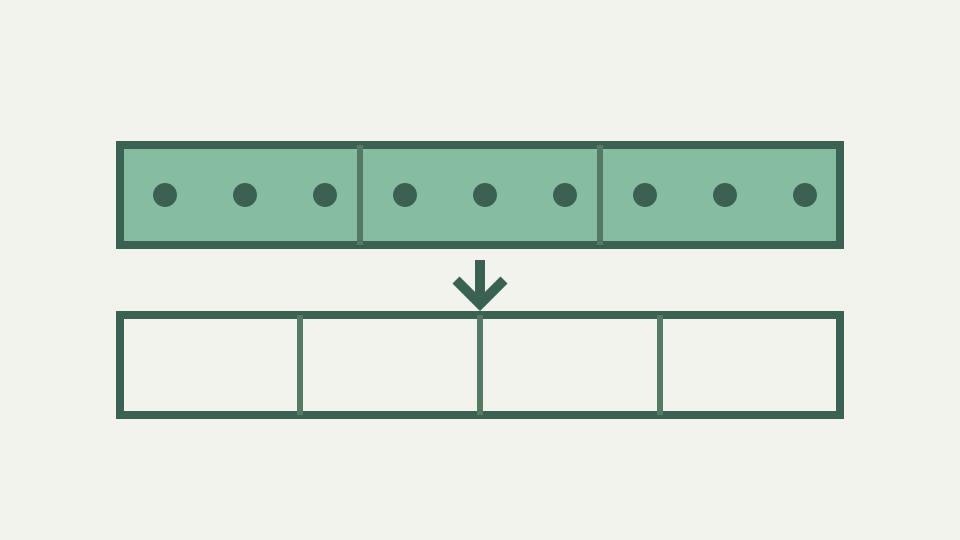
How Base64 turns three bytes into four characters, step by step
Base64 is nothing more than regrouping bits: 24 bits in, four 6-bit indices out. This post walks through the table lookup, the bit shifting and the reverse trip so the format stops being a black box.
· Developer tools · Base64 encoder & decoder
base64 encoding unicode
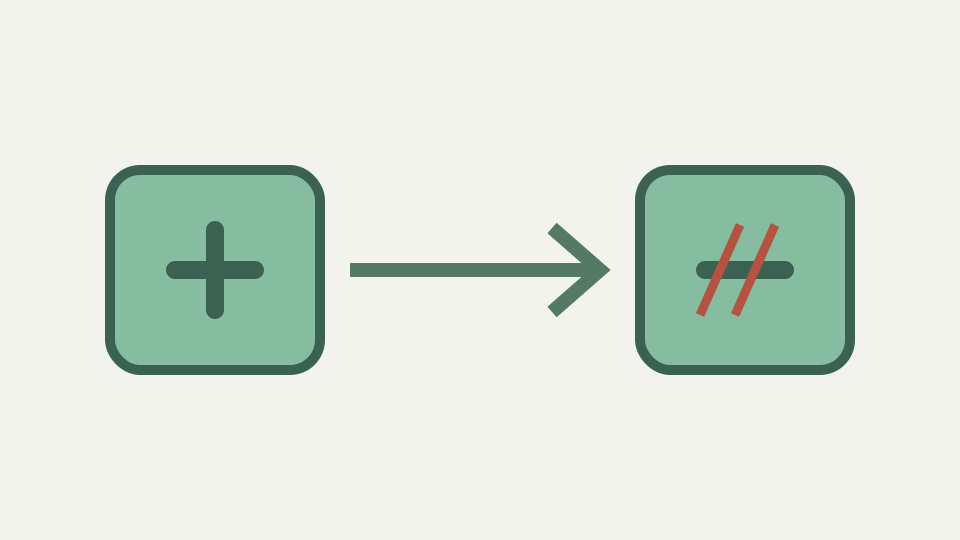
Base64 vs base64url: why a standard decoder rejects - and _
base64url swaps + and / for - and _ so the output can travel in URLs and filenames without escaping. This post explains the two alphabets, how to convert between them and why padding is usually dropped too.
· Developer tools · Base64 encoder & decoder
base64 encoding developer-workflow

Decoding Base64 to UTF-8 without mojibake: atob plus TextDecoder
atob() returns bytes disguised as characters, which is why accented text looks broken after decoding. This post shows the correct pipeline from Base64 to bytes to UTF-8 text, and how to recognise the failure pattern.
· Developer tools · Base64 encoder & decoder
base64 encoding unicode

How the HTTP Basic authentication header is built and decoded with Base64
The Authorization: Basic header is just username:password run through Base64. This post shows how the value is built, how to decode one from a request log, and why the encoding hides nothing.
· Developer tools · Base64 encoder & decoder
base64 security

How much bigger does Base64 make your data? The 4/3 overhead worked out
Base64 output is about a third larger than its input, plus padding and possibly line breaks. This post derives the exact formula and applies it to realistic sizes so you can judge the cost.
· Developer tools · Base64 encoder & decoder
base64 encoding performance

Base64 is not encryption: why an encoded secret is readable by anyone
Base64 hides nothing: anyone with the string can decode it instantly, with no key. This post explains the difference between encoding, encryption and hashing, and what to do when you find Base64 secrets in a repository.
· Developer tools · Base64 encoder & decoder
base64 security encoding

Decoding Base64 tokens online: why the tool should run in your browser
Many online decoders send your input to a server, which means every token, credential and payload you paste is disclosed. This post explains what leaks, how to verify a tool stays local and why ToolAcre's decoder works that way.
· Developer tools · Base64 encoder & decoder
base64 privacy

Base64 in JSON APIs: why binary fields get encoded and what it costs you
JSON has no byte type, so binary data is usually Base64-encoded into a string. This post explains why that convention exists, what it costs in size and CPU, and when a separate binary endpoint is the better call.
· Developer tools · Base64 encoder & decoder
base64 encoding

Inline Base64 images in CSS: when data: URIs help and when they hurt
Inlining an image as a Base64 data: URI removes a request but grows the file and defeats caching. This post lays out when the trade is worth it and when a separate file is faster.
· Developer tools · Base64 encoder & decoder
base64 performance

How to decode a suspicious Base64 PowerShell command without running it
Attackers use Base64 to hide scripts from casual inspection. This post shows how to decode an -EncodedCommand payload without executing it, why the output may look odd in a UTF-8 decoder, and what to look for.
· Developer tools · Base64 encoder & decoder
base64 security

Why pasted Base64 fails to decode: line wraps, newlines and smart quotes
Base64 rarely breaks in transit; it breaks in the clipboard. This post catalogues the copy-paste faults that produce invalid-character and length errors and how to spot each one quickly.
· Developer tools · Base64 encoder & decoder
base64 encoding

RFC 4648 explained: the standard that defines Base64, base32 and base16
RFC 4648 is the short, readable document behind every Base64 implementation. This post walks through what it specifies, what it deliberately leaves open, and why implementations still differ.
· Developer tools · Base64 encoder & decoder
base64 encoding

Why email attachments are Base64: MIME, 7-bit transport and 76-column lines
Email was built for 7-bit ASCII text, and attachments had to fit through it. This post traces how MIME adopted Base64, why lines are wrapped at 76 characters and what that means for size and debugging.
· Developer tools · Base64 encoder & decoder
base64 encoding

Data URIs explained: how data:image/png;base64 works and where it came from
The data: URL scheme was specified in 1998 as a way to embed small resources directly in a page. This post explains its grammar, why Base64 is optional and where browsers draw limits.
· Developer tools · Base64 encoder & decoder
base64 encoding

A short history of Base64: from uuencode and PEM to today's alphabet
Base64's alphabet is a fossil record of 1980s transport problems. This post follows the lineage from uuencode through Privacy-Enhanced Mail to MIME and RFC 4648, and explains each design choice.
· Developer tools · Base64 encoder & decoder
base64 encoding

Base64 vs hex vs base32: comparing three ways to write bytes as text
Hex, base32 and Base64 solve the same problem with different trade-offs in size, readability and safety. This post compares them on density, case sensitivity, URL safety and human error.
· Developer tools · Base64 encoder & decoder
base64 encoding
What atob and btoa stand for, and why they only understand Latin-1
atob and btoa date from Netscape and the names mean 'ASCII to binary' and 'binary to ASCII'. This post covers where they came from, how the WHATWG standards define them, and why they never learned Unicode.
· Developer tools · Base64 encoder & decoder
base64 javascript unicode

PEM explained: why certificates and keys are Base64 between BEGIN and END
A PEM file is DER binary wrapped in Base64 with labelled armor lines. This post explains the format's origins, its line rules and what you can and cannot learn by decoding one.
· Developer tools · Base64 encoder & decoder
base64 encoding

How the browser converts an epoch to local time with Date and Intl
A browser converter has no server clock or time zone database of its own; it relies on the Date object and the Intl API backed by your operating system. This post explains that pipeline and its limits.
· Developer tools · Unix timestamp converter
timestamps javascript browser-apis

One timestamp, two clocks: why UTC and local time differ for one epoch
An epoch value names one instant, but the wall-clock time you see depends on where you are. This post explains offset arithmetic, why the date itself can differ, and why a converter shows both readings.
· Developer tools · Unix timestamp converter
timestamps unix-time time-zones

Negative Unix timestamps: how dates before 1970 are represented
Unix time counts forwards from 1970, but it counts backwards too. This post explains what a negative epoch means, how −1 becomes the last second of 1969, and where systems that assume positive values break.
· Developer tools · Unix timestamp converter
timestamps unix-time data-formats

What the Z means: UTC, offsets and designators in ISO 8601 timestamps
Converters and APIs print instants as ISO 8601 strings, and the trailing Z or offset is the part people skip. This post explains the format piece by piece so you can read UTC and local output correctly.
· Developer tools · Unix timestamp converter
timestamps iso-8601 time-zones

Microsecond and nanosecond epochs: shortening 16 and 19 digit values
Some runtimes emit epochs in microseconds or nanoseconds, giving sixteen- or nineteen-digit values that a seconds-or-milliseconds converter cannot read directly. This post explains where they come from and how to shorten them safely.
· Developer tools · Unix timestamp converter
timestamps unix-time developer-workflow

How daylight saving transitions change what the local time column shows
Twice a year the local clock jumps, and epoch values around the transition produce local times that repeat or never exist. This post explains the mechanics so converter output around a DST change makes sense.
· Developer tools · Unix timestamp converter
timestamps time-zones debugging

Why a timestamp converter should not send your log lines anywhere
A timestamp on its own is harmless, but the log line around it rarely is. This post explains what leaks when you paste log excerpts into online converters, how to check a tool's network behaviour, and why in-browser conversion avoids the problem.
· Developer tools · Unix timestamp converter
timestamps privacy browser-processing

The off-by-1000 bug: when a date shows January 1970 or the year 56000
Passing seconds where milliseconds are expected (or the reverse) is the most common timestamp bug there is. This post shows how it looks in each direction, where it hides between languages, and how to catch it in seconds.
· Developer tools · Unix timestamp converter
timestamps debugging developer-workflow

Why your JWT expires immediately: exp is in seconds, not milliseconds
RFC 7519 defines exp, iat and nbf as seconds since the epoch, and mixing that with a millisecond clock makes tokens expire instantly or never. This post explains the claim format and how to check a token's times.
· Developer tools · Unix timestamp converter
jwt timestamps security

Building an incident timeline from epoch logs across three time zones
During an incident, logs arrive with epochs in mixed units and humans report times in their own zones. This post shows how to normalise everything to UTC so the sequence of events is beyond argument.
· Developer tools · Unix timestamp converter
timestamps debugging developer-workflow

Epoch integers vs timestamp columns: why the unit belongs in the schema
Storing time as an integer epoch is simple and portable, but only if everyone agrees on the unit and the zone. This post weighs integers against native timestamp types and argues that whichever you choose, the unit must be written down.
· Developer tools · Unix timestamp converter
timestamps databases data-formats

Checking a cookie or cache expiry epoch before you ship it
Expiry values are computed, rarely read, and wrong in ways that only show up later. This post lists the places absolute epochs appear (Redis, memcached, signed URLs, cookies) and shows how to verify one before it reaches production.
· Developer tools · Unix timestamp converter
timestamps debugging web-development

Why Unix time starts on 1 January 1970: a short history of the epoch
Nothing happened on 1 January 1970; the date was chosen for convenience after Unix's original clock threatened to overflow. This post tells the story of the early Unix clock, the switch to seconds, and how the convention spread everywhere.
· Developer tools · Unix timestamp converter
timestamps unix-time data-formats

Leap seconds and Unix time: why the epoch pretends they do not exist
UTC has inserted leap seconds since 1972, but Unix time simply does not count them, which means some seconds have happened twice. This post explains why, what smearing is, and why the whole practice is scheduled to end.
· Developer tools · Unix timestamp converter
timestamps unix-time time-zones

The year 2038 problem: what happens when 32-bit time_t overflows
On 19 January 2038 at 03:14:07 UTC a signed 32-bit second counter wraps to 1901. This post explains the arithmetic, where 32-bit time still hides, and how to recognise a system that will be affected.
· Developer tools · Unix timestamp converter
timestamps unix-time debugging

Time zones are not offsets: the IANA tz database and why it matters
An offset is a number; a time zone is a history of numbers and the rules for when they change. This post explains the difference, introduces the IANA tz database that encodes it, and shows why converters rely on it for the local reading.
· Developer tools · Unix timestamp converter
timestamps time-zones browser-apis

UTC, GMT and TAI: which one your timestamp is actually counting
GMT, UTC and TAI are often treated as synonyms, but they are three different things with different histories. This post explains each one and which of them Unix time and everyday converters actually follow.
· Developer tools · Unix timestamp converter
timestamps unix-time time-zones

ISO 8601 vs RFC 3339: the two date formats behind your API responses
Most APIs claim to use ISO 8601 and actually use RFC 3339, a stricter profile designed for the internet. This post explains the two documents, their differences, and how they relate to epoch integers.
· Developer tools · Unix timestamp converter
timestamps iso-8601 apis

Not every epoch is 1970: NTP, Windows FILETIME, GPS and Excel dates
Unix's 1970 origin is only one of many. This post surveys the epochs you will meet in files and protocols (1900, 1601, 1904, 1980, 2001) and shows how to recognise a value that was never Unix time at all.
· Developer tools · Unix timestamp converter
timestamps data-formats debugging

Math.random vs crypto.getRandomValues: How Each Generator Works
Both return numbers that look random, but one is a small deterministic state machine and the other is fed by the operating system. Here is what each does under the hood and why UUIDs must use the second.
· Developer tools · UUID generator
uuid cryptography browser-apis
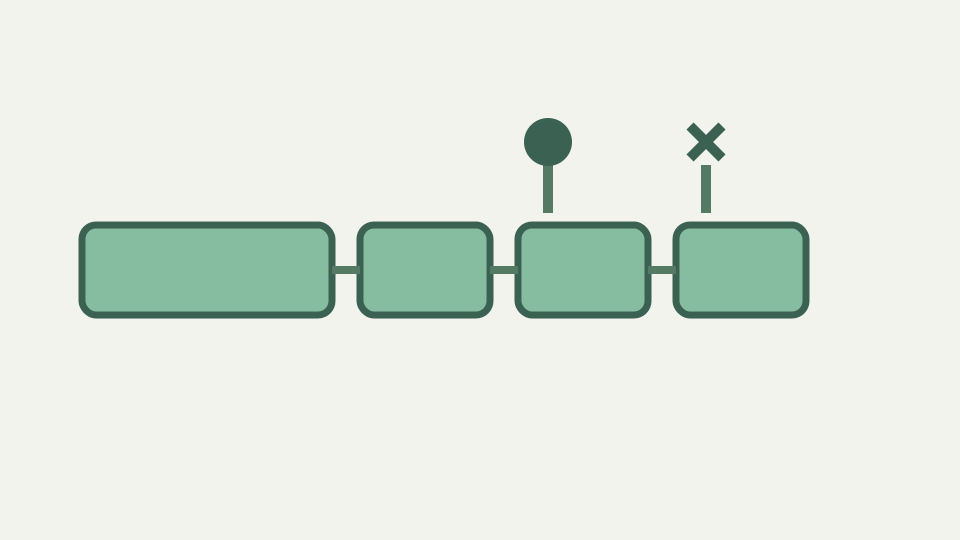
Reading a UUID by Hand: Where the Version and Variant Bits Live
Two hex characters in every UUID tell you which version produced it and which variant layout it follows. Learn to read them at a glance and to know what they cannot tell you.
· Developer tools · UUID generator
uuid cryptography browser-apis

What Makes a UUID String Well Formed, and What a Checker Can't Know
Uppercase, braces, urn: prefixes and missing hyphens all turn up in real input. This post defines the canonical form, shows what a lenient validator should accept, and separates well-formedness from existence.
· Developer tools · UUID generator
uuid cryptography browser-apis
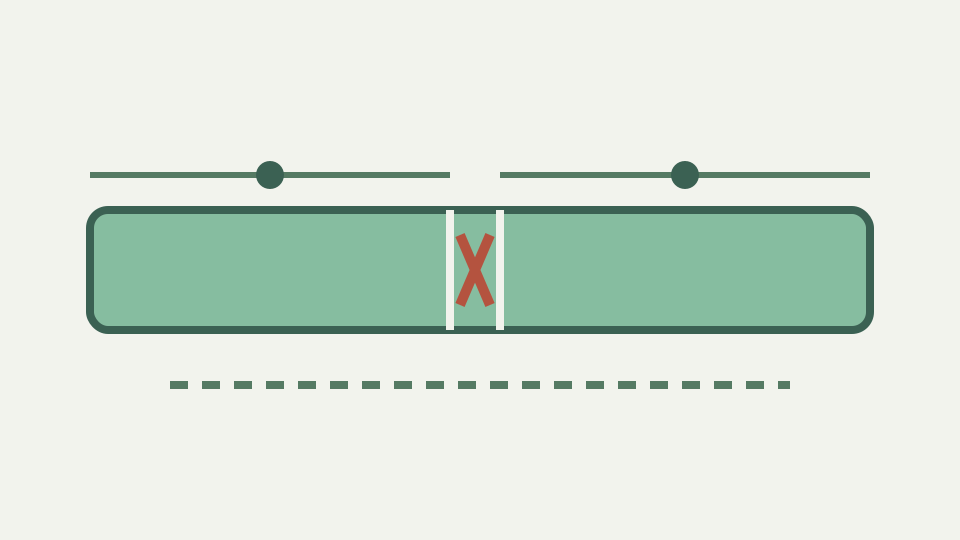
How Many Random Bits Does a v4 UUID Have? 122, Not 128
Six of the 128 bits in a random UUID are fixed by the standard, leaving 122 for randomness. This post shows how to estimate collision odds honestly and why real collisions come from broken generators, not from the mathematics.
· Developer tools · UUID generator
uuid cryptography browser-apis
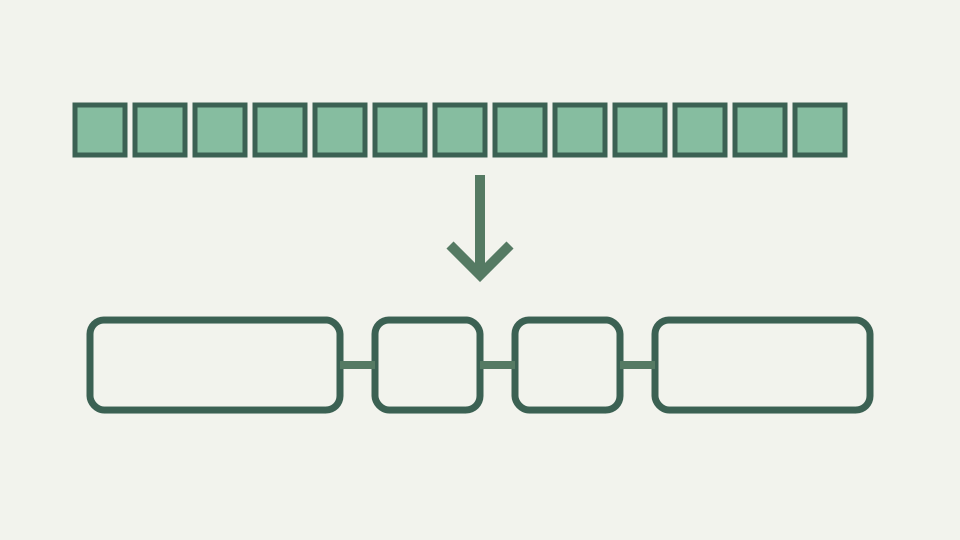
From 128 Bits to 36 Characters: How UUID Text Encoding Works
A UUID is 16 bytes, yet its familiar form is 36 characters. This post explains the hex doubling, the hyphens, the case rules, and the shorter encodings people use when the standard form is too long.
· Developer tools · UUID generator
uuid cryptography browser-apis

Why crypto.randomUUID() Fails on HTTP Pages: Secure Contexts Explained
crypto.randomUUID works on localhost and on HTTPS, then vanishes on a plain-HTTP staging host. This post explains the secure-context rule behind that behaviour and how to generate a UUID safely where it applies.
· Developer tools · UUID generator
uuid cryptography browser-apis
Is a Random UUID Safe as a Password Reset or Session Token?
A v4 UUID from a CSPRNG has plenty of entropy, so why do security reviewers still frown at UUID tokens? This post separates the entropy question from the design question.
· Developer tools · UUID generator
uuid cryptography browser-apis

Sequential IDs Leak Business Data: Why Public APIs Expose UUIDs
Auto-increment IDs tell outsiders how many orders you take and make every record enumerable. This post explains what exposing UUIDs fixes, what it does not, and how to introduce them without a migration.
· Developer tools · UUID generator
uuid cryptography browser-apis
Random UUID Primary Keys and B-Tree Fragmentation: What Really Happens
Random v4 keys insert into random index pages, and clustered indexes pay for it. This post explains the mechanism, the storage cost of text versus binary, and where time-ordered UUIDs change the picture.
· Developer tools · UUID generator
uuid cryptography browser-apis

Version 1 UUIDs Can Leak Your MAC Address and Creation Time
A time-based UUID embeds a 60-bit timestamp and a 48-bit node identifier that is often a real network card address. This post shows what an outsider can read from one and why random generation avoids the problem.
· Developer tools · UUID generator
uuid cryptography browser-apis
Idempotency Keys: Using a Client-Generated UUID to Make Retries Safe
A timeout on a payment request leaves you unsure whether it went through. Idempotency keys let you retry safely, and a CSPRNG-generated UUID is the natural key. This post explains the pattern end to end.
· Developer tools · UUID generator
uuid cryptography browser-apis
Generating UUIDs Without a Server: Why the Network Panel Stays Empty
An online UUID generator that calls its server is sending you metadata you never needed to share. This post explains why local generation is complete in itself and how to verify that a tool really is local.
· Developer tools · UUID generator
uuid cryptography browser-apis

From Apollo NCS to RFC 9562: A Short History of the UUID
The odd 8-4-4-4-12 layout and the 128-bit size are inherited from 1980s distributed computing. This post traces the UUID from Apollo's Network Computing System through DCE, Microsoft's GUID and two IETF standards.
· Developer tools · UUID generator
uuid cryptography browser-apis

UUID Versions 1 to 8 Explained: Which One Should You Generate?
Eight versions share one format but solve different problems: time ordering, reproducibility, randomness or custom layouts. This post explains each and gives a decision path.
· Developer tools · UUID generator
uuid cryptography browser-apis

RFC 4122 vs RFC 9562: What Changed in the 2024 UUID Standard
Two RFCs are cited for UUIDs and they do not say quite the same thing. This post walks through what RFC 9562 added, clarified and deprecated relative to RFC 4122.
· Developer tools · UUID generator
uuid cryptography browser-apis

ULID, Snowflake, KSUID and UUIDv7: Sortable IDs Compared
Random UUIDs do not sort by creation time, so several formats put a timestamp first. This post compares ULID, Snowflake, KSUID and UUIDv7 on layout, size, monotonicity and compatibility.
· Developer tools · UUID generator
uuid cryptography browser-apis
Name-Based UUIDs (v3 and v5): Deterministic IDs From a Namespace
When the same external record must always get the same identifier, random UUIDs will not do. Version 3 and 5 UUIDs hash a namespace and a name into a stable ID; this post explains how and when to use them.
· Developer tools · UUID generator
uuid cryptography browser-apis

GUID vs UUID: Microsoft's Braces, Byte Order and Variant Explained
GUID is Microsoft's name for a UUID, but the braces, uppercase and byte order can make the same identifier look different across platforms. This post explains each difference and how to compare safely.
· Developer tools · UUID generator
uuid cryptography browser-apis

Same Text, Different SHA-256: Newlines, Encodings and Hidden Bytes
The command line says one thing and the browser says another for what looks like the same text. Trailing newlines, UTF-16 and CRLF explain almost every case; this post shows how to find the hidden bytes.
· Developer tools · SHA hash calculator
sha-256 encoding text-processing debugging

SHA-256 Step by Step: Padding, Message Schedule and 64 Rounds
SHA-256 pads your input, splits it into 512-bit blocks and runs each through 64 rounds of mixing. This post explains every stage in plain language without requiring a cryptography background.
· Developer tools · SHA hash calculator
sha-256 cryptography browser-apis javascript

SHA-256 vs SHA-512: Word Size, Rounds and Why 512 Can Be Faster
SHA-512 produces a longer digest yet often runs faster on 64-bit hardware. This post explains the structural differences between the two and how SHA-384 fits in, so you can choose on facts.
· Developer tools · SHA hash calculator
sha-256 cryptography performance browser-apis

Hex, Base64 and Raw Bytes: Three Ways to Write the Same SHA Digest
sha256sum prints hex, package-lock.json stores base64 and Docker uses a sha256: prefix. They can all be the same 32 bytes. This post explains each representation and how to convert between them.
· Developer tools · SHA hash calculator
sha-256 base64 encoding file-formats

The Avalanche Effect: Why One Changed Character Rewrites a SHA Hash
Change one letter and roughly half the output bits flip. This post explains the avalanche property, why it is essential for tamper detection, and how SHA-2's rounds achieve it.
· Developer tools · SHA hash calculator
sha-256 cryptography security validation

Why Web Crypto Offers SHA-1 to SHA-512 but Not MD5 or SHA-3
The browser's digest API supports exactly four algorithms. This post explains why MD5 was left out, why SHA-3 has not been added, and what that means for a tool that refuses to ship what the platform does not provide.
· Developer tools · SHA hash calculator
cryptography browser-apis sha-256 javascript

SHA-1 Collisions Explained: What Is Still Safe and What Must Migrate
A scanner flags SHA-1 and management asks how urgent it is. This post explains what a collision attack does and does not break, where SHA-1 is still tolerated, and how to plan a migration.
· Developer tools · SHA hash calculator
sha-256 cryptography security

Why You Must Not Store Passwords as Plain SHA-256 Hashes
SHA-256 is designed to be fast, which is exactly what you do not want for passwords. This post explains why speed is the problem and what password hashing functions do differently.
· Developer tools · SHA hash calculator
passwords security cryptography

A Matching Checksum Is Not a Signature: Integrity vs Authenticity
A published SHA-256 lets users detect a corrupted download, but if the attacker controls the page they control the checksum too. This post separates integrity from authenticity and explains what signatures add.
· Developer tools · SHA hash calculator
sha-256 cryptography security

Hashing Is Not Encryption: Why a SHA-256 Hash Cannot Be Decrypted
There is no key and no inverse: a hash is a one-way function. This post explains the difference from encryption, why hash lookup sites seem to reverse hashes, and what that means for hashing personal data.
· Developer tools · SHA hash calculator
cryptography security encoding
Length Extension Attacks: Why SHA-256(secret + message) Is Not a MAC
Prepending a secret to a message and hashing it looks like authentication, but SHA-256's structure lets an attacker extend the message without knowing the secret. This post explains the attack and the fix.
· Developer tools · SHA hash calculator
sha-256 cryptography security

Pasting Secrets Into Online Hash Tools: Why the Digest Should Be Local
If a hash tool sends your input to its server, the secret you were hashing has already left your machine. This post explains the risk, how Web Crypto makes a server unnecessary, and how to verify a tool is local.
· Developer tools · SHA hash calculator
sha-256 security privacy browser-apis

From SHA-0 to SHA-3: How NIST's Secure Hash Standard Evolved
SHA-1, SHA-2 and SHA-3 are three generations with different origins. This post traces the Secure Hash Standard from the withdrawn SHA-0 to the Keccak competition and explains why SHA-2 still dominates.
· Developer tools · SHA hash calculator
sha-256 cryptography browser-apis

Merkle–Damgård Explained: The Construction Behind SHA-1 and SHA-2
A fixed-size compression function cannot hash arbitrary input on its own. Merkle–Damgård chains it block by block; this post explains the construction, its proof idea and the weaknesses it carries.
· Developer tools · SHA hash calculator
sha-256 cryptography browser-apis

Collision, Preimage and Second Preimage: The Three Hash Security Goals
An advisory says an algorithm has collision problems and you need to know whether your use is affected. This post defines the three resistance properties, shows which use cases depend on which, and applies them to SHA-1.
· Developer tools · SHA hash calculator
sha-256 cryptography security

Content Addressing: How Git, Docker and npm Use SHA Digests as Names
Git commits, container image digests and lockfile integrity strings are all the same idea: naming data by its hash. This post explains content addressing and what each ecosystem gains from it.
· Developer tools · SHA hash calculator
sha-256 docker cryptography developer-workflow

Subresource Integrity: How Browsers Use SHA-384 to Check Scripts
The integrity attribute lets a browser refuse a CDN script whose bytes have changed. This post explains the attribute's format, why SHA-384 in base64 is the common choice, and what SRI cannot protect against.
· Developer tools · SHA hash calculator
sha-256 base64 browser-apis security

Certificate and SSH Fingerprints: How SHA-256 Identifies a Public Key
A fingerprint is a hash of a certificate or key, short enough to read aloud. This post explains how TLS and SSH fingerprints are computed, why SHA-1 fingerprints are being replaced, and what a match proves.
· Developer tools · SHA hash calculator
sha-256 cryptography security

Cryptographic Hash vs Checksum: What CRC32 and xxHash Can't Promise
CRC32, FNV and xxHash are hashes too, but they make no promise against an adversary. This post explains what separates cryptographic hashes from checksums and how to pick per use case.
· Developer tools · SHA hash calculator
sha-256 cryptography security

How percent-encoding works: from characters to UTF-8 bytes to %XX sequences
Percent-encoding does not encode characters; it encodes bytes. This post shows how a character becomes UTF-8 bytes and then hex pairs, and why an accented letter takes two %XX groups while an emoji takes four.
· Developer tools · URL encoder & decoder
url-encoding utf-8 percent-encoding developer

Why + becomes a space when you decode a query string, and when it does not
Whether + means space depends on which decoder you call. This post explains how decodeURIComponent, URLSearchParams and server frameworks each treat +, and how to avoid turning a real plus into a space.
· Developer tools · URL encoder & decoder
url-encoding javascript developer-workflow

Double URL encoding: how %2520 happens and how to detect and undo it
A %2520 in a URL means a space was encoded twice. This post explains the pipeline mistakes that cause it, how to recognise the signature, and how many decode passes are safe.
· Developer tools · URL encoder & decoder
url-encoding javascript developer-workflow debugging

Encoding a redirect URL inside a query parameter without breaking it
Nesting one URL inside another is the most common place percent-encoding goes wrong. This post shows why the inner URL's ?, & and = must be encoded, how to do it, and how to check the result.
· Developer tools · URL encoder & decoder
url-encoding query-parameters security oauth

URIError: URI malformed — why decodeURIComponent throws and how to fix it
decodeURIComponent throws when a percent sign is not followed by two hex digits, or when the decoded bytes are not valid UTF-8. This post shows the inputs that trigger it and how to decode defensively.
· Developer tools · URL encoder & decoder
url-encoding javascript error-handling

What the URL constructor encodes for you: the browser's percent-encode sets
The URL API silently percent-encodes some characters and leaves others alone, depending on which part of the URL they land in. This post explains the WHATWG encode sets and how to predict the output.
· Developer tools · URL encoder & decoder
url-encoding javascript whatwg web-apis

Why unencoded & and = in UTM values silently corrupt your campaign reports
A campaign name containing & or = looks fine in the link but is split into two parameters by every analytics tool. This post shows what happens, how to encode values safely, and how to check a link before it ships.
· Developer tools · URL encoder & decoder
url-encoding utm-tracking analytics

URL encoding is not sanitisation: decoded parameters still need escaping
Percent-encoding protects URL structure, not your HTML, SQL or shell. This post explains why a correctly encoded value becomes dangerous again the moment it is decoded, and which escaping belongs where.
· Developer tools · URL encoder & decoder
url-encoding security xss

Decoding customer URLs safely: why a URL decoder should not phone home
Links pasted into a decoder often carry session tokens, email addresses and reset codes. This post explains what a server-side decoder can log and how to verify a tool keeps the URL in your browser.
· Developer tools · URL encoder & decoder
privacy url-decoding security

Spaces in file download links: why %20, + and a raw space are not the same
A file called 'Q3 report (final).pdf' can be linked three different ways, and only one is reliably correct. This post explains why filenames break download links and how to encode them so every client agrees.
· Developer tools · URL encoder & decoder
url-encoding http developer-workflow

How to encode a mailto: link with subject, body line breaks and ampersands
A mailto: link with a subject and body is a URL, so spaces, line breaks and & must be percent-encoded. This post shows what breaks when they are not and how to build a link that opens correctly in mail clients.
· Developer tools · URL encoder & decoder
mailto url-encoding html

Why inconsistent URL encoding splits one page into many rows in analytics
%20 and +, %2F and /, %c3 and %C3 can all describe the same URL, but reports treat them as different pages. This post explains where the variants come from and how to normalise them before counting.
· Developer tools · URL encoder & decoder
analytics url-encoding normalization

RFC 3986 reserved and unreserved characters: what the URI standard says
RFC 3986 divides characters into reserved, unreserved and everything else, and that split explains every percent-encoding rule you have met. This post reads the relevant sections plainly.
· Developer tools · URL encoder & decoder
url-encoding rfc3986 percent-encoding

Plus versus %20: the history of application/x-www-form-urlencoded
Forms encode a space as + while the URI standard says %20, and the reason is historical. This post traces the convention from early HTML forms to today's WHATWG definition and explains why it never went away.
· Developer tools · URL encoder & decoder
url-encoding html-forms http-standards

From RFC 1738 to the URL Standard: how percent-encoding rules have evolved
The rules for escaping characters in URLs have been rewritten several times since 1994. This post follows RFC 1738, RFC 2396, RFC 3986 and the WHATWG URL Standard and explains what changed each time.
· Developer tools · URL encoder & decoder
url-encoding rfc-history web-standards

WHATWG URL Standard vs RFC 3986: why browsers and libraries disagree
There are two living definitions of a URL, and they disagree on purpose. This post explains why the WHATWG wrote its own standard, where the two differ in encoding and parsing, and which one your code follows.
· Developer tools · URL encoder & decoder
url-encoding standards developer-tools

Punycode vs percent-encoding: how non-ASCII domains and paths are handled
A URL with a non-ASCII hostname and a non-ASCII path uses two completely different encodings. This post explains IDNA and punycode for the host, percent-encoding for everything else, and why the split exists.
· Developer tools · URL encoder & decoder
internationalization punycode url-encoding

escape() vs encodeURIComponent: how JavaScript's URL encoding evolved
JavaScript has had three generations of URL-encoding functions, and the oldest still lurks in production code. This post explains what escape() does wrong, why ES3 added the URI functions and why they preserve ! * ' ( ).
· Developer tools · URL encoder & decoder
javascript url-encoding history

Anatomy of a URL: scheme, authority, path, query and fragment explained
Every percent-encoding decision depends on which part of the URL a character sits in. This post names the five components from RFC 3986, shows what each delimiter means and why the fragment never reaches the server.
· Developer tools · URL encoder & decoder
url-structure web-standards developer-tools

How browsers handle EXIF orientation when you edit a phone photo
Phones often save photos sideways and rely on a tiny orientation tag to tell viewers how to rotate them. This post explains what that tag is, how the browser applies it during decoding, and why an edited export no longer needs it.
· Images & photos · Browser Image & Drawing Editor
image-editing canvas browser-processing

What brightness and contrast adjustments do to your image's pixels
Dragging a brightness or contrast control feels like turning a dial, but underneath it is arithmetic on every pixel. This post shows the maths, why values clip at 0 and 255, and why some detail cannot be recovered.
· Images & photos · Browser Image & Drawing Editor
image-editing canvas browser-processing

How annotations get baked into pixels when you export an edited image
While you are editing, an arrow is a movable object; the moment you export, it becomes ordinary pixels. This post explains the difference between the editing model and the exported file, and what that means for anyone who receives it.
· Images & photos · Browser Image & Drawing Editor
image-editing canvas browser-processing

Why annotated screenshots go blurry: resampling and re-encoding
A crisp screenshot can come out soft after a quick edit, and the causes are almost always resizing or lossy encoding. This post separates the two, shows how to spot each, and explains how to keep interface text sharp.
· Images & photos · Browser Image & Drawing Editor
image-editing canvas browser-processing

How freehand drawing works in a browser: pointer events to pixels
A freehand stroke drawn with a mouse, finger or stylus is a stream of position samples that the browser turns into a smooth line. This post follows one stroke from input event to painted pixels.
· Images & photos · Browser Image & Drawing Editor
image-editing canvas browser-processing

Why editing a 12-megapixel photo in a browser needs about 48 MB
A 3 MB JPEG becomes tens of megabytes the moment it is decoded, because every pixel needs four bytes in memory. This post explains the arithmetic, why browser tools are limited by your device's memory rather than an upload cap, and what to do when a file is too big.
· Images & photos · Browser Image & Drawing Editor
image-editing canvas browser-processing

Why support screenshots should never leave your device to be annotated
A support screenshot routinely contains names, emails, order numbers and partial card details. This post explains why uploading it to an annotation site is a data-handling decision, not a convenience, and how a local editor removes the problem.
· Images & photos · Browser Image & Drawing Editor
image-editing canvas browser-processing

Cropping out sensitive details: what the crop removes and what stays
Cropping a photo to hide your street sign or a document on the desk feels final, but a photo carries more than its visible pixels. This post separates what a crop genuinely removes from what can travel with the file.
· Images & photos · Browser Image & Drawing Editor
image-editing canvas browser-processing

How to annotate a bug report screenshot so developers act on it
A screenshot with a clear box, one arrow and a short caption saves a round of questions; a bare screenshot invites them. This post sets out a small annotation convention and shows how to apply it in a browser editor.
· Images & photos · Browser Image & Drawing Editor
image-editing canvas browser-processing

When a browser editor beats a desktop app for quick crops and notes
Most people's image editing is a crop and an arrow, yet the default answer is still a heavyweight installed suite or a subscription. This post weighs when a local browser editor is the better tool and when it genuinely is not.
· Images & photos · Browser Image & Drawing Editor
image-editing canvas browser-processing

How to verify an image editor never uploads your photo: network panel
'Nothing is uploaded' is a claim anyone can make; the browser's developer tools let you test it in a minute. This post shows how to watch the network panel while editing and how to read what you see.
· Images & photos · Browser Image & Drawing Editor
image-editing canvas browser-processing

A short history of image annotation, from red pens to screen arrows
The box, the arrow and the callout did not appear with screenshots; they descend from proofreading marks, photo-retouching instructions and engineering drawings. This post traces how those conventions became the default vocabulary of on-screen markup.
· Images & photos · Browser Image & Drawing Editor
image-editing canvas browser-processing

Aspect ratios explained: 3:2, 4:3, 16:9 and cropping to fit them
Every camera, screen and platform has an opinion about the shape of a picture, and cropping is how you reconcile them. This post explains where the common ratios came from and how to crop from one to another without losing the subject.
· Images & photos · Browser Image & Drawing Editor
image-editing canvas browser-processing

The rule of thirds and other composition guides for cropping photos
Cropping is the one composition decision you can still make after the shutter clicks. This post explains the rule of thirds, its 18th-century origin and its rivals, and shows how to use them as a guide rather than a rule.
· Images & photos · Browser Image & Drawing Editor
image-editing canvas browser-processing

Raster vs vector graphics: why drawings on a photo become pixels
Raster images are grids of pixels; vector graphics are instructions for drawing shapes. This post explains the difference, why a photo can only ever be raster, and why anything you draw on it inherits the same fate at export.
· Images & photos · Browser Image & Drawing Editor
image-editing canvas browser-processing

Pixels vs DPI: why an image editor cannot add resolution to a photo
A printer asks for 300 DPI, a designer asks for more pixels, and the two requests are related but not the same. This post untangles pixel dimensions from print density and explains what an editor can and cannot change.
· Images & photos · Browser Image & Drawing Editor
image-editing canvas browser-processing

What sRGB and 8-bit colour mean for editing photos in a browser
Browsers edit images in sRGB with eight bits per channel, a sensible default with real consequences for wide-gamut photos and heavy adjustments. This post explains what those two terms mean and where their limits show.
· Images & photos · Browser Image & Drawing Editor
image-editing canvas browser-processing

Lossless JPEG cropping vs browser cropping: why re-encoding happens
Command-line tools can crop a JPEG without decoding it, but only on an 8- or 16-pixel grid; browser editors decode and re-encode instead. This post explains why both approaches exist and how to limit quality loss when you must re-encode.
· Images & photos · Browser Image & Drawing Editor
image-editing canvas browser-processing

Splitting a PDF by Page Range in the Browser: How It Works
A page range like 3-7 is a small instruction with a lot of consequences. This post explains how a browser tool turns that range into a new, self-contained PDF, and why the output is often bigger or smaller than you expect.
· Documents · PDF Toolkit
pdf page-ranges browser-processing

How Reordering PDF Pages Works: The Page Tree Explained
Moving pages into a new order feels like shuffling paper, but inside the file it is a rewrite of the document's page tree. This post shows what changes, what stays the same, and why the operation is safe for the page content itself.
· Documents · PDF Toolkit
pdf page-order browser-processing

Rotating PDF Pages in the Browser: Metadata Flag or Redrawn Content?
A PDF page can be rotated in two very different ways: by setting a flag the viewer obeys, or by transforming the drawing instructions themselves. This post explains both, what each means for the file, and how to check which one you got.
· Documents · PDF Toolkit
pdf rotation page-geometry

How a Watermark Is Added to Every Page of a PDF in Your Browser
A watermark is extra drawing appended to each page's content, positioned against the page box and usually drawn with partial transparency. This post explains how a browser tool does that for every page without sending the file anywhere.
· Documents · PDF Toolkit
pdf watermarks browser-processing

How a Browser Tab Reads and Rewrites a PDF Without Uploading It
'Runs in your browser' is a claim you can understand and test. This post follows a PDF from the file picker into memory, through a Web Worker, and back out as a download, explaining what each step does and why no server is involved.
· Documents · PDF Toolkit
pdf privacy web-workers

Verifying a PDF Tool Never Uploads Your File: Network Panel Walkthrough
You do not have to trust a privacy claim; you can watch the network. This post shows how to open the browser's Network panel, run a PDF operation, and read the result, plus what a strict Content Security Policy tells you about third-party code.
· Documents · PDF Toolkit
pdf privacy network-inspection

What Survives a PDF Merge: Metadata, Bookmarks, Forms and Comments
A merged PDF is more than its visible pages. Author names, creation tools, bookmarks, form fields and review comments can all ride along or be lost, so this post explains what to check before the combined file goes out.
· Documents · PDF Toolkit
pdf metadata document-review

Watermarks Are Not Security: What a PDF Stamp Can and Cannot Do
A watermark signals status and ownership; it does not prevent copying, and it is not redaction. This post separates what a visible stamp genuinely achieves from the protection people wrongly expect from it.
· Documents · PDF Toolkit
pdf watermarks document-security

Why Your PDF Opens Sideways and How to Fix It for Good
Sideways pages come from scanners, phone cameras and landscape tables, and the viewer's rotate button rarely fixes the file itself. This post explains the causes and why a proper fix means rewriting the document once.
· Documents · PDF Toolkit
pdf rotation scanning

The Real Size Limit of Browser PDF Tools Is Your Device Memory
Upload-based services cap file size to protect their servers; a tool that runs in your tab is bounded by your device's RAM instead. This post explains what that means in practice, how to recognise the limit, and how to work within it.
· Documents · PDF Toolkit
pdf browser-memory file-limits

What 'Free' Online PDF Tools Really Cost: Accounts, Limits and Ads
Free tiers pay for themselves somehow: with sign-ups, daily limits, trackers, branded output or upsells. This post itemises those costs and explains what a genuinely free, no-account browser tool gives up in exchange.
· Documents · PDF Toolkit
pdf privacy no-account

A Short History of PDF: From Adobe's Camelot Project to ISO 32000
PDF began as an attempt to make a document look the same on every screen and printer, and ended up an open ISO standard. This post traces that path and explains why the format's design is what lets a browser rewrite it today.
· Documents · PDF Toolkit
pdf file-format browser-processing

Inside a PDF File: Header, Objects, Xref Table and Trailer Explained
Open a PDF in a text editor and you will see a header, numbered objects, a cross-reference table and a trailer. This post explains what each part does, how incremental updates and encryption fit in, and why this structure makes local rewriting feasible.
· Documents · PDF Toolkit
pdf file-structure pdf-lib

MediaBox, CropBox and /Rotate: How a PDF Defines Its Pages
A PDF page has no fixed 'size' in the everyday sense; it has boxes, units and a rotation value that viewers interpret. This post explains those properties and what they mean when you merge, rotate or watermark pages of different shapes.
· Documents · PDF Toolkit
pdf page-geometry rotation

Why PDF Page Numbers and Printed Page Labels Don't Match
Page 1 of a PDF is often not the page printed as '1'. This post explains physical page positions, the optional page label feature, and how to avoid extracting the wrong range.
· Documents · PDF Toolkit
pdf page-ranges document-navigation

Fonts in PDFs: Why Merged Documents Sometimes Look Different
PDFs can embed their fonts, embed only the characters they use, or rely on the viewer to supply something similar. This post explains those choices and why they, not the merge, explain most 'the merged file looks odd' complaints.
· Documents · PDF Toolkit
pdf fonts document-fidelity

PDF/A, Linearized and Tagged PDFs: Which Properties Survive Editing?
Some PDFs carry promises beyond their pages: archival conformance, fast web view, or an accessibility structure. This post explains what those properties are and why any rewrite, including a merge or split, can affect them.
· Documents · PDF Toolkit
pdf document-conformance accessibility

What Converting a PDF Actually Means: Rasterising vs Re-encoding
'Convert' covers very different operations: drawing a page to pixels, wrapping an image in a page, or reconstructing editable text. This post explains what each involves and why some conversions are exact while others are approximations.
· Documents · PDF Toolkit
pdf image-conversion rasterization

Converting Between CSV and JSON: Shapes, Types and What Gets Lost
CSV is flat text and JSON is nested, typed data, so converting between them involves decisions. This post explains the common JSON shapes for tabular data, how types are inferred or not, and what cannot survive the round trip.
· Data & spreadsheets · CSV Cleaner
csv json data-formats

How Duplicate Row Removal Works: Exact Matches, Whitespace and Case
Two rows can look identical and still not match byte for byte. This post explains what 'duplicate' means to a cleaning tool, how whitespace, case and formatting create false non-matches, and how to prepare data so de-duplication catches what you intend.
· Data & spreadsheets · CSV Cleaner
csv data-cleaning duplicates

How Header Normalisation Turns Messy Export Column Names Into Clean Keys
Column names like 'Customer E-mail (Primary) ' break scripts, databases and JSON keys. This post explains what header normalisation changes, why duplicate and blank headers are the real danger, and when names must be left alone to match a schema.
· Data & spreadsheets · CSV Cleaner
csv json data-cleaning

How a Browser Cleans a Large CSV in a Web Worker Without Uploading It
'No upload' sounds like marketing until you see how it works. This post explains how a browser reads a file locally, why a Web Worker keeps the page responsive, what limits file size, and how to verify nothing is sent.
· Data & spreadsheets · CSV Cleaner
csv browser-processing privacy
How UTF-8 and Windows-1252 Get Confused: Repairing a Mojibake CSV Export
When 'José' becomes 'José', the bytes are fine and the interpretation is wrong. This post explains how the two most common encodings collide, how to recognise the symptoms, and how re-decoding repairs them.
· Data & spreadsheets · CSV Cleaner
csv encoding data-cleaning

How a CSV Parser Handles Quotes, Embedded Commas and Newlines in Fields
Splitting on commas works until a field contains a comma, a quote or a line break. This post explains the small state machine a real CSV parser uses, why quoting rules exist, and what a repair tool does when quoting is broken.
· Data & spreadsheets · CSV Cleaner
csv parsing data-formats

Why You Should Never Upload a Customer CSV to an Online Cleaning Tool
A customer export is a list of personal data, and an upload is a disclosure. This post explains what uploading actually hands over, why the convenience is not worth it, and how to tell an on-device tool from one that only claims to be.
· Data & spreadsheets · CSV Cleaner
csv privacy browser-processing

Why Duplicate Rows in a CRM Export Cost More Than They Seem
Duplicates inflate counts, double-send emails and corrupt metrics long after the import. This post explains where they come from, why they are cheaper to remove at the file stage, and what still needs a human decision.
· Data & spreadsheets · CSV Cleaner
csv duplicates data-cleaning

Why Cleaning a CSV Before Import Beats Fixing Data Inside the Database
Repairing data after it has landed in a database means writing fixes for every table it touched. This post argues for cleaning the file at the boundary: it is reversible, reviewable and repeatable.
· Data & spreadsheets · CSV Cleaner
csv data-cleaning developer-workflow

Why Empty Strings, NULL and Missing Fields Are Not the Same Thing in CSV
CSV has no way to say 'no value'; it only has text. This post explains how empty fields, quoted empty strings, literal NULL and short rows differ, why loaders disagree about them, and how conversion to JSON forces the question.
· Data & spreadsheets · CSV Cleaner
csv json data-formats

Why CSV Still Beats Spreadsheet Files for Moving Data Between Systems
Despite its flaws, CSV remains the default exchange format because it is plain text that every system can read. This post weighs CSV against spreadsheet workbooks for moving data, and explains what you give up and what you gain.
· Data & spreadsheets · CSV Cleaner
csv spreadsheets data-formats

RFC 4180 Explained: The Closest Thing CSV Has to an Official Standard
CSV existed for decades before anyone wrote it down. This post walks through RFC 4180, what it actually says about delimiters, quoting, line endings and headers, and why real-world files still ignore it.
· Data & spreadsheets · CSV Cleaner
csv rfc-4180 data-formats

A Short History of CSV: From Early Fortran Input to Modern Data Exports
CSV predates personal computers and was never designed, only accumulated. This post traces the format from list-directed input in early Fortran through spreadsheets and databases to today's exports, and shows how each era left its quirks.
· Data & spreadsheets · CSV Cleaner
csv data-formats interoperability

Character Encodings for Spreadsheet Users: ASCII, Windows-1252 and UTF-8
An encoding is the agreement about which bytes mean which characters, and CSV files never state which one they use. This post explains ASCII, Windows-1252 and UTF-8 in plain terms, why UTF-8 won, and what that means for exports.
· Data & spreadsheets · CSV Cleaner
csv encoding data-formats

Semicolon-Separated CSV Explained: Decimal Commas and Locale Settings
In much of Europe a comma is the decimal separator, so the 'comma-separated' file uses semicolons instead. This post explains the locale logic behind the split, how spreadsheets decide, and what happens when files cross the border.
· Data & spreadsheets · CSV Cleaner
csv delimiters interoperability

Tab-Separated Values vs CSV: Why TSV Exists and When to Use It
Tabs rarely appear inside data, which is exactly why TSV exists. This post explains the origins of tab-separated files, how they sidestep CSV's quoting problems, and where they still fall short.
· Data & spreadsheets · CSV Cleaner
csv tsv data-formats
CSV vs JSON: Two Data Formats and the Ideas About Structure Behind Them
CSV describes a table; JSON describes a tree. This post explains where JSON came from, why it carries types and nesting that CSV cannot, and what the mismatch means every time data moves between the two.
· Data & spreadsheets · CSV Cleaner
csv json data-formats

CSV Escaping Dialects: Doubled Quotes, Backslashes and Database Exports
RFC 4180 says to double a quote; several database tools export with backslashes instead. This post explains the escaping conventions in circulation, where each came from, and why a file that is valid in one dialect breaks in another.
· Data & spreadsheets · CSV Cleaner
csv parsing interoperability

crypto.getRandomValues vs Math.random: why it matters for passwords
Explains the difference between a browser's general-purpose random number generator and its cryptographic one, why predictability is fatal for passwords, and how to tell which a tool uses.
· Text & everyday tools · Password Generator
passwords web-crypto randomness

Modulo bias explained: picking a random word from a list without skew
Shows why 'random number modulo list length' favours some words over others when the range does not divide evenly, how large the skew is, and how rejection sampling removes it.
· Text & everyday tools · Password Generator
passwords randomness cryptography

How to calculate passphrase entropy: words, wordlist size and log2
A hands-on guide to the one formula that matters — words × log2(wordlist size) — with comparisons to random-character passwords, so you can set a word count with reasons rather than habit.
· Text & everyday tools · Password Generator
passwords passphrases entropy

How a browser-only password generator works (and how to verify it)
Walks through what a page must do to generate a passphrase with no server involvement — load the wordlist, draw random numbers, pick words — and gives three checks anyone can perform to confirm nothing was sent.
· Text & everyday tools · Password Generator
passwords privacy browser-tools

How password cracking works: hash rates, slow hashing and why entropy wins
Explains offline cracking in plain terms — leaked hashes, guesses per second, dictionaries and rules — and how slow hashing algorithms and passphrase entropy together decide whether a password survives.
· Text & everyday tools · Password Generator
passwords security threat-models
Do capitals, digits and separators make a passphrase stronger?
Works out how many bits a capital letter, a digit or a separator actually adds to a passphrase, why the honest answer is 'a little', and how to satisfy composition rules without weakening memorability.
· Text & everyday tools · Password Generator
passwords passphrases composition-rules

Complexity rules vs length: what NIST 800-63B changed about passwords
Summarises the shift in NIST's digital identity guidelines — away from composition rules and forced rotation, toward length, breach-list screening and usability — and what it means for how you generate passwords.
· Text & everyday tools · Password Generator
passwords policy security

Should you trust an online password generator? What to check first
Gives a checklist for judging a web-based password generator — where the randomness comes from, whether anything is sent, what scripts load, whether limits are documented — and explains why 'free' generators differ so much.
· Text & everyday tools · Password Generator
passwords privacy trust
Choosing a password manager master passphrase you can actually remember
The master passphrase is the one secret you must hold in your head; this post explains why it deserves more words than usual, how to memorise it deliberately, and what to do about recovery.
· Text & everyday tools · Password Generator
passwords passphrases password-management

Generating a password on a shared computer: clipboard and history risks
Explains where a freshly generated password can linger on a shared machine — clipboard managers, browser autofill prompts, page history, form autosave — and how a tool that stores nothing helps but does not solve everything.
· Text & everyday tools · Password Generator
passwords shared-computers clipboard

Why 'correct horse battery staple' works only if the words are random
The famous comic made passphrases popular and also spawned a bad habit — choosing your own words; this post explains why the strength depends entirely on random selection from a known list.
· Text & everyday tools · Password Generator
passwords passphrases randomness
The EFF wordlists explained: long, short and unique-prefix lists
Describes the three wordlists the Electronic Frontier Foundation published in 2016, the criteria behind them — memorability, distinctness, no confusing or offensive words — and how they differ from the original diceware list.
· Text & everyday tools · Password Generator
passwords passphrases wordlists

Diceware, 1995: how a dice-rolling method for passphrases came about
Tells the story of Arnold Reinhold's 1995 diceware proposal — why physical dice, why 7,776 words, why the method spread among cryptographers before reaching the mainstream — and how browser tools inherit it.
· Text & everyday tools · Password Generator
passwords passphrases provenance

Bits of entropy vs strength meters: what the number really measures
Explains what a bit of entropy is, why it can be calculated exactly for generated passwords but only estimated for human-chosen ones, and why strength meters and entropy figures often disagree.
· Text & everyday tools · Password Generator
passwords entropy strength-meters
PRNG vs CSPRNG: where your browser's random numbers actually come from
Explains the difference between pseudo-random and cryptographically secure generators, how operating systems gather entropy from hardware events, and how that randomness reaches a web page through the Web Crypto API.
· Text & everyday tools · Password Generator
passwords web-crypto csprng

A short history of password advice, from 1979 Unix to NIST 2017
From Morris and Thompson's 1979 study of Unix passwords through the era of complexity rules and forced resets to the 2017 NIST revision, this post explains how advice changed and why passphrases came out ahead.
· Text & everyday tools · Password Generator
passwords security-history source-discipline

Dictionary attacks: from the 1988 Morris worm to leaked password lists
Explains how dictionary attacks evolved — from a worm carrying a small word list to modern cracking with leaked-password corpora and mangling rules — and why a random passphrase from a public list is not a dictionary word in the sense that matters.
· Text & everyday tools · Password Generator
passwords dictionary-attacks passphrases
Wi-Fi passwords are passphrases: what WPA2's 8–63 character rule means
Explains why WPA2 calls the Wi-Fi password a passphrase, what the 8-to-63-character rule and the key derivation step mean for strength, and why a generated word-based passphrase is a good fit for a network everyone has to type.
· Text & everyday tools · Password Generator
passwords wi-fi device-compatibility

How Browser Image Resizing Works: Canvas, drawImage and Resampling
A browser can decode a photo, draw it into a canvas at a new size and encode the result, all without a server. This post follows that pipeline, explains where quality is won or lost, and shows why the only size limit is your device's memory.
· Images & photos · Social Image Resizer
image-resizing canvas browser-processing

Crop First or Resize First? Order of Operations for Sharp Social Images
Resizing twice softens an image, and cropping after resizing throws away pixels you could have kept. This post explains why the sharpest result comes from cropping at full resolution and resampling once, and what that means for your workflow.
· Images & photos · Social Image Resizer
image-resizing image-quality workflow

What Happens to EXIF When You Resize a Photo in the Browser
Drawing a photo into a canvas and encoding a new file produces an image with none of the original's metadata blocks unless a tool deliberately copies them back. This post explains why, what it means for orientation, and how to confirm what your resized file contains.
· Images & photos · Social Image Resizer
image-metadata privacy canvas

How to Check a Social Image Crop Against the Platform Before Posting
Platform dimensions change and previews differ between feed, profile grid and full view, so the reliable test is the platform itself. This post lays out a repeatable check: find the current guidance, export, preview as a draft, and iterate.
· Images & photos · Social Image Resizer
image-resizing social-media quality-assurance

Upscaling a Small Image for Social Media: What Resizing Cannot Recover
Enlarging an image asks the resampler to invent pixels between the ones you have, so it can smooth but cannot restore detail that was never captured. This post explains what happens when you upscale, how to judge the result, and the honest alternatives.
· Images & photos · Social Image Resizer
image-resizing image-quality upscaling

How to Work Out Safe Zones for Vertical 9:16 Story Crops
Vertical formats put platform interface elements over the top and bottom of your image. Rather than trusting a template with hard-coded margins, this post shows how to derive the safe area as a fraction of the height and confirm it with a real preview.
· Images & photos · Social Image Resizer
aspect-ratio safe-area social-media

Why Letting the Platform Auto-Crop Your Photo Cuts Off Heads and Logos
Upload a photo in the wrong ratio and the platform crops it for you, usually from the centre, with no idea where your subject is. This post explains why automatic crops fail, what they cost a brand, and why deciding the crop yourself is the fix.
· Images & photos · Social Image Resizer
image-cropping composition social-media

One Master Image, Every Placement: Planning Crops for a Social Campaign
A campaign needs the same creative in square, portrait, landscape and vertical formats. Composing one master image with a crop-safe centre and deriving each placement from it saves time and keeps the campaign consistent, and this post shows the planning method.
· Images & photos · Social Image Resizer
campaign-workflow aspect-ratio image-cropping

Resizing Under NDA: Why Embargoed Images Should Stay on Your Device
A free upload-and-resize site is a third party holding your unreleased creative, with retention and access terms you did not negotiate. This post explains the exposure and how a browser-only resizer removes it entirely.
· Images & photos · Social Image Resizer
privacy browser-processing confidentiality

Resize Before You Upload: Avoiding Double Compression on Social Platforms
Platforms re-encode almost everything you upload, so handing them an oversized file means their resizer and their compressor both run on your image. Supplying the right ratio and a sensible size gives their pipeline less to do and gives you control over the first pass.
· Images & photos · Social Image Resizer
image-quality image-resizing social-media

Cropping Is an Editorial Decision: What Leaves the Frame Changes Meaning
Fitting a photo to a ratio is never neutral: the person cut off, the sign removed and the context lost all change what the picture says. This post treats the social crop as an editorial choice and gives a checklist for making it deliberately.
· Images & photos · Social Image Resizer
image-cropping editorial-workflow composition

Why Small Text in Social Images Becomes Unreadable After Resizing
Text that reads well on a design canvas can become illegible once the image is downscaled to a phone-sized feed and compressed. This post explains the pixel arithmetic behind legibility and how to test it before posting.
· Images & photos · Social Image Resizer
image-quality typography accessibility

Where 4:3, 3:2, 16:9, 1:1 and 4:5 Come From: A History of Aspect Ratios
The ratios social platforms ask for are older than social media: 4:3 from early cinema film, 3:2 from 35 mm still cameras, 1:1 from medium-format and instant film, 4:5 from 8×10 prints, and 16:9 from a 1980s television compromise. Knowing the lineage makes the crops feel less arbitrary.
· Images & photos · Social Image Resizer
aspect-ratio image-history image-cropping

Resampling Filters Explained: Nearest, Bilinear, Bicubic and Lanczos
Every resize has to decide what colour a new pixel should be from the old ones: nearest-neighbour copies, bilinear averages four, bicubic weighs sixteen, and Lanczos uses a windowed sinc. This post explains each, the trade-off between blur, ringing and aliasing, and what browsers give you.
· Images & photos · Social Image Resizer
image-resizing resampling canvas

Pixels, DPI and Device Pixel Ratio: What 'Resolution' Means on Screens
Print habits say 300 DPI, but social platforms ignore DPI entirely and care only about pixel dimensions and how the device scales them. This post untangles pixels, points, DPI metadata and device pixel ratio so you stop exporting the wrong thing.
· Images & photos · Social Image Resizer
image-resolution pixels image-resizing

4:5, 0.8 or 1600×2000: Three Ways to Write the Same Aspect Ratio
A ratio like 4:5, a decimal like 0.8 and a pixel size like 1600×2000 all describe the same shape, and specs mix them freely. This post explains how to convert between them, how to reduce a dimension pair to its simplest ratio, and where rounding creates confusion.
· Images & photos · Social Image Resizer
aspect-ratio image-dimensions image-resizing

Why Social Image Specs Keep Changing, and How to Plan Around the Drift
Every year brings new dimension charts, and every chart is soon wrong. The history of platform image formats, from square-only feeds to vertical video and link cards, shows why specs drift and why aspect ratios rather than pixel counts are the stable thing to plan around.
· Images & photos · Social Image Resizer
social-media aspect-ratio campaign-workflow

Even Pixel Dimensions and Chroma Subsampling: Why Odd Sizes Cause Trouble
JPEG and most video encoders store colour at half resolution using 4:2:0 chroma subsampling, which is why odd pixel dimensions cause errors or edge artefacts in some pipelines. This post explains the mechanism and why nudging a size by one pixel is sometimes the right call.
· Images & photos · Social Image Resizer
image-dimensions image-encoding video-workflow

Display P3, sRGB and the Canvas: Why Colours Can Shift When You Resize
Many phones capture in the wide Display P3 colour space, while browser canvases and most social feeds assume sRGB, so re-encoding an image can change how saturated it looks. This post explains colour spaces, embedded profiles and what to check after a resize.
· Images & photos · Social Image Resizer
colour-management canvas image-quality

How a YouTube thumbnail request works: video ID, size name and i.ytimg.com
YouTube thumbnails live at predictable addresses built from the video ID and a size name. This post explains how those requests are formed, what comes back and why a tool can list every size without touching the video itself.
· Video & subtitles · YouTube Thumbnail Downloader & Metadata Viewer
youtube thumbnails http

How a YouTube video ID is extracted from watch, Shorts and embed links
The same video can be linked a dozen ways. This post explains the shapes a YouTube link can take, how a tool finds the eleven-character ID inside each and what to do with tracking parameters and timestamps.
· Video & subtitles · YouTube Thumbnail Downloader & Metadata Viewer
youtube urls parsing

How oEmbed returns a video's public title, channel and embed code
There is a standard, key-free way to ask a video site for a link's public title, author and embed HTML. This post explains oEmbed, what a request and response look like and how a tool can show metadata without scraping the page.
· Video & subtitles · YouTube Thumbnail Downloader & Metadata Viewer
youtube oembed metadata

How the tool announces each request to i.ytimg.com and youtube.com first
This tool contacts exactly two hosts, and it says so before it does. This post explains the announce-then-fetch pattern, why the two hosts are needed, what the registry records and how to verify the behaviour in your own browser.
· Video & subtitles · YouTube Thumbnail Downloader & Metadata Viewer
youtube privacy networking

How a browser saves a cross-origin image: fetch, Blob URLs and download
Saving an image from another domain is harder than a link with a download attribute. This post explains why the attribute is ignored for cross-origin URLs, how fetch and Blob URLs solve it and what CORS has to do with it.
· Video & subtitles · YouTube Thumbnail Downloader & Metadata Viewer
youtube javascript cors
What a YouTube embed code contains: iframe URL, parameters and nocookie
An embed code is a small iframe with a specific URL. This post explains what each part does, which parameters change playback and how the privacy-enhanced youtube-nocookie.com domain differs, so you know what you are pasting into your page.
· Video & subtitles · YouTube Thumbnail Downloader & Metadata Viewer
youtube embeds html

Why creators should keep their own YouTube thumbnails and titles archived
Channel artwork lives on someone else's servers. This post explains why creators should keep a local copy of their thumbnails and titles, the situations where the original files are lost and how to build a simple archive from public data you own.
· Video & subtitles · YouTube Thumbnail Downloader & Metadata Viewer
youtube thumbnails archiving

Public data only: what a YouTube metadata viewer will and will not show
ToolAcre documents what each tool will not do. This post lays out the boundary for the metadata viewer: the public title, channel and embed details it shows, the things it deliberately does not fetch and why that boundary is the right one.
· Video & subtitles · YouTube Thumbnail Downloader & Metadata Viewer
youtube metadata privacy

Why 'contacts i.ytimg.com and youtube.com' is stated before you paste
Most tools describe their privacy in a policy page; this one names its hosts on the tool itself. This post explains why naming hosts up front matters, how it fits ToolAcre's no-analytics setup and how to hold the tool to the promise.
· Video & subtitles · YouTube Thumbnail Downloader & Metadata Viewer
youtube privacy browser-devtools

YouTube thumbnail copyright: when you may reuse an image and when not
A thumbnail is easy to download and still someone's work. This post explains, without legal advice, who typically holds rights in a thumbnail, when reuse is clearly fine, when it is not and how to ask.
· Video & subtitles · YouTube Thumbnail Downloader & Metadata Viewer
youtube thumbnails copyright

Why fetching a thumbnail and title beats opening the YouTube page itself
Opening a video page loads a player, scripts and recommendations. This post explains what a lightweight metadata and thumbnail lookup avoids, when it is the better choice and where opening the page is still necessary.
· Video & subtitles · YouTube Thumbnail Downloader & Metadata Viewer
youtube metadata workflow

Citing YouTube videos properly: why title, channel and thumbnail matter
A video citation needs the exact public title, the channel name and the URL as they stood when you consulted it. This post explains what to record, why videos change and how a quick public lookup gives you a dated snapshot.
· Video & subtitles · YouTube Thumbnail Downloader & Metadata Viewer
youtube metadata research
YouTube thumbnail sizes explained: default, mq, hq, sd and maxres
The five named thumbnail sizes have different dimensions, aspect ratios and availability. This post explains what each name means, where it is used on the platform and which one to pick for a given job.
· Video & subtitles · YouTube Thumbnail Downloader & Metadata Viewer
youtube thumbnails image-formats

Why hqdefault.jpg has black bars: YouTube's 4:3 era and the 16:9 switch
Some YouTube thumbnail sizes still carry letterbox bars. This post explains how the platform's early 4:3 player shaped its thumbnail sizes, what changed with widescreen video and why the old sizes remain for compatibility.
· Video & subtitles · YouTube Thumbnail Downloader & Metadata Viewer
youtube thumbnails aspect-ratio
JPEG and WebP thumbnails: the vi and vi_webp paths on i.ytimg.com
YouTube serves thumbnails in both JPEG and WebP. This post explains the two path conventions, why WebP was introduced, what the format changes for file size and quality and how to decide which one you need.
· Video & subtitles · YouTube Thumbnail Downloader & Metadata Viewer
youtube webp image-formats

The oEmbed standard: how a 2008 spec made link embedding work everywhere
oEmbed is the quiet standard behind pasting a link and getting a player. This post covers its origins, the request-and-response contract, how sites discover endpoints and why it remains the simplest source of public video metadata.
· Video & subtitles · YouTube Thumbnail Downloader & Metadata Viewer
youtube oembed web-standards

The 11-character YouTube video ID: what it encodes and why it looks random
Every YouTube video ID is eleven characters from a 64-symbol alphabet. This post explains what that alphabet is, how much room it gives, why IDs are not sequential and how the ID is the key to every thumbnail and metadata request.
· Video & subtitles · YouTube Thumbnail Downloader & Metadata Viewer
youtube identifiers validation

Auto-generated frames vs custom thumbnails: how the thumbnail became design
Thumbnails began as frames pulled automatically from the video. This post traces how custom thumbnails arrived, why they changed creator behaviour and what the shift means for the images a downloader retrieves.
· Video & subtitles · YouTube Thumbnail Downloader & Metadata Viewer
youtube thumbnails video-frames
Open Graph, oEmbed and schema.org: how link previews learned to read video
When you paste a video link into a chat app, a preview appears. This post explains the three metadata layers that make that possible, which one each platform reads and why public metadata exists in the first place.
· Video & subtitles · YouTube Thumbnail Downloader & Metadata Viewer
youtube oembed link-previews

YAML to JSON type coercion: how yes, no and 0777 change meaning
YAML resolves unquoted scalars into types, and the rules differ between YAML 1.1 and 1.2. This post shows exactly how a converter decides that a value is a boolean, an integer, a float or a string, and how to control the outcome.
· Developer tools · Syntax converters
yaml json data-formats
XML to JSON mapping: attributes, text nodes and the one-vs-many problem
There is no single correct way to turn XML into JSON, because XML has attributes, mixed content and ordered children that JSON lacks. This post explains the common mapping conventions and the traps in each.
· Developer tools · Syntax converters
xml json data-formats

JSON to XML conversion: root elements, arrays and invalid tag names
JSON can be a bare array with keys that start with digits or contain spaces, none of which XML allows. This post explains the decisions a converter must make about roots, arrays and names, so you can predict the output.
· Developer tools · Syntax converters
json xml data-formats

How TOML tables become JSON objects: [table], [[array]] and dotted keys
TOML's headers look nothing like JSON's braces, but they define exactly the same nesting. This post explains how [server], [[products]] and a.b.c map onto JSON objects and arrays, and where the two models diverge.
· Developer tools · Syntax converters
toml json data-formats

CSV to JSON and JSON to CSV: headers, string values and flattening
CSV is flat, typeless and ambiguous about its own delimiter, while JSON is nested and typed. This post shows how a converter maps rows to objects and back, and where information is lost in each direction.
· Developer tools · Syntax converters
json csv data-formats

YAML features lost in a JSON conversion: comments, anchors and tags
YAML has comments, anchors, aliases, merge keys, tags and multi-document streams; JSON has none of them. This post explains what a converter does with each and why converting back never restores the original file.
· Developer tools · Syntax converters
yaml json data-formats
Config files hold secrets: convert YAML and TOML without uploading them
Configuration files are where credentials live, so an online converter is exactly the wrong place to send them. This post explains the risk, how to verify a tool's network behaviour, and why in-browser conversion removes the question.
· Developer tools · Syntax converters
privacy browser-processing developer-workflow

Turning kubectl JSON output into a manifest you can actually read
Kubernetes tooling emits JSON that is precise but hard to scan, while manifests are written in YAML. This post shows why converting between them speeds up reading, comparing and reusing resource definitions.
· Developer tools · Syntax converters
json yaml developer-workflow

Debug a YAML indentation mistake by converting it to JSON
YAML indentation errors often produce a valid file with the wrong structure rather than a parse error. This post shows how converting to JSON exposes exactly what the parser understood, so the misplaced key becomes obvious.
· Developer tools · Syntax converters
yaml json debugging

Migrating a JSON config to TOML: what converts and what needs a human
TOML has become the config format for Python and Rust projects, and many JSON settings files are moving to it. This post explains which parts convert mechanically and which (null, mixed arrays, deep nesting) require judgement.
· Developer tools · Syntax converters
json toml developer-workflow
From spreadsheet CSV to API JSON: why every value arrives as a string
A CSV export from a spreadsheet loses the types the spreadsheet knew, and an API expects them back. This post explains why a careful converter keeps values as strings, why guessing is dangerous, and how to prepare the file so the import succeeds.
· Developer tools · Syntax converters
csv json data-formats
Legacy XML responses as JSON: good for inspection, risky for code
Converting an XML response to JSON is a fast way to understand it, but building your parser on that converted shape is how one-versus-many bugs get shipped. This post draws the line between inspection and implementation.
· Developer tools · Syntax converters
xml json developer-workflow
The Norway problem: YAML 1.1 vs 1.2 and why NO becomes false
In YAML 1.1 the unquoted value NO is a boolean, which is how Norway disappears from country lists. This post tells the history of YAML's implicit typing, what the 1.2 specification changed, and why the problem persists in today's tooling.
· Developer tools · Syntax converters
yaml data-formats debugging

Why TOML exists: the design goals behind Cargo.toml and pyproject.toml
TOML was created in 2013 as a reaction to both JSON's austerity and YAML's ambiguity. This post explains its stated design goals, the choices they produced, and why Rust and Python standardised on it for project configuration.
· Developer tools · Syntax converters
toml data-formats developer-workflow

XML's lineage from SGML: why it has attributes, namespaces and DTDs
XML's oddities (attributes versus elements, namespaces, DTDs, mixed content) make sense once you know it was designed as a simplified SGML for documents, not for data. This post traces that lineage and what it means when you convert XML to JSON.
· Developer tools · Syntax converters
xml data-formats security

CSV's missing standard: what RFC 4180 covers and what it leaves open
CSV predates any specification, and the one RFC that describes it is informational and deliberately narrow. This post explains what RFC 4180 defines, what it says nothing about, and why converting CSV is therefore always a negotiation.
· Developer tools · Syntax converters
csv json data-formats

Is JSON valid YAML? What YAML 1.2 promises and where it breaks
YAML 1.2 was designed so that every JSON document is also a YAML document, which is why JSON to YAML conversion feels trivial. This post explains what the specification actually guarantees and the edge cases where the promise fails.
· Developer tools · Syntax converters
json yaml data-formats

Four data models compared: why JSON, YAML, TOML and XML never map 1:1
Every conversion between these formats is lossy somewhere, because each was designed around a different data model. This post compares their type systems and structures so you can predict what a conversion will keep and what it will drop.
· Developer tools · Syntax converters
data-formats json yaml

Why TOML has a native date-time type and JSON does not (RFC 3339)
TOML is the only format in this group with first-class dates and times, all defined by RFC 3339. This post explains the four TOML date-time kinds, why JSON deliberately has none, and what a conversion has to do with them.
· Developer tools · Syntax converters
toml json timestamps
Why a trailing comma breaks JSON and where the validator points
The trailing comma is the single most common JSON mistake, and the error never lands on the comma itself. Learn what the grammar expects after a comma and how to read the reported position.
· Developer tools · JSON formatter & validator
json developer-workflow validation

How JSON pretty-printing works: indent, whitespace and key order
Pretty-printing changes only insignificant whitespace, yet people worry it alters their data. This post explains what a formatter is allowed to touch, how indent depth is applied, and what happens to key order.
· Developer tools · JSON formatter & validator
json developer-workflow validation
JavaScript object literals vs JSON: why single quotes fail validation
An object printed by a JavaScript console looks like JSON but usually is not. This post lists the exact differences (quotes, unquoted keys, undefined, functions) and shows where each one trips a validator.
· Developer tools · JSON formatter & validator
json developer-workflow validation

JSON string escapes explained: \n, \uXXXX and control characters
A raw newline inside a JSON string is invalid, and so is a tab. This post covers the eight escape sequences, how \u escapes and surrogate pairs work, and why a pasted paragraph can invalidate a whole file.
· Developer tools · JSON formatter & validator
json developer-workflow validation

Invisible characters that break JSON: BOM, smart quotes and NBSP
When the validator reports an error at the very first character and the file looks perfect, an invisible character is usually to blame. This post explains byte order marks, typographic quotes and non-breaking spaces, and how each one is reported.
· Developer tools · JSON formatter & validator
json developer-workflow validation

Why a JSON Lines file fails validation at line 2, column 1
A .jsonl file is many JSON documents, not one, so a strict validator stops exactly where the second one begins. This post explains the JSON Lines and NDJSON conventions and how to validate them one record at a time.
· Developer tools · JSON formatter & validator
json developer-workflow validation

Check the network tab before pasting a config file into a formatter
Config files and API responses are full of tokens, connection strings and personal data. This post shows how to verify in your browser's network panel whether a formatter uploads your text, and why ToolAcre's design makes that check pass.
· Developer tools · JSON formatter & validator
json developer-workflow validation

Fix a broken package.json before CI does: reading the error position
A hand-edited package.json, composer.json or launch.json fails long after you saved it, usually in CI. This post shows how to validate before you commit and read the error position quickly.
· Developer tools · JSON formatter & validator
json developer-workflow validation

Reading a minified API response: why pretty-printing beats squinting
Minified JSON is for machines. This post explains why servers strip whitespace, what you lose when you debug against a single line, and how formatting turns a payload into something you can actually reason about.
· Developer tools · JSON formatter & validator
json developer-workflow validation

Why a consistent JSON indent keeps your git diffs readable
When two tools disagree about indentation, every JSON file in a repository shows up as changed. This post explains why indent consistency matters for review, how to pick one, and how to reformat safely.
· Developer tools · JSON formatter & validator
json developer-workflow validation

Validate JSON before pasting it into a production settings field
Admin panels, feature-flag services and webhook configs accept raw JSON and often fail badly on a typo. This post makes the case for validating first and shows how to catch the error before it becomes an incident.
· Developer tools · JSON formatter & validator
json developer-workflow validation

Large integer IDs in JSON: why JavaScript formatters may round them
JSON allows integers of any size, but JavaScript represents numbers as 64-bit floats, so anything above 2^53 can change when parsed and re-serialised. This post explains the limit, how to spot the damage, and how to protect IDs.
· Developer tools · JSON formatter & validator
json developer-workflow validation

JSON's standards history: RFC 4627 to RFC 8259 and ECMA-404
JSON has been specified at least four times by two standards bodies. This post traces the path from Douglas Crockford's json.org to RFC 8259 and ECMA-404, and explains what actually changed for developers along the way.
· Developer tools · JSON formatter & validator
json standards validation

Why JSON has no comments: the design decision and its workarounds
Comments were removed from JSON deliberately. This post explains the reasoning, why every attempt to add them back created a new format, and what your options are when a config file really needs a note.
· Developer tools · JSON formatter & validator
json standards validation

How JSON replaced XML as the default format for web APIs
Twenty years ago XML was the assumed format for anything sent between systems. This post traces how JSON displaced it in web APIs, what each format was designed for, and why XML still dominates some domains.
· Developer tools · JSON formatter & validator
json standards validation

The whole JSON grammar on one page: six value types, two containers
JSON's entire grammar fits on one page, and knowing it by heart makes every validator error obvious. This post walks through the six value types, the two containers, and the handful of rules that trip people up.
· Developer tools · JSON formatter & validator
json standards validation

Does key order matter in JSON? Ordering, equality and RFC 8785
The JSON specification calls objects unordered, but real parsers and serialisers usually preserve order, and signing schemes depend on it. This post untangles what the spec says, what implementations do, and how canonicalisation resolves the tension.
· Developer tools · JSON formatter & validator
json standards validation

Duplicate keys in JSON: what RFC 8259 allows and what parsers do
JSON's grammar permits the same key twice, the spec only says names 'should' be unique, and parsers disagree about which value wins. This post explains why that matters for correctness and security.
· Developer tools · JSON formatter & validator
json standards validation

Valid JSON vs valid against a schema: two meanings of 'valid'
A validator saying your JSON is valid means only that it parses. This post explains the levels of validity (syntax, structure, semantics) and why JSON Schema exists for everything beyond the grammar.
· Developer tools · JSON formatter & validator
json standards validation

Why ^ and $ match only once: regex flags in browser find and replace
Explains the JavaScript regex flags — global, multiline and dotAll — and why a find-and-replace box compiled without multiline anchors ^ and $ to the whole text, with patterns that work instead.
· Text & everyday tools · Text Toolkit
regular-expressions find-and-replace text-cleanup

Regex capture groups in find and replace: reorder dates with $1, $2, $3
Shows how parentheses capture parts of a match and how $1, $2 and $3 reuse them in the replacement, using the classic ISO-to-day-month-year date rewrite and a few other reorderings.
· Text & everyday tools · Text Toolkit
regex find-and-replace dates

How whole-word search works: word boundaries and the cat|dog problem
Explains what a word boundary is in JavaScript regular expressions, why 'cat' must not match inside 'concatenate', and why an alternation like cat|dog has to be grouped before boundaries are added.
· Text & everyday tools · Text Toolkit
regex find-and-replace text-editing

How slug generators fold accents: NFD decomposition explained
Explains how Unicode canonical decomposition separates a base letter from its accent so 'Café Crème' becomes cafe-creme rather than caf-cr-me, and where decomposition alone falls short.
· Text & everyday tools · Text Toolkit
url-slugs text-conversion javascript

How URL and email extraction know where an address ends
Looks at the two hard decisions in extracting links and addresses from prose — where a URL stops and how strict an email pattern should be — and why a pragmatic pattern beats the full RFC grammar on real text.
· Text & everyday tools · Text Toolkit
text-extraction urls email-addresses

Line-based text diff explained: why one changed word flags the whole line
Explains what a line-based diff compares, why it reports a one-word edit as a replaced line, and how to prepare two texts so the comparison highlights what actually changed.
· Text & everyday tools · Text Toolkit
text-diff document-comparison editing

Cleaning a list of client emails online? Check where the text goes first
Personal data pasted into a web tool may be sent to and logged by a server; this post explains what to check before pasting a client or staff list, and what 'runs in your browser' should mean.
· Text & everyday tools · Text Toolkit
text-tools privacy data-handling

Why a find-and-replace tool must survive a half-typed regex
Typing a pattern is incremental, so a lone opening bracket is a normal state; this post argues that guarding compilation, leaving text untouched and offering undo are correctness features, not polish.
· Text & everyday tools · Text Toolkit
find-and-replace regular-expressions text-editing

Title case is not one thing: AP, Chicago and why converters keep it simple
Explains why style guides disagree about which small words stay lowercase in headlines, why a converter that silently applies one guide is guessing, and how to get from 'hello WORLD' to a house-style headline.
· Text & everyday tools · Text Toolkit
title-case writing editing

Why sorted lists differ between computers: locale-aware sorting explained
Explains the difference between code-point order and locale collation, why ä, é and uppercase letters land in different places on different machines, and how to share a sorted list without surprises.
· Text & everyday tools · Text Toolkit
text-tools sorting locales

Literal or regex? Why a dot in your search term can change every result
Explains which characters carry meaning in regular expressions, what goes wrong when 'a.b' or 'v1.2 (beta)' is treated as a pattern, and why a literal mode that escapes everything should be the default.
· Text & everyday tools · Text Toolkit
find-and-replace regular-expressions text-editing

Trim, de-duplicate, sort: why the order of text cleanup steps matters
Two lines that differ only by a trailing space are not duplicates until you trim them; this post explains why trim → remove empty → de-duplicate → sort is the right order and how to verify each step with counts.
· Text & everyday tools · Text Toolkit
text-cleanup duplicate-lines sorting
Why uppercase is not just A–Z: ß, the Turkish i and Unicode case mapping
Explains why upper- and lowercasing is defined by Unicode tables rather than arithmetic on letters, with the well-known exceptions — ß becoming SS, the Turkish dotless ı and Greek final sigma — and what that means for any browser-based converter.
· Text & everyday tools · Text Toolkit
unicode case-conversion localisation

camelCase, snake_case, kebab-case and PascalCase: where each is used
A tour of the naming conventions — where they came from, which languages and ecosystems expect which, and why file names, URLs, database columns and JSON keys each pull in a different direction.
· Text & everyday tools · Text Toolkit
case-conversion identifiers developer-workflow

URL slug conventions: hyphens, lowercase and what RFC 3986 allows
Explains where slugs came from, which characters RFC 3986 leaves unreserved, why hyphens won over underscores and why lowercase matters, and how these rules shape what a slug generator produces.
· Text & everyday tools · Text Toolkit
url-slugs content-management text-tools

From Kleene to JavaScript: a short history of regular expressions
Traces regular expressions from 1950s automata theory through ed, grep and Perl to the JavaScript flavour in every browser, explaining why the syntax looks the way it does and which features arrived when.
· Text & everyday tools · Text Toolkit
regular-expressions javascript computing-history

CR, LF and CRLF: where line endings come from and why pasted text breaks
Explains the teletype origins of carriage return and line feed, why operating systems chose different conventions, and how those choices show up as doubled blank lines and stray characters in pasted text.
· Text & everyday tools · Text Toolkit
line-endings text-cleanup data-exports

Invisible characters: non-breaking spaces, zero-width joiners and trim
Surveys the characters that look like nothing — non-breaking spaces, zero-width spaces and joiners, byte order marks — where they come from, which count as whitespace, and how to find and remove them.
· Text & everyday tools · Text Toolkit
text-cleanup unicode publishing

Full-width punctuation: why 。 and ! matter for sentence case and counting
Explains what full-width and ideographic punctuation are, why CJK text uses them, and why a sentence-case converter or sentence counter that only knows ASCII full stops gets bilingual text wrong.
· Text & everyday tools · Text Toolkit
text-tools unicode cjk-punctuation

What 'the URL is checked before anything is contacted' actually means
Explains the checks a browser can run on a pasted link without sending a single packet, and why the Direct Media Downloader runs them before it announces the host it is about to contact.
· Video & subtitles · Direct Media Downloader
urls privacy security

Why CORS can block a direct download in the browser, and what it means
A browser-only downloader lives inside the same-origin policy. This post explains what CORS is, why some hosts allow the fetch and others do not, and why a tool without a relay server cannot work around it.
· Video & subtitles · Direct Media Downloader
cors http downloads

How large media downloads fit in browser memory: streams, Blobs and limits
ToolAcre says the size limit is your device's memory rather than an upload cap. This post explains what that means for a direct download: how response bodies are read, where the bytes live and when a browser tab runs out of room.
· Video & subtitles · Direct Media Downloader
downloads performance browser

How the Direct Media Downloader announces a request before it makes it
Two ToolAcre tools use the network by design, and each announces every request before making it. This post explains the announce-then-fetch pattern, what the registry records and how to confirm it yourself.
· Video & subtitles · Direct Media Downloader
privacy http security

Where a downloaded file's name comes from: URL path vs Content-Disposition
Explains how a browser decides what to call a saved file: the last segment of the URL, the server's Content-Disposition header, and the download attribute a tool can set. Shows why a clean URL sometimes still yields a bad filename.
· Video & subtitles · Direct Media Downloader
http downloads media

Redirects, Content-Length and the first byte: the life of a direct download
From the moment a download starts to the first byte arriving, several HTTP steps happen invisibly. This post explains redirects, response headers and how fetch reports them, and what that means for a tool that names its host up front.
· Video & subtitles · Direct Media Downloader
http downloads developer-workflow

Why a downloader with no relay server is a different kind of tool
Most online downloaders route your link and the file through their own servers. This post explains what that means for privacy and cost, and why a browser-only fetch changes who sees what.
· Video & subtitles · Direct Media Downloader
privacy downloads security

Download only what you have the right to: copyright, licences and terms
A direct-link downloader is a neutral tool; what makes a download legitimate is your right to the file. This post lays out the common cases where downloading is clearly fine, where it is not, and how to tell the difference.
· Video & subtitles · Direct Media Downloader
copyright media downloads

Why 'direct links only' is a deliberate limit, not a missing feature
ToolAcre documents what each tool will not do and why. This post explains why the Direct Media Downloader stops at direct file links, and what would have to change, technically and ethically, to go further.
· Video & subtitles · Direct Media Downloader
media downloads security

Verify it yourself: what the network panel shows during a direct download
ToolAcre invites you to verify its claims in the browser's network panel rather than take them on trust. This post shows exactly what to open, what to expect during a direct download and what would be a red flag.
· Video & subtitles · Direct Media Downloader
privacy developer-workflow http

The hidden costs of 'free online downloader' sites and how to avoid them
Free downloader sites pay for bandwidth somehow. This post explains the common trade-offs, from ads and trackers to fake download buttons and sign-up walls, and how a no-account, no-ads browser tool avoids them by design.
· Video & subtitles · Direct Media Downloader
privacy downloads security

When 'Save link as' is enough and when a direct-link downloader helps
Browsers already have a right-click download. This post explains when that is all you need, when media opens inline instead of saving, and where a dedicated direct-link tool earns its place in a workflow.
· Video & subtitles · Direct Media Downloader
downloads browser media

Anatomy of a URL: why a page address is not a downloadable file address
Every URL has the same parts, but only some of them point at a downloadable file. This post breaks down scheme, host, path, query and fragment and shows how to read a link before you paste it into a downloader.
· Video & subtitles · Direct Media Downloader
urls downloads web-basics

MIME types and Content-Type: how the web labels media files for download
Extensions are a filename convention; MIME types are how servers tell browsers what a file is. This post explains where MIME types came from, how Content-Type shapes a download and what happens when the two disagree.
· Video & subtitles · Direct Media Downloader
http media web-basics

A short history of the same-origin policy and CORS in web browsers
The rule that stops a browser tool from freely reading another site's files dates back to the earliest scripting browsers. This post traces the same-origin policy, XMLHttpRequest and the CORS standard that eventually made controlled cross-site fetching possible.
· Video & subtitles · Direct Media Downloader
cors web-history security

Signed and expiring URLs: why a direct link can stop working tomorrow
Many direct links carry signatures and expiry times in their query strings. This post explains how presigned URLs work, why CDNs and storage services use them and how to recognise one before it fails.
· Video & subtitles · Direct Media Downloader
urls security downloads

Containers and codecs: what an MP4, WebM or MP3 file actually contains
Downloading a file is only half the job; playing it depends on what is inside. This post explains containers, codecs and why a correctly downloaded MP4 can still refuse to play in a given player or editor.
· Video & subtitles · Direct Media Downloader
media video audio

From FTP and wget to the download attribute: a history of saving files
Saving a file from the internet has changed from FTP sessions and command-line tools to a single browser API. This post traces that history and shows where a browser-only direct-link downloader fits in it.
· Video & subtitles · Direct Media Downloader
web-history downloads browser
The five characters you must escape in HTML and why each one is dangerous
HTML escaping comes down to five characters: & < > " and '. This post explains the role each plays in markup, why the list is context-dependent, and how the entity for each is chosen.
· Developer tools · HTML entity escaper
html encoding security
Numeric HTML entities: © vs © and why an emoji is one reference
Numeric character references write a Unicode code point in decimal or hexadecimal. This post shows how to read them, why an emoji is one reference rather than two, and where the numbers come from.
· Developer tools · HTML entity escaper
html unicode encoding
Why © without a semicolon still decodes: HTML's legacy named references
HTML parsers decode a small set of older named references even when the semicolon is missing, so a raw ¬ or © in text can turn into ¬ or ©. This post explains the legacy list, the longest-match rule, the attribute exception, and why escaping every ampersand avoids all of it.
· Developer tools · HTML entity escaper
html browser-apis encoding
Double-escaped HTML: how &amp; and &lt; happen and how to fix them
&amp; on a page means text was escaped twice, usually once by a template and once by hand. This post explains the layers involved, how to spot the pattern in the source and how many decode passes are safe.
· Developer tools · HTML entity escaper
html encoding debugging
Escape, strip or sanitise HTML: three techniques and when to use each
Escaping shows markup as text, stripping removes it, and sanitising keeps a safe subset. This post explains what each technique actually does, where each fails, and how to pick the right one for your input.
· Developer tools · HTML entity escaper
html security text-processing

How to show HTML code on a web page: escaping < inside pre and code blocks
A <pre> block does not stop the parser from reading tags, so code samples must be escaped. This post shows exactly which characters to convert, how a </script> in a sample still ends a script, and how to keep the sample readable.
· Developer tools · HTML entity escaper
html developer-workflow encoding
HTML escaping as the first line of XSS defence: what happens without it
Most cross-site scripting comes down to one missing escape. This post follows a username containing a script tag from database to page, shows exactly where escaping stops it, and where framework 'safe' switches undo the protection.
· Developer tools · HTML entity escaper
html security xss
Why HTML escaping is not enough inside script, onclick and href attributes
Entity escaping protects HTML text and attribute values, but a value inside a script block, an event handler or a URL is read by a different parser. This post explains each context and the encoding it needs.
· Developer tools · HTML entity escaper
html security url-encoding
Escaping HTML email templates and customer content without uploading them
The text you escape is often unreleased copy, customer names or internal markup, and many online encoders send it to a server. This post explains what a server-side tool can retain and how to verify one that stays in your browser.
· Developer tools · HTML entity escaper
html privacy email
Why one unescaped ampersand breaks an entire RSS or XML feed
XML is strict where HTML is forgiving: an unescaped & or an HTML-only entity like makes the whole document unparseable. This post explains the five XML entities, why is invalid, and how to escape content for feeds.
· Developer tools · HTML entity escaper
html xml encoding
HTML entities leaking into data: cleaning & and ' out of exports
Scraped and exported text often carries HTML entities into spreadsheets, JSON and search indexes, where 'Fish & Chips' no longer matches 'Fish & Chips'. This post explains where the leak happens and how to decode safely at the right stage.
· Developer tools · HTML entity escaper
html data-cleaning encoding
Why and other invisible entities break search and string matching
A non-breaking space looks exactly like a space but compares differently, and it usually arrives through . This post covers , ­, ‍ and friends, how they get into data and how to see them.
· Developer tools · HTML entity escaper
html unicode debugging
HTML named character references: how the list grew to over 2,000 names
The set of named entities has grown from a few Latin-1 names to a large list maintained in the HTML Standard. This post traces how the list grew, where the names came from and where to find the authoritative version.
· Developer tools · HTML entity escaper
html unicode reference
The ' problem: why the apostrophe entity failed in older HTML
' is one of XML's five predefined entities but was absent from HTML 4, so older browsers and some email clients print it literally. This post explains the split, when HTML finally adopted it and why ' remains the safe choice.
· Developer tools · HTML entity escaper
html encoding compatibility
Why the ampersand is HTML's escape character: the SGML roots of entities
HTML inherited entity references, the & delimiter and the semicolon terminator from SGML. This post explains what an 'entity' meant in SGML, why & was chosen and how HTML kept the syntax while dropping most of the machinery.
· Developer tools · HTML entity escaper
html encoding history

Why – renders as an en dash: HTML's Windows-1252 entity quirk
Code points 128–159 are control characters in Unicode, yet browsers render – as an en dash. This post explains the Windows-1252 remapping that HTML standardised for compatibility, where such entities come from and how to modernise them.
· Developer tools · HTML entity escaper
html unicode compatibility
Entities vs UTF-8: why é is obsolete and what you must still escape
Named entities for accented letters were a workaround for pages that could not carry the characters directly. With UTF-8 everywhere, most are unnecessary. This post explains what changed, what still needs escaping and how to convert old content.
· Developer tools · HTML entity escaper
html utf-8 encoding
explained: where the non-breaking space came from and what it is for
is probably the most typed entity on the web and one of the most misused. This post covers its origin in ISO 8859-1, its typographic purpose, why editors insert it and when a CSS rule is the right tool instead.
· Developer tools · HTML entity escaper
html unicode typography
One character, four escapes: é, \u00e9, %C3%A9 and =C3=A9 compared
The same é can appear as an HTML entity, a JavaScript escape, a percent-encoded byte pair or a quoted-printable sequence. This post lines up the four notations, explains what each layer needs and shows how to move between them.
· Developer tools · HTML entity escaper
html unicode url-encoding

Chroma subsampling: why JPEG blurs red text and thin coloured lines
JPEG and lossy WebP store colour at lower resolution than brightness, which is invisible in photos and obvious on red text. This post explains 4:2:0 subsampling, why encoders do it, and how to choose a format when colour edges matter.
· Images & photos · Image Converter & Compressor
image-formats jpeg image-quality

What happens to transparency when you convert a PNG to JPEG
JPEG has no alpha channel, so transparent pixels have to become something during conversion, and the browser's rule is to composite them onto black. This post explains alpha, the compositing step and how to keep transparency by choosing WebP or PNG instead.
· Images & photos · Image Converter & Compressor
image-formats transparency canvas

JPEG generation loss: what happens when you re-save the same photo
Every lossy save discards information, and the discards accumulate: a photo saved ten times is not the same as a photo saved once at the same quality. This post explains why, what makes it worse, and how to structure a workflow so it happens once.
· Images & photos · Image Converter & Compressor
image-formats jpeg image-quality

How Web Workers and OffscreenCanvas keep image conversion responsive
Encoding a large image takes real CPU time, and doing it on the main thread would freeze the page. This post explains how Web Workers and OffscreenCanvas move that work off the UI thread and what that architecture means for privacy and for limits.
· Images & photos · Image Converter & Compressor
browser-processing canvas web-workers

Why quality 80 in WebP and quality 80 in JPEG are not the same
Quality sliders look universal, but the number maps to encoder-specific quantisation and means something different in every format. This post explains what a quality value actually sets, why 80 is not 80, and how to compare formats honestly.
· Images & photos · Image Converter & Compressor
image-formats image-quality webp

Why PNG has no quality slider and how to shrink one anyway
PNG is lossless, so a quality control would have nothing to trade away; that is why the browser ignores the quality argument for PNG. This post explains what does determine PNG size and the three levers that actually shrink one.
· Images & photos · Image Converter & Compressor
image-formats png image-quality

Why online image compressors are a privacy risk and what to check
Uploading a photo to compress it hands over the pixels, the embedded metadata and often a copy that lives on for a while. This post explains what is at stake, what to look for in a service's behaviour, and how a local converter avoids the question.
· Images & photos · Image Converter & Compressor
image-privacy browser-processing image-compression

Why hero image weight matters for Largest Contentful Paint
The biggest image above the fold usually is the Largest Contentful Paint element, so its byte size directly shapes a page's headline speed metric. This post explains the connection and how format and quality decisions feed into it.
· Images & photos · Image Converter & Compressor
web-performance image-compression webp

When WebP is the wrong choice: compatibility, email and print
WebP is smaller and supports transparency, yet there are still workflows where it causes trouble: older software, email clients, print shops and some CMS uploaders. This post lists where WebP fails and when to convert back to JPEG or PNG.
· Images & photos · Image Converter & Compressor
image-formats webp compatibility

Why chat apps and email recompress photos, and how to stay in control
Messaging apps and mail servers routinely shrink the photos you send, on their terms and with their settings. This post explains why they do it, what it costs, and how compressing deliberately before sending puts the decisions back in your hands.
· Images & photos · Image Converter & Compressor
image-compression image-quality sharing

When lossy compression is the wrong call: originals, masters and text
Compression is a fine default for anything that will be viewed once on a screen, and a poor one for anything you will edit again, keep for years or need to read exactly. This post sets out the cases where lossless is the correct decision.
· Images & photos · Image Converter & Compressor
image-compression image-quality digital-preservation

How to check a compressed image for artefacts before you publish it
A smaller file is only a win if nobody can see the damage, and thumbnails hide almost everything. This post describes a short inspection routine for compressed images and the artefacts each format tends to produce.
· Images & photos · Image Converter & Compressor
image-quality image-compression publishing

A short history of JPEG: how a 1992 standard still rules photos
JPEG was standardised in 1992 and remains the default way the world stores photographs. This post traces the committee behind it, the design choices that made it work, and why decades of would-be successors have not displaced it.
· Images & photos · Image Converter & Compressor
image-formats jpeg browser-apis

Why PNG exists: the GIF patent fight that produced a new format
PNG was designed in the mid-1990s as a direct response to patent enforcement on GIF's compression method. This post tells that story and explains how the design goals of the time produced the lossless format still used for screenshots and logos.
· Images & photos · Image Converter & Compressor
image-formats png transparency

What WebP is: the VP8 roots of Google's 2010 image format
WebP began in 2010 as a still-image spin-off of the VP8 video codec and grew into a format with lossy, lossless and alpha modes. This post explains where it came from, what it does differently, and why adoption took a decade.
· Images & photos · Image Converter & Compressor
image-formats webp browser-apis

What an ICC colour profile is and why conversion may change colours
An ICC profile tells software what the numbers in an image mean; drop it or convert it and colours can shift subtly. This post explains what profiles are, what a browser pipeline does with them, and when the shift matters.
· Images & photos · Image Converter & Compressor
color-management image-formats canvas

16-bit PNG and 8-bit output: what bit depth means for your images
Bit depth sets how many distinct levels each colour channel can hold: 256 at 8 bits, 65,536 at 16. This post explains where 16-bit files come from, why browsers work at 8 bits, and when the reduction matters.
· Images & photos · Image Converter & Compressor
image-formats bit-depth canvas

Progressive JPEG vs baseline: what the difference means for the web
A baseline JPEG loads top to bottom; a progressive one appears blurry and sharpens as more data arrives. This post explains how the two encodings organise the same data, what interlaced PNG does similarly, and what browser encoders give you.
· Images & photos · Image Converter & Compressor
image-formats jpeg web-performance

How JPEG's 8×8 blocks and DCT create the artefacts you see
The blocky patches and halos in a heavily compressed JPEG come straight from how the format works: 8×8 pixel blocks, a frequency transform and rounding. This post explains that machinery in plain terms and why each artefact looks the way it does.
· Images & photos · Image Converter & Compressor
image-formats jpeg image-quality

Base64 vs Base64url: Why a JWT Fails in a Standard Base64 Decoder
Paste a JWT segment into an ordinary base64 decoder and it may complain about characters or padding. This post explains the base64url variant JWS mandates and how to convert between the two.
· Developer tools · JWT decoder
jwt base64 encoding

JWT exp, iat and nbf: NumericDate Is Seconds, Not Milliseconds
JavaScript gives you milliseconds and JWT wants seconds, so timestamps go wrong by a factor of a thousand. This post explains NumericDate and how to read the three time claims correctly.
· Developer tools · JWT decoder
jwt timestamps debugging

The JWT Header Explained: alg, typ, kid and the Fields to Distrust
The header tells a verifier how the token was signed and which key to use. This post explains each common header field, what a verifier may rely on, and which fields must never be trusted from the token itself.
· Developer tools · JWT decoder
jwt security authentication

Decode vs Verify: What a JWT Signature Proves and Why Decoders Skip It
Decoding needs no key; verifying needs the right one. This post explains what the signature covers, how HMAC and asymmetric verification differ, and why a decode-only tool is honest about proving nothing.
· Developer tools · JWT decoder
jwt security cryptography

Why a JWT Decoder Needs No Server: Verifying With the Network Panel
Splitting a string and decoding base64url is trivial work for a browser, so there is no technical reason for a decoder to send your token anywhere. This post shows how to confirm that a tool keeps it local.
· Developer tools · JWT decoder
jwt privacy browser-processing
How to Decode a JWT Payload by Hand With base64 and jq
On a headless box you can still read a token with cut, tr, base64 and jq. This post gives the commands, explains the base64url conversion each one performs, and lists the pitfalls.
· Developer tools · JWT decoder
jwt command-line developer-workflow

JWT Payloads Are Not Encrypted: Anyone With the Token Can Read Them
Base64url looks like scrambling but it is a reversible encoding. This post shows how readable a signed token's claims are, what belongs in them, and when you need JWE instead.
· Developer tools · JWT decoder
jwt privacy security

The alg:none Attack and Key Confusion: Why Verifiers Must Pin Algorithms
If a verifier lets the token choose its own algorithm, an attacker can choose none or swap RSA for HMAC. This post explains both attacks and the rule that prevents them.
· Developer tools · JWT decoder
jwt security cryptography

Debugging a 401: What to Check in a Decoded JWT Before Blaming the API
Most token rejections come down to a handful of claim problems you can spot by reading the payload. This post gives a checklist, from expiry to audience to copy-paste errors, in the order to check them.
· Developer tools · JWT decoder
jwt debugging authentication

Why Short-Lived Access Tokens Matter: JWTs Can't Be Revoked Once Issued
A self-contained token is valid until it expires, whatever happens in between. This post explains the revocation problem, the mitigations available, and why exp is the most important claim you set.
· Developer tools · JWT decoder
jwt authentication security

Audience and Issuer Checks: Stopping a JWT From Being Replayed Elsewhere
A token issued for one service can be presented to another that shares the same issuer. This post explains how aud and iss checks stop that, and how to read both claims in a token.
· Developer tools · JWT decoder
jwt authentication security

RFC 7519 and the JOSE Family: JWT, JWS, JWE, JWK and JWA Explained
JWT is one member of a family of specifications from the IETF JOSE working group. This post explains what each RFC defines, how they fit together, and why a JWT is usually a JWS.
· Developer tools · JWT decoder
jwt cryptography standards

The Seven Registered JWT Claims: iss, sub, aud, exp, nbf, iat and jti
RFC 7519 reserves seven claim names with defined meanings and types. This post explains each one, the StringOrURI and NumericDate types behind them, and how registered, public and private claims coexist.
· Developer tools · JWT decoder
jwt data-formats authentication

ID Token vs Access Token: Why an OpenID Connect JWT Is Not an API Key
Both may be JWTs from the same provider, yet they answer different questions. This post explains what an ID token and an access token each contain, who should consume them, and how to tell them apart by decoding.
· Developer tools · JWT decoder
jwt oauth authentication

JWE Explained: Why an Encrypted JWT Has Five Parts and No Readable Payload
Some tokens have four dots instead of two and a payload that is not JSON. This post explains the JWE compact serialization, what each of its five parts holds, and why no decode-only tool can show its claims.
· Developer tools · JWT decoder
jwt encryption data-formats

RFC 8725 Explained: JWT Best Current Practices for Verifiers
The IETF collected the known JWT pitfalls into one best-current-practice document. This post walks through its recommendations and connects each to the class of incident it prevents.
· Developer tools · JWT decoder
jwt security authentication

JWT Alternatives Compared: PASETO, Biscuit, Macaroons and Opaque Tokens
JWT's flexibility is the source of most of its security problems, and several formats were designed to remove it. This post compares PASETO, Biscuit, Macaroons and plain opaque tokens with JWT on safety and interoperability.
· Developer tools · JWT decoder
jwt authentication architecture

JWT vs Session Cookies: How Stateless Tokens Changed Web Authentication
Server-side sessions ruled web authentication for years before JWTs promised statelessness. This post traces that shift, weighs the costs it introduced, and describes the hybrid designs most teams end up with.
· Developer tools · JWT decoder
jwt authentication web-security
How a Text Diff Finds Changed Lines: LCS and the Myers Algorithm
Explains the longest-common-subsequence idea behind line-based comparison and why the Myers algorithm made it fast enough to run instantly, even inside a browser tab.
· Developer tools · Text comparison
text-diff algorithms developer-workflow
Why a Diff Shows a Moved Paragraph as Deleted and Added Again
Explains why line-based comparison has no concept of movement, how a relocated block appears in the output, and practical ways to review reorganised documents anyway.
· Developer tools · Text comparison
text-diff code-review developer-workflow
Every Line Changed? Line Endings, Trailing Spaces and BOMs in a Diff
Diagnoses the three invisible causes of a comparison that reports every line as different, and shows how to tell which one you have before blaming the author.
· Developer tools · Text comparison
text-diff line-endings debugging
Invisible Differences: Non-Breaking Spaces, Smart Quotes and Unicode Forms
Explains why lines that look the same on screen can differ byte for byte, from non-breaking spaces and curly quotes to zero-width characters and decomposed accents, and how to find them.
· Developer tools · Text comparison
text-diff unicode debugging
Line, Word or Character Diff: What Each Granularity Catches and Misses
Compares the three common levels of text comparison, explains why line-based diff is the default for files, and shows a preparation trick that gives finer results from a line tool.
· Developer tools · Text comparison
text-diff writing developer-workflow
How to Verify a Browser Diff Tool Never Uploads Your Text: DevTools Guide
A step-by-step walkthrough of using the browser's network panel to confirm that a comparison runs locally, plus what a strict Content Security Policy tells you about the page.
· Developer tools · Text comparison
text-diff privacy browser-processing

Comparing Two Contract Drafts Without Uploading Either Version
Makes the case that comparing confidential documents should never involve a server, and shows a plain-text workflow that keeps both drafts inside your browser tab.
· Developer tools · Text comparison
text-diff privacy legal-workflow
Diff a Config File Before You Deploy: Small Changes, Large Consequences
Argues for a quick line-by-line comparison of any configuration change before it goes live, with the common one-character mistakes it catches.
· Developer tools · Text comparison
text-diff configuration deployment
Checking What an Editor or AI Rewrite Actually Changed in Your Text
Shows how to compare your original against an edited or machine-rewritten version so nothing slips through: changed numbers, dropped caveats or altered meaning.
· Developer tools · Text comparison
text-diff editing writing

Separating Formatting Noise from Real Changes When Reviewing Code
Explains why mixing reformatting with logic changes hides bugs, and how a whitespace-insensitive comparison lets you review the substance first.
· Developer tools · Text comparison
text-diff code-review whitespace
Finding Added and Removed Entries Between Two Lists or Data Exports
Shows how to turn two exports into sorted, one-item-per-line text and compare them to find exactly which entries appeared or disappeared.
· Developer tools · Text comparison
text-diff data-cleaning lists
What a Line-Based Text Diff Will Not Do, and Why That Is Deliberate
Walks through the documented limits of a single-purpose comparison tool, from no move detection to no rich text and no merging, and explains why each omission is a design choice rather than a gap.
· Developer tools · Text comparison
text-diff tool-selection developer-workflow

A Short History of Unix diff: Hunt, McIlroy and the Line-Based Model
Traces diff from Bell Labs in the 1970s to today's tools, explaining why comparing text by lines became the standard and how later algorithms refined it.
· Developer tools · Text comparison
text-diff algorithms software-history
How to Read a Unified Diff: Hunk Headers, Context Lines and +/- Markers
Decodes the unified diff format line by line, from file headers and @@ hunk ranges to context lines and change markers, so patches from any tool make sense.
· Developer tools · Text comparison
text-diff patches developer-workflow
From diff to patch: How Text Differences Became Shareable Changes
Tells the story of patch, the program that turned diff output into something you could apply, and explains why context lines and offsets make patches robust.
· Developer tools · Text comparison
text-diff patches software-history
Case Folding Is Harder Than It Looks: What 'Ignore Case' Means in Unicode
Explains why ignoring case is trivial for ASCII and subtle for Unicode, with dotless i, sharp s and final sigma as examples, and what that means for any case-insensitive comparison.
· Developer tools · Text comparison
text-diff unicode case-sensitivity
Redlines, Track Changes and Plain-Text Diffs: Three Models of Change
Compares the three ways people show what changed in a document, from legal redlining and word-processor track changes to line-based diff, and explains what each records and omits.
· Developer tools · Text comparison
text-diff editing legal-workflow
Why Windows and Unix Disagree on Line Endings: The CR, LF and CRLF Story
Traces line endings from typewriters and teletypes to modern operating systems and explains why two conventions still coexist in every cross-platform project.
· Developer tools · Text comparison
text-diff line-endings software-history
Two-Way Diff vs Three-Way Merge: Why Comparing Is Not the Same as Merging
Explains the difference between comparing two versions and merging two versions that share a common ancestor, and why conflict markers exist.
· Developer tools · Text comparison
text-diff merge-conflicts version-control

Why execCommand Is Deprecated and What Browser Editors Use Instead
Covers the rise and fall of document.execCommand, why its output was inconsistent, and how modern editors build on Selection, Range and beforeinput instead.
· Developer tools · HTML WYSIWYG editor
html contenteditable developer-workflow

What Happens When You Paste from Word or Google Docs into a Web Editor
Explains what rich-text pastes carry, from mso- styles to wrapper elements and font stacks, and shows how to read the resulting markup before it reaches your site.
· Developer tools · HTML WYSIWYG editor
html contenteditable text-cleanup

From DOM to Markup: How innerHTML Serialisation Shapes the HTML You Get
Explains the rules browsers follow when turning a DOM tree back into an HTML string, from escaping and entities to void elements and attribute quoting, and why editor output looks the way it does.
· Developer tools · HTML WYSIWYG editor
html html-entities developer-workflow

Inline Styles vs Classes: Reading the HTML a Visual Editor Produces
Explains how visual formatting choices become tags, inline styles or nothing at all, and how to adapt that output to a stylesheet-driven site.
· Developer tools · HTML WYSIWYG editor
html css contenteditable

Enter vs Shift+Enter: How Editors Choose Between <p>, <div> and <br>
Explains the paragraph model behind browser editors: why Enter may create a <p> or a <div>, why Shift+Enter inserts <br>, and how that decides your spacing.
· Developer tools · HTML WYSIWYG editor
html contenteditable text-editing

Sanitising Pasted HTML: What to Strip Before It Reaches Your CMS or Email
Explains what an HTML sanitiser does, from allowlisted tags and attributes to removed scripts and neutralised URLs, and how inspecting markup first makes sanitiser rules easier to write.
· Developer tools · HTML WYSIWYG editor
html security text-cleanup

Drafting HTML Email and CMS Snippets Locally, With Nothing Uploaded
Explains why unpublished content such as reorganisation notices, pricing changes and incident updates should be drafted in a tool that never sends it anywhere, and how to confirm that.
· Developer tools · HTML WYSIWYG editor
html privacy developer-workflow

The Hidden Cost of Messy Markup: Accessibility, Page Weight and Redesigns
Argues that nested spans, inline fonts and empty paragraphs are not cosmetic: they break assistive technology, bloat pages and make every redesign harder.
· Developer tools · HTML WYSIWYG editor
html accessibility text-cleanup

strong vs b and em vs i: Why Semantic Inline HTML Matters for Editors
Explains the practical difference between semantic and presentational inline elements, what assistive technology and search engines do with them, and how to check what your editor emits.
· Developer tools · HTML WYSIWYG editor
html accessibility contenteditable

Headings Are Not Big Bold Text: Why Heading Levels Matter in Web Content
Explains why h1 to h6 form a document outline that screen-reader users and search engines rely on, and how to check that visual headings are real headings.
· Developer tools · HTML WYSIWYG editor
html accessibility text-editing

When a Standalone HTML Editor Beats Your CMS's Built-In Editor
Explains the workflow case for drafting snippets in a single-purpose browser editor, with no autosave to a server and no plugin quirks, before pasting markup into whichever platform publishes it.
· Developer tools · HTML WYSIWYG editor
html developer-workflow contenteditable

Stray and Empty Paragraphs: Small Markup Habits That Break Layouts
Shows how double spaces, Enter-for-spacing and trailing breaks become entities and empty blocks that misbehave on narrow screens, and how to spot them in markup.
· Developer tools · HTML WYSIWYG editor
html text-cleanup contenteditable

A Short History of WYSIWYG: From Xerox PARC's Bravo to Browser Editors
Traces what-you-see-is-what-you-get editing from 1970s research systems through desktop publishing and web page builders to the contenteditable editors in every browser.
· Developer tools · HTML WYSIWYG editor
html contenteditable developer-workflow

Why 'What You See' Is Never Quite 'What You Get' in HTML
Explains the structural reason WYSIWYG can only approximate the final result on the web, since HTML describes structure while CSS, devices and clients decide appearance, and the WYSIWYM idea that grew out of it.
· Developer tools · HTML WYSIWYG editor
html css contenteditable

From <font> Tags to CSS: How Web Formatting Moved Out of the Markup
Recounts how presentational HTML such as font, center and align attributes gave way to CSS, and why that history explains today's inline-style debate in editors.
· Developer tools · HTML WYSIWYG editor
html css text-cleanup

Why HTML Email Is Still Built with Tables and Inline Styles
Explains the constraints of email clients, from stripped stylesheets and legacy rendering engines to the absence of scripts, and why email HTML follows rules the web abandoned.
· Developer tools · HTML WYSIWYG editor
html email developer-workflow

Markdown vs WYSIWYG: Two Answers to Writing for the Web
Compares lightweight markup and visual editing as two responses to the friction of writing HTML by hand, with the trade-offs each imposes on output quality and collaboration.
· Developer tools · HTML WYSIWYG editor
html markdown developer-workflow

The DOM Explained for Editors: Why HTML Is a Tree, Not a Text File
Introduces the Document Object Model for non-programmers, covering nesting rules, parent and child elements, and how browsers repair invalid nesting, to explain editor behaviour that otherwise seems arbitrary.
· Developer tools · HTML WYSIWYG editor
html dom contenteditable

Rich Text on the Clipboard: How Formatting Travels Between Applications
Explains the multiple formats a rich-text copy places on the clipboard, how each application chooses one, and why pasted markup is never quite what was copied.
· Developer tools · HTML WYSIWYG editor
html clipboard contenteditable

Cron step and range syntax: */15, 1-5, lists and how they combine
Steps, ranges and lists are the part of cron syntax that people copy without understanding. This post explains each, how they nest, and surprises like */7 not meaning 'every seven days'.
· Developer tools · Crontab generator
cron scheduling developer-workflow

Day of month vs day of week in cron: the OR rule that surprises everyone
When both day fields are restricted, cron runs the job if either matches. This post explains the rule from crontab(5), why it exists, and how to get the schedules it prevents.
· Developer tools · Crontab generator
cron calendar scheduling

Cron expression examples: hourly, nightly, weekdays, first of the month
Ten schedules cover most real crontabs. This post gives the expression for each, explains the fields, and points out the one that people almost always get wrong.
· Developer tools · Crontab generator
cron examples scheduling

Cron job works in the shell but not in crontab: PATH and environment
Cron does not read your .bashrc, does not use bash, and starts with a PATH of a few directories. This post explains the environment a cron job actually gets and the three lines that fix most failures.
· Developer tools · Crontab generator
cron validation developer-workflow

Where cron output goes: MAILTO, redirection and finding job errors
Cron mails output by default, which on most servers means it vanishes. This post explains MAILTO, stdout and stderr redirection, syslog and journalctl, so a failing job leaves evidence.
· Developer tools · Crontab generator
cron observability developer-workflow

Reading a cron expression aloud: how */5 9-17 * * 1-5 becomes words
Translating an expression into English is a mechanical process once you know the order. This post gives the reading algorithm, applies it to tricky examples, and shows how a generator's explanation helps you check.
· Developer tools · Crontab generator
cron code-review developer-workflow

Crontabs contain hostnames, paths and tokens: why build them offline
The schedule is harmless; the command next to it rarely is. This post explains what a crontab line reveals, why the generator should not need a server, and how to verify that nothing leaves the browser.
· Developer tools · Crontab generator
cron privacy browser-tools

Cron and daylight saving time: why a 02:30 job can skip or run twice
Twice a year the wall clock jumps, and a cron job scheduled in the gap or the overlap behaves unexpectedly. This post explains what Vixie-derived crons do, what others do, and how to schedule around it.
· Developer tools · Crontab generator
cron time-zones daylight-saving

Overlapping cron jobs: why long tasks need flock and how to add it
Cron starts a job on schedule whether or not the previous run has finished. This post explains why that causes corruption and load spikes, and shows the flock idiom that makes runs exclusive.
· Developer tools · Crontab generator
cron concurrency operations

Running a cron job every minute: when polling is wrong and what to use
Every-minute jobs are easy to write and expensive to live with. This post explains the costs, the cases where they are justified, and the alternatives from longer intervals to daemons and event triggers.
· Developer tools · Crontab generator
cron polling performance

Percent signs, quotes and variables: why cron lines break silently
A crontab line is not a shell line, and a few characters mean something else there. This post explains the percent sign rule, variable assignment limits and quoting, so commands do what they did in the terminal.
· Developer tools · Crontab generator
cron shell validation

Root crontab vs user crontab vs /etc/cron.d: least privilege for jobs
Cron gives you several places to put a job, and the choice decides who runs it and who can change it. This post explains the locations, the user field, and how to run jobs with the least privilege that works.
· Developer tools · Crontab generator
cron permissions developer-workflow

From Version 7 Unix to Vixie cron: a short history of cron
cron is one of the oldest daemons still in daily use. This post follows it from a single system-wide file in 1970s Unix through per-user crontabs to Paul Vixie's rewrite that most Linux systems still descend from.
· Developer tools · Crontab generator
cron history software-evidence

crontab(5) fields: what POSIX specifies and what is a Vixie extension
Not every cron feature is standard. This post separates what the POSIX crontab specification requires from the extensions (steps, names, nicknames) that Vixie cron added and most Linux systems assume.
· Developer tools · Crontab generator
cron portability validation

@reboot, @daily, @hourly: where cron's nickname schedules came from
The @ shorthands are readable, popular and not universal. This post explains what each expands to, where they came from, the special case of @reboot, and when to write the five fields instead.
· Developer tools · Crontab generator
cron aliases scheduling

Cron vs systemd timers: what each does better for scheduled jobs
Modern Linux systems ship both, and they overlap without being interchangeable. This post compares syntax, logging, dependencies, overlap handling and portability so you can choose deliberately.
· Developer tools · Crontab generator
cron systemd portability

anacron and cron.daily: how scheduled jobs survive a machine being off
cron assumes the machine is always on; anacron does not. This post explains how anacron tracks the last run, how Debian-style cron.daily directories use it, and how to pick between the two.
· Developer tools · Crontab generator
cron reliability scheduling

Why cron has no seconds field, and where six-field expressions come from
A six-field expression is not a cron expression, even though it looks like one. This post explains why Unix cron stops at minutes, and how Quartz, Spring and cloud schedulers extended the grammar.
· Developer tools · Crontab generator
cron dialects validation

Why cron has no time zone field: local time, CRON_TZ and containers in UTC
A cron expression has no time zone in it, so the same five fields mean different moments on different hosts. This post explains which clock cron uses, the CRON_TZ extension, and why containers change the answer.
· Developer tools · Crontab generator
cron time-zones scheduling

chmod symbolic mode explained: u+x, g-w, o=r and a+rX
The symbolic form of chmod is a tiny grammar: who, operator, which bits. This post takes it apart so u+x and go-rwx become obvious, and shows when symbolic beats octal.
· Developer tools · Chmod calculator
chmod unix developer-workflow

The fourth chmod digit: how setuid, setgid and the sticky bit work
Modes like 4755 and 2775 carry a leading digit that changes who a program runs as or who owns new files. This post explains the three special bits and how they show up in ls -l.
· Developer tools · Chmod calculator
chmod unix developer-workflow

How umask decides the default permissions of new files and folders
New files do not start at 777; a mask is applied first. This post shows the exact bitwise operation, why files and directories end up different, and how to reason about umask 022, 027 and 077.
· Developer tools · Chmod calculator
chmod unix developer-workflow

What the execute bit does on a directory, and why 644 folders break
On a directory, x is not about running anything; it grants the right to traverse. This post explains the read/search split, the odd cases it produces, and the modes that avoid them.
· Developer tools · Chmod calculator
chmod unix developer-workflow

How to read ls -l permissions and convert them to an octal mode
The ten-character string at the start of ls -l is a file type plus nine permission bits. This post shows how to decode it and produce the octal mode that chmod wants, including the special-bit letters.
· Developer tools · Chmod calculator
chmod unix developer-workflow

chmod -R with capital X: recursive permissions without executable files
Recursive chmod either strips execute from directories or adds it to files, unless you use the tools built for the distinction. This post explains capital X and the find alternative.
· Developer tools · Chmod calculator
chmod unix developer-workflow

Why chmod 777 is the wrong fix for permission denied errors
777 makes the error disappear by giving everyone everything. This post explains what that actually grants, how it gets exploited, and the diagnostic steps that find the real problem.
· Developer tools · Chmod calculator
chmod unix access-control

Fixing nginx 403 Forbidden: the file and directory permissions that matter
A 403 from nginx is often a filesystem problem, not a config problem. This post shows how to check which user nginx runs as and which bits it needs on every directory in the path.
· Developer tools · Chmod calculator
chmod unix access-control

SSH permissions too open: the exact modes ~/.ssh needs and why
OpenSSH refuses keys and authorized_keys files that other users could read or change. This post lists the modes it expects, explains the StrictModes check, and shows how to verify them.
· Developer tools · Chmod calculator
chmod unix access-control

chmod vs chown: why changing the mode is often the wrong lever
Mode bits only mean something relative to an owner and a group. This post separates the two commands and shows how to decide, from the error and the process identity, which one you actually need.
· Developer tools · Chmod calculator
chmod unix access-control

Finding world-writable files and setuid binaries with find -perm
Two permission patterns account for many real incidents: files anyone can change and programs that run as root. This post shows how to find both with find -perm and what to do about them.
· Developer tools · Chmod calculator
chmod unix access-control

Why a chmod calculator should run in your browser with no network calls
A permission mode is not a secret, but the habit of pasting server output into forms is a risk. This post explains what an in-browser calculator does and does not need, and how to verify it sends nothing.
· Developer tools · Chmod calculator
chmod unix access-control

The Unix permission model: from 1970s chmod to POSIX mode bits
The owner/group/others model has survived for decades with remarkably few changes. This post traces where it came from, what POSIX standardised, and why it still fits most jobs.
· Developer tools · Chmod calculator
chmod unix access-control

Why chmod uses octal: the base-8 shorthand and where it came from
Octal looks arbitrary until you notice that one digit holds exactly three bits. This post explains the fit between base 8 and rwx, the DEC-era habit that made octal natural, and the leading-zero convention.
· Developer tools · Chmod calculator
chmod unix access-control

POSIX ACLs vs chmod mode bits: when rwx is not enough
Mode bits cover one owner, one group and everyone else. This post explains the POSIX.1e ACL model that fills the gap, how it interacts with chmod, and when a shared group is still the simpler answer.
· Developer tools · Chmod calculator
chmod unix access-control

The sticky bit's two lives: from swap-resident text to /tmp
The t in /tmp's mode meant something completely different in 1970s Unix. This post follows the sticky bit from a performance hint to a deletion rule and explains what it does today.
· Developer tools · Chmod calculator
chmod unix access-control

Common chmod modes explained: 644, 755, 600, 700, 2775 and 1777
A handful of modes cover almost every file you will ever set. This post explains each one's rwx meaning, the convention behind it, and the situation where it is the right choice.
· Developer tools · Chmod calculator
chmod unix access-control

What chmod cannot express: capabilities, immutable files and MAC
Mode bits are one of several layers that decide whether an operation succeeds. This post introduces the others (file capabilities, chattr flags, SELinux and AppArmor) and how to recognise each one's denial.
· Developer tools · Chmod calculator
chmod unix access-control

chmod on Windows, macOS, FAT and network shares: where mode bits stop
Mode bits are a Unix idea, and other filesystems either fake them or drop them. This post covers what happens to permissions on NTFS, FAT, macOS and SMB or NFS mounts, and how git reacts.
· Developer tools · Chmod calculator
chmod unix access-control

Docker port mapping syntax: converting -p 8080:80/udp to Compose ports
The -p flag packs host IP, host port, container port and protocol into one string. This post breaks the string down, shows the Compose short and long syntax, and explains the YAML quoting trap.
· Developer tools · Docker run to Docker compose converter
docker compose ports

Volumes in docker run vs Compose: bind mounts, named volumes and :ro
The -v flag can mean three different things depending on what is left of the colon. This post explains bind mounts, named volumes and anonymous volumes, and how each becomes YAML.
· Developer tools · Docker run to Docker compose converter
docker compose volumes
Environment variables in Compose: -e, --env-file and interpolation
There are three places a variable can come from in Compose, and they behave differently. This post maps -e and --env-file to their keys and explains what Compose interpolates and when.
· Developer tools · Docker run to Docker compose converter
docker compose environment-variables
How --restart, --name and --hostname become Compose service settings
A few small flags decide whether a container survives a reboot and what it is called. This post explains the four restart policies and the naming keys, and what changes when Compose manages them.
· Developer tools · Docker run to Docker compose converter
docker compose restart-policy
Entrypoint vs command: where trailing docker run arguments go in YAML
Arguments after the image name are not part of the image name. This post explains how ENTRYPOINT and CMD combine, how --entrypoint and trailing arguments override them, and how both appear in Compose.
· Developer tools · Docker run to Docker compose converter
docker compose container-command

Quotes, line breaks and $VARS: parsing a docker run command correctly
A docker run command is shell input before Docker ever sees it. This post explains how quoting and line continuations change what the tokens are, and why no converter can expand your shell variables.
· Developer tools · Docker run to Docker compose converter
docker command-line quoting

Why a docker run command in shell history is not a deployment
docker run is a great way to try things and a poor way to run them. This post explains what a Compose file adds (review, versioning, reproducibility) and when the extra file is worth it.
· Developer tools · Docker run to Docker compose converter
docker compose developer-workflow
Compose files carry secrets: keep passwords out of environment blocks
A docker run command with -e DB_PASSWORD=... becomes a YAML file with the same password in plain text. This post explains why that matters, how to move secrets out, and why the conversion itself should not leave your machine.
· Developer tools · Docker run to Docker compose converter
docker compose secrets
Running containers as root: what --user and user: change and why
Unless the image says otherwise, the process in your container is root. This post explains what that means on the host, how --user and the Compose user: key change it, and the file-ownership problems that follow.
· Developer tools · Docker run to Docker compose converter
docker containers security
--privileged, --cap-add and --device: what they mean in a Compose file
One flag turns most of Docker's isolation off. This post explains what --privileged actually grants, the narrower alternatives, and how they look under privileged:, cap_add: and devices: after conversion.
· Developer tools · Docker run to Docker compose converter
docker compose security

What an offline docker run converter cannot check about your image
A converter that makes no network requests cannot know whether your image exists or your tag is right. This post explains what the tool can derive from the command alone and how to do the rest locally.
· Developer tools · Docker run to Docker compose converter
docker compose browser-processing

Review a generated Compose file before docker compose up: a checklist
A converted file is a starting point, not a finished deployment. This post gives a review order (syntax, ports, volumes, identity, restart, secrets) and the docker compose commands that check each.
· Developer tools · Docker run to Docker compose converter
docker compose code-review
From Fig to Compose v2: a short history of the Docker Compose file
Compose started as a third-party tool called Fig and went through several file formats before the current specification. This post traces the milestones that explain the files you still find in the wild.
· Developer tools · Docker run to Docker compose converter
docker compose configuration
The version key in Compose files is obsolete: what replaced it
For years every Compose file began with version: '3'. This post explains what the number used to select, why the Compose Specification dropped it, and what to do with the files you have.
· Developer tools · Docker run to Docker compose converter
docker compose configuration
docker-compose vs docker compose: the Python tool and the Go plugin
The hyphen marks two different programs. This post explains where each came from, how their behaviour differs, and how to tell which one a machine is running.
· Developer tools · Docker run to Docker compose converter
docker compose developer-workflow

YAML gotchas in Compose files: quoting, the Norway problem and 22:22
Compose files are YAML, and YAML has opinions about bare values. This post explains the parsing rules behind the most common surprises and how to check any generated or hand-written YAML for them.
· Developer tools · Docker run to Docker compose converter
docker compose yaml

Why some docker run flags have no Compose equivalent: -d, --rm, -it
Some flags describe how you are invoking the container this once, not how the service is configured. This post explains the distinction and what happens to -d, --rm, -it and their friends in Compose.
· Developer tools · Docker run to Docker compose converter
docker compose developer-workflow
Docker networking in Compose: bridge, host, and the default network
Docker's networking model changed a lot between the early --link days and today's user-defined networks. This post explains the modes, what Compose creates automatically, and how --network flags convert.
· Developer tools · Docker run to Docker compose converter
docker compose networking
Image tags vs digests: what the image: line in Compose points to
The image reference is the one line of a Compose file that points outside your machine. This post explains registries, namespaces, tags and digests, and why latest is a name rather than a promise.
· Developer tools · Docker run to Docker compose converter
docker compose container-images
Nil and Max UUIDs: The Two Special Values and When to Use Them
The all-zero Nil UUID has been in the standard since 2005 and the all-F Max UUID joined in 2024. This post explains what they are for, how they interact with validators, and the sentinel-value mistakes to avoid.
· Developer tools · UUID generator
uuid developer-workflow data-validation