Documents · PDF Toolkit
MediaBox, CropBox and /Rotate: How a PDF Defines Its Pages
· Background
pdf page-geometry rotation
A PDF page has no fixed 'size' in the everyday sense; it has boxes, units and a rotation value that viewers interpret. This post explains those properties and what they mean when you merge, rotate or watermark pages of different shapes.
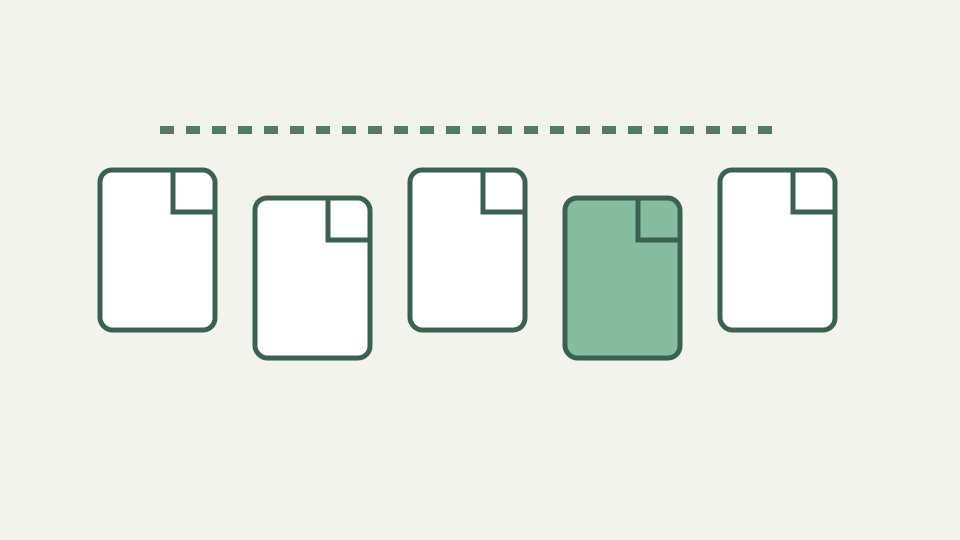
Why the merged file has pages of two sizes — mixing A4 and Letter documents and seeing both shapes in the result
Merging A4 and US Letter sources does not force every sheet into one rectangle. ToolAcre copies each page with its existing dimensions and rotation, so the output can visibly alternate sizes. That behavior preserves the source geometry instead of stretching content to a common sheet.
Mixed dimensions affect printing, thumbnail layout, watermark position, and raster output. Review the combined file at page boundaries and choose printer scaling deliberately. The merger is not a normalization tool, and a file being one PDF does not imply every page has identical width or height.
The toolkit uses PDF points but does not provide a general unit-history lesson
The image-to-PDF operation exposes the unit that application code actually uses: margins are measured in points. A fitted image page can match the embedded image dimensions plus twice the margin, while preset sheets use configured point widths and heights. The source does not establish a wider history of the unit.
Pixels enter a different path. PDF-to-image asks pdf.js for a viewport at a selected scale and allocates a canvas from those pixel dimensions. A page can therefore have stable PDF geometry while producing larger or smaller rasters depending on scale and memory guards. Points and output pixels are not interchangeable settings.
MediaBox and CropBox distinctions are not exposed by this interface
The workbook distinguishes MediaBox and CropBox, but this interface does not display, edit, or let users choose between those boxes. Application operations ask library page objects for width and height and copy pages as provided. A detailed box-precedence explanation would need direct specification evidence beyond these sources.
The practical instruction is to inspect the visible result. If a source viewer crops marks or shows unexpected whitespace, the merger carries the page rather than repairing its boxes. Watermark placement uses the dimensions surfaced by the library, and PDF-to-image renders the viewport supplied by pdf.js.
The tool reads and adds page rotation without asserting inherited-node behavior
Rotation is stored as a page angle that the operation reads through pdf-lib. ToolAcre adds the requested quarter turn and normalizes the result to 0, 90, 180, or 270. It does not expose whether an input value originated directly on the page or through inherited internal structure.
That omission does not weaken the usage rule: rotation is relative. Applying 90 degrees to a page currently reported at 270 produces 0. The tool leaves stored dimensions unchanged and does not transform content streams. A second pass adds again, so review the current output before choosing another turn.
Portrait and landscape — why orientation is a consequence of box dimensions and rotation together, not a separate flag
Portrait and landscape are outcomes of page dimensions, content, and applied rotation rather than a separate control in this interface. A wide page at zero degrees and a tall page rotated ninety can both appear landscape. The toolkit does not relabel orientation; it copies dimensions or updates rotation according to the selected operation.
This explains why mixed scans need page-specific handling. Choose physical positions based on visible content, not a guessed orientation flag. For image-to-PDF presets, portrait and landscape are explicit sheet dimensions, while Match each image creates a page based on each picture’s own width and height.
Consequences for page-level tools — merging keeps each page's own boxes, and a watermark must be placed relative to each page's box
Merge preserves each page’s own dimensions and rotation. Watermarking calculates positions against each page width and height, scales image marks as a fraction of page width, and draws text at selected anchors. A fixed text size can therefore feel different on a small sheet and a large drawing.
Angled marks rotate around their anchor and are positioned from unrotated mark measurements, so a diagonal stamp may not occupy the intuitive center. Test mixed page sizes and existing rotations. PDF-to-image likewise yields mixed pixel dimensions when source pages differ, even under one selected scale.
Prepress boxes and uniform page scaling are outside this toolkit
BleedBox, TrimBox, ArtBox, prepress imposition, and uniform page scaling are not implemented options here. The toolkit also does not crop pages to a selected box or resize copied pages during merge. Those workflows require software whose geometry controls and output guarantees are explicitly documented.
Avoid describing a successful merge as print normalization. For professional production, inspect boxes and scaling with prepress tools after page work. ToolAcre is suitable for copying, ordering, quarter-turning, marking, and converting under its stated behavior, not for certifying a press-ready page definition.
Per-page dimensions and additive rotation predict the shipped operations
The most useful geometry model is source-grounded: every page carries dimensions and a current rotation; merge copies them, rotate adds to the angle, watermark reads dimensions for placement, and raster conversion turns the rendered viewport into pixels. Those facts predict what users will see.
They also identify what will not happen automatically. Pages are not made uniform, boxes are not exposed for editing, and content is not redrawn during rotation. Check mixed-size output in the final viewer, preserve originals, and use specialized geometry tools when the job extends beyond these page-level operations. For printing, review scaling settings separately because a printer can impose its own fit behavior after the PDF toolkit has faithfully retained mixed source dimensions. A print preview can reveal clipping or unexpected centering that is caused by the destination setup rather than by the local page copy itself. One extra check of the largest and smallest sheets often exposes scaling assumptions before an entire mixed packet is printed.