Text & everyday tools · QR & Barcode Toolkit
How a QR code is built: from text to black-and-white modules
· How it works
qr-code encoding browser-processing
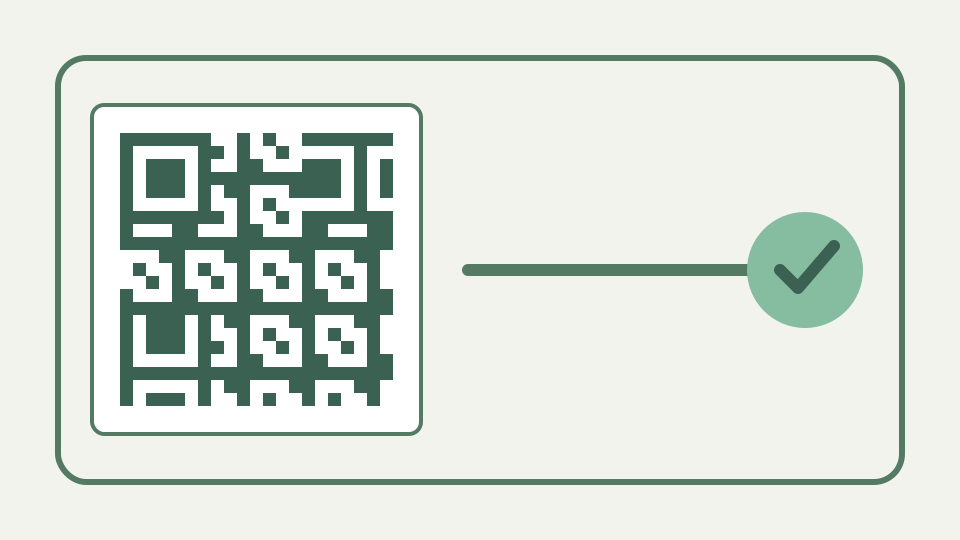
Follows one short URL through every stage of QR encoding — mode selection, error correction, placement, masking — so the black-and-white grid stops looking like noise.
The grid that looks random but isn't — why the same URL always produces the same code, and what each region of the square is for
The grid is structured data, not decorative noise. ToolAcre receives the same text, uses the same error-correction choice, and returns the same boolean module matrix, including the three finder regions that its tests inspect at the corners.
That repeatability is useful during review. If two exports from identical text and settings differ, investigate the input, correction selector or rendering path rather than accepting visual variation as harmless. The tests avoid comparing a fragile golden picture; they assert a square boolean array, valid dimensions and the three finder patterns. Those checks separate the encoded structure from later choices such as colour, quiet-zone width and output scale.
Step 1: ToolAcre deliberately uses UTF-8 byte mode rather than choosing among four modes
The workbook heading suggests an encoder that chooses numeric, alphanumeric, byte or kanji mode. This implementation does not: it deliberately pre-encodes every payload with TextEncoder and passes those UTF-8 bytes through the QR library in byte mode.
This fixed path prevents a silent dependency bug. The imported QR library would otherwise treat JavaScript characters as Latin-1 bytes, so café could contain one E9 byte instead of the UTF-8 pair C3 A9, while a Japanese character could collapse to unrelated data. ToolAcre converts in chunks before calling the library, avoiding argument-count limits on larger payloads and avoiding a global monkey patch that could affect another caller.
Step 2: picking a version and error correction level — how text length and the chosen level fix the grid size from 21×21 upward
The library automatically chooses the smallest QR version that fits the bytes at the selected correction level. ToolAcre verifies that valid matrices grow in the standard four-module steps, from 21 modules per side up to the implemented ceiling of 177.
The selected level changes both available byte capacity and the version needed for a payload. The panel measures the prepared payload with TextEncoder, compares it with the configured ceiling for that level and displays both figures beside the preview. If the library cannot fit the value, the user gets an instruction to shorten it or lower correction instead of an empty preview or a matrix silently missing trailing bytes.
Step 3: the QR library adds error-correction data internally; ToolAcre exposes the chosen level
ToolAcre exposes L, M, Q and H as choices, but the Reed–Solomon block construction lives inside the qrcode-generator dependency. The defensible claim is that selecting a stronger level can produce a larger matrix for identical content, as the tests demonstrate.
Structural tests make this boundary observable without claiming ownership of the mathematics inside the dependency. A generated matrix must have equally long rows and columns, dimensions following the 21, 25, 29 progression, and dark-border, light-ring, dark-centre finder shapes. A renderer bug can then be diagnosed separately: if the boolean matrix passes but an export fails, the fault is after encoding rather than in the payload or correction data.
Step 4: function patterns — finder, separator, timing and alignment patterns, and the format information strip
Finder patterns, timing structures and other reserved regions are already present when the library returns its matrix. ToolAcre converts that result to row-major booleans and tests the three 7-by-7 corner finders instead of reimplementing those structures itself.
The application still controls how that verified matrix reaches a file. SVG output merges adjacent dark modules in each row into path runs, reducing markup while keeping neighbouring edges exact. Canvas output paints one whole-pixel rectangle for every dark cell. Both paths add the chosen quiet zone around rather than inside the matrix, so changing margin or colour cannot alter the encoded payload.
Step 5: matrix masking is handled inside the QR library rather than selected by ToolAcre code
Mask selection also belongs to the dependency, so this article does not pretend ToolAcre contains a visible eight-candidate scoring loop. What the application owns is the stable matrix interface and the rendering path that consumes its light and dark modules.
That boundary matters when debugging a code whose appearance surprises you. ToolAcre cannot expose which of the dependency’s candidate masks won or reproduce a penalty score in the interface; it can reproduce the final module array for the same inputs. Comparing arrays is therefore meaningful, while explaining a particular patch of alternating cells as a hand-selected mask would go beyond what this code records.
Worked example: compare the observable UTF-8 payload, matrix size and rendered modules
Try a short menu URL, note the returned module count, and then append a long query string. The observable lesson is that more UTF-8 bytes can require a denser matrix; the repository does not expose intermediate bit strings or codewords for a hand calculation.
For a useful comparison, hold level M and the colours constant, then generate `https://example.com/menu` and the same address with a long query value. Record the byte counter and matrix dimensions shown by the panel. The second input may cross a version boundary even though both are “one URL.” The difference comes from encoded bytes, not the number of words or the apparent length of the destination page.
The takeaway: encoding is local, while page-level network activity must be assessed separately
The payload-to-matrix operation is performed by browser JavaScript, and SVG or PNG rendering uses that in-memory matrix. That is narrower than claiming the whole page is network-silent: deployment may load unrelated page resources, so inspect requests before using secrets.
The narrow privacy claim can also be tested without trusting marketing copy. Clear developer tools, enter a distinctive harmless string and generate the code, then search new request URLs and bodies for that string. The encoding functions contain no fetch call, but the test should still be performed on the deployed page because styles, analytics or extensions are separate from the payload-to-matrix implementation reviewed here.