Video & subtitles · Subtitle Toolkit
Why é becomes é in subtitles: text encodings and how browsers decode them
· How it works
subtitles character-encoding browser-processing
Mojibake in subtitles is almost always an encoding mismatch. This post explains how bytes become characters, why UTF-8 and legacy Windows code pages disagree and how a browser-based tool decodes a file without sending it anywhere.
The accents are garbage but the timing is perfect — how encoding problems present themselves
The tell is that everything except the characters is fine. Timings are exact, cue order is right, the file loads, and only the accented letters are wrong. That combination rules out a structural fault, because a parser that could not read the file would not have produced correct timings. What went wrong happened before parsing, when a sequence of bytes was turned into a sequence of characters.
This also explains why the fault often appears halfway through a workflow rather than at the source. The file that looked correct in one editor can look wrong in the next, with nothing in between having modified it. Nothing did modify it; the second program made a different assumption about what the bytes meant.
Bytes versus characters — why the same bytes can be read as 'é' or 'é' depending on the decoder
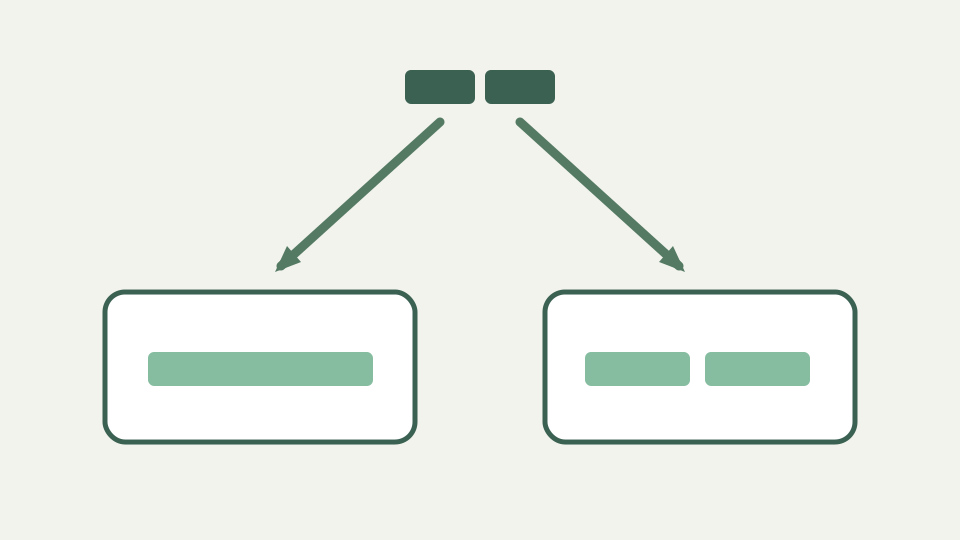
A file on disk is bytes. Characters only exist once something applies an encoding, which is a table mapping byte sequences to characters. UTF-8 represents an accented Latin letter such as e-acute as two bytes. Windows-1252 represents the same letter as a single byte, and gives the two UTF-8 bytes entirely different meanings: the first is a capital A with tilde and the second is a copyright sign.
So the familiar garbled pair is not corruption. It is a faithful, lossless reading of the correct bytes under the wrong table. Every byte survived; only the interpretation changed. That is why the damage is usually reversible, and why it is worth identifying which direction the mismatch went rather than hand-editing the visible characters.
UTF-8, Windows-1252 and friends — the encodings subtitle files actually turn up in
Subtitle files turn up in a small number of encodings. UTF-8 is the modern default and the only one WebVTT permits. Windows-1252 is common in files produced by older Western European tooling, and its close relative ISO-8859-1 covers much of the same ground. Files from Central European, Cyrillic or Greek sources appear in the corresponding Windows code pages, and East Asian material adds several more.
None of these encodings record their own identity inside the file. An SRT file contains no declaration of the encoding used to write it, which is the root of the whole problem: the reader has to decide, and there is nothing authoritative to read.
The byte-order mark — a helpful hint for some players and a visible glitch in others
A byte order mark is the one partial exception. It is a specific character at the very start of a file that, when present, signals the encoding. It helps some players and shows up in others as a stray character before the first subtitle index, which is why files carrying one can fail in exactly one program and work everywhere else.
The parser strips it before doing anything else, because a mark left in place attaches itself to the first index number and costs the first cue. Format detection is written to tolerate it as well, so a WebVTT file that begins with a mark before its header is still recognised as WebVTT rather than being treated as SRT.
How a browser decodes a file locally — the TextDecoder API, and why detection is a guess when no encoding is declared
When the tool loads a file it calls the File API text method, and that method is specified to decode as UTF-8. There is no encoding parameter and no negotiation. A file that really is UTF-8 is read correctly; a Windows-1252 file containing a single-byte accented letter presents a byte that cannot begin a valid UTF-8 sequence, and the decoder substitutes a replacement character rather than guessing.
This is worth knowing because it changes the symptom. Reading a UTF-8 file with a legacy table produces the familiar two-character garble. Reading a legacy file as UTF-8 produces replacement characters instead, the black diamonds or empty boxes. Decoding as something other than UTF-8 requires naming the encoding explicitly through the browser decoder API, and naming it is the hard part: with no declaration in the file, any automatic choice is inference from byte patterns, which is a guess that is usually right and occasionally confidently wrong.
Worked example: rescuing a Windows-1252 file — identifying the source encoding and re-saving it as UTF-8 before conversion
To rescue a legacy file, do the conversion before the subtitle work rather than after. Open it in an editor that lets you state the encoding on both sides, tell it to reopen the file as Windows-1252, and confirm the accented characters appear correctly. If they do, the guess was right. Then save the file explicitly as UTF-8.
Verify on a line you can predict rather than on the file as a whole. Pick a cue containing an accent you know should be there and check it in the converted output. Doing this first means the subtitle tool receives a file whose bytes already match the encoding it is going to assume, and the conversion step has nothing left to get wrong.
What this does not cover — files damaged by two rounds of wrong conversion, where the original bytes are already lost
A file that has been through two wrong conversions is a different problem. If a file was misread and then saved in that misread state, the incorrect characters were written out as real characters, and the original bytes no longer exist anywhere in it. At that point there is nothing to reinterpret, because the file now genuinely contains the garbled text.
Those cases are sometimes recoverable by reversing the exact sequence of mistaken encodings, but only when every step is known and no step lost information. A byte that became a replacement character is gone permanently: the replacement is a single character standing in for a byte the decoder could not use, and it does not record what the byte was. The reliable fix is to return to the original file.
Takeaway: standardise on UTF-8 before you convert — how the Subtitle Toolkit works on your file in the browser and why WebVTT output is UTF-8 by definition
Standardise on UTF-8 before converting anything. The file itself carries no statement of its encoding, so every program that opens it is making an assumption, and the way to stop the assumptions disagreeing is to make them all correct. WebVTT removes the ambiguity by definition, since the format requires UTF-8, which is one practical reason to convert SRT to WebVTT for web delivery.
The conversion runs on the file in the browser tab. Check the result on a line whose accents you can predict rather than scanning for anything that looks wrong, because a file with a handful of accented words in nine hundred cues is easy to sign off on without having examined the part that would fail.