Documents · Freelance Invoice Tool
Quotation or Invoice: How the Document Type Changes What You Export
· How it works
invoice pdf contracts
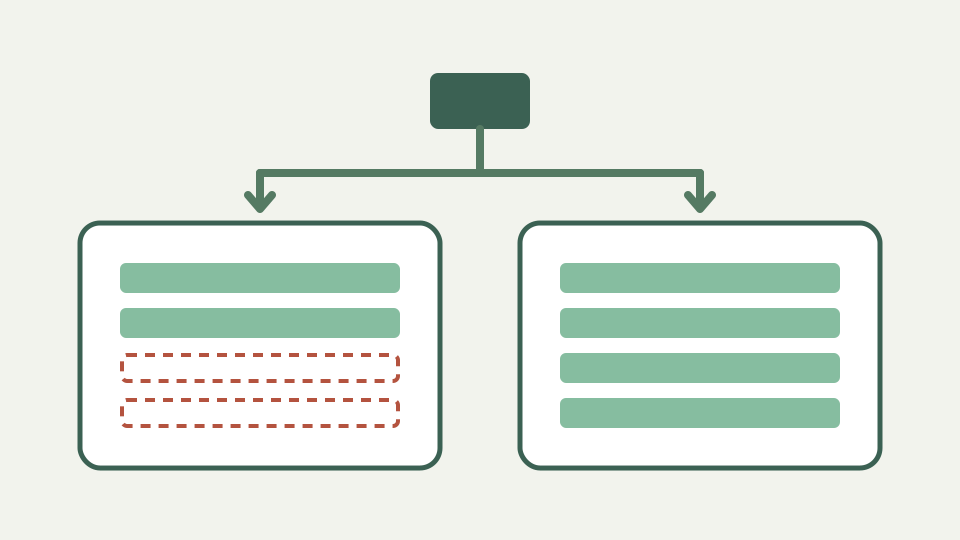
A quotation is an offer; an invoice is a demand for payment. The same client, items and prices produce two different documents, and this post shows what should change between them and how the tool exports each.
The 'invoice' that was really a quote — how mislabelled documents confuse clients' bookkeeping and delay approval
Calling a pre-work offer an invoice can send it into a payment process before anyone has approved the work. The reverse mistake is just as awkward: a quotation sent after delivery does not clearly ask the client to pay. The document label is part of the message, not decorative wording.
What a quotation should carry — a clear title, a validity period, assumptions and a statement that it is not a request for payment
A quotation should make the proposed work, prices and assumptions easy to evaluate before commitment. The tool can title the export QUOTATION, but it has no dedicated validity-period or acceptance fields, so put those conditions in the notes and keep acceptance in your own records.
What an invoice must carry instead — a unique number, an issue date, payment terms and the details needed to pay you
An invoice changes the purpose from proposal to payment request. The exported layout carries an invoice title, document number, issue and due dates, seller and customer blocks, line items, totals, payment instructions and a payment reference. Those fields still need accurate information from you.
Reusing the same details — how the same client, items and pricing can serve both documents while the document type decides the title and framing
The model uses the same party details, line descriptions, quantities, prices, discounts and currency for either type. Changing document type changes the title and date treatment in the PDF; it does not create a separate client record or copy a quote into a tracked invoice workflow.
Worked example — quoting a website redesign, then producing the matching invoice after acceptance
For a website redesign, draft the scope as line items, choose quotation and place assumptions in the notes. After approval, retain the agreed descriptions and prices in your own record, choose invoice, assign the number and due date, and check the payment instructions before exporting.
What this does not cover — tracking acceptance, deposits or partial billing, which live in your own records
The tool does not record acceptance, deposits, partial billing, revisions or the relationship between two exports. It builds one document at a time, with no customer database or history. If the engagement needs milestones, maintain that schedule outside the generated PDF.
Takeaway — choose the document type deliberately, and let the Freelance Invoice Tool export a correctly framed PDF for each
Choose the type before sending, then read the finished document as the recipient would. The Freelance Invoice Tool can produce a clean quotation or invoice from the same commercial details, but only your records can show how the offer became an approved, billable engagement.