Documents · Freelance Invoice Tool
How a Browser Builds an Invoice PDF Without Sending Data to a Server
· How it works
invoice pdf browser-processing
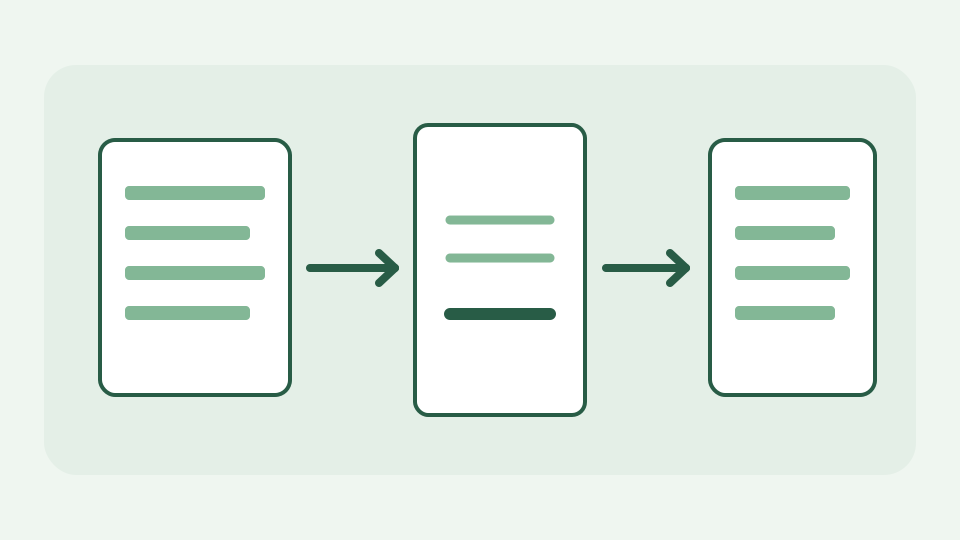
An invoice generator does not need a server: the form, the calculation, the layout and the PDF writing can all happen in the tab. This post follows your typed details from the form to the downloaded file and explains each step.
The form that feels like a submission — why filling fields on a website usually means sending them, and why it does not have to
A form looks like it must submit to a server, but submission is a decision made by the page, not a property of text fields. The ToolAcre invoice editor keeps the draft in browser state and localStorage; reopening the page can restore it. That persistence matters if you enter a client address on a shared computer: clearing the form and browser storage is your responsibility. The document is neither posted to a ToolAcre invoice endpoint nor emailed by the tool.
State in the page — how the fields you type are held by the site's own JavaScript in the tab, not posted to a backend
As a freelance designer types a recipient, invoice number, dates and line items, event handlers update the document model. Money is represented and totalled using the local invoice model, rather than trusting whatever numbers happen to appear in a preview. The preview and PDF receive the same computed totals, so a mismatch would be a bug in a shared calculation, not a separate server copy. Reloading can recover the locally stored draft; a different device cannot fetch it from an account.
Laying out the document — turning names, dates and billed items into positioned text on a page
PDF pages are coordinate systems, not flowing web pages. The local writer sets an A4 page, margins, a masthead, party details, item columns and a totals block. Each label and amount is placed at a measured position, with line wrapping when text would cross a column boundary. A quotation uses a different document label but the same layout pipeline. A long description may require a page break; always preview what was exported rather than assuming browser form spacing maps to PDF spacing.
Writing the PDF — how the page's own code assembles PDF objects and text and produces bytes entirely in memory
The invoice renderer calls its own PDF writer to draw text, rules, shaded bands and an optional logo into document bytes. It does not photograph the HTML form: text and numbers are written as PDF content, so the output can be saved as an ordinary document. The writer receives already-calculated amounts; a formatted currency string is display output, not a second calculation. No network exchange is required for PDF serialization, even though loading the ToolAcre website originally required one.
The download — a Blob and an object URL that hand you a file which never existed anywhere but your device
After writing, the application wraps those bytes in a Blob and uses the browser download mechanism to offer a file. A temporary object URL refers to the Blob in this browser session; it is not a public URL where your client can retrieve the invoice. The application revokes temporary object URLs when they are no longer useful. Keep the PDF or a JSON export somewhere you control if you need a durable record; browser localStorage is not a backup system.
Worked example — building a two-item quotation and watching the Network panel stay empty from first keystroke to saved PDF
Try a quotation for a logo sketch at 200 and a layout pass at 300, with no tax or discount. The locally computed subtotal is 500 in the currency you selected. Type a test client name, inspect the preview, export, and open the PDF to check both rows and the total. In DevTools, distinguish site assets and disclosed AdSense/analytics requests from an upload carrying the draft: the invoice data is not sent to a ToolAcre invoice server. Avoid putting real client details into a demonstration on a shared device.
What this does not cover — sending the invoice to the client, which you still do by your own email or portal
The tool generates and stores a draft on this device; it does not issue, deliver, sign or reconcile an invoice for you. Tax rules vary by jurisdiction, and choosing a rate in a form does not make the result accounting advice. You still need to verify identifiers, amounts and the client address, then attach or upload the PDF through your own approved channel. If you lose browser storage before saving a copy, there is no server account from which to restore the document.
Takeaway — the whole pipeline fits in a tab, and the Freelance Invoice Tool runs it with your data kept on your device
From typing to download the pipeline is local state, local arithmetic, PDF page drawing and a Blob handed to your browser. The useful distinction is between generating a file and sending it: ToolAcre performs the former, while the latter is your choice. Open the Freelance Invoice Tool to reproduce the two-line example and check the actual exported bytes before sharing them.