Developer tools · Text comparison
Line, Word or Character Diff: What Each Granularity Catches and Misses
· How it works
text-diff writing developer-workflow
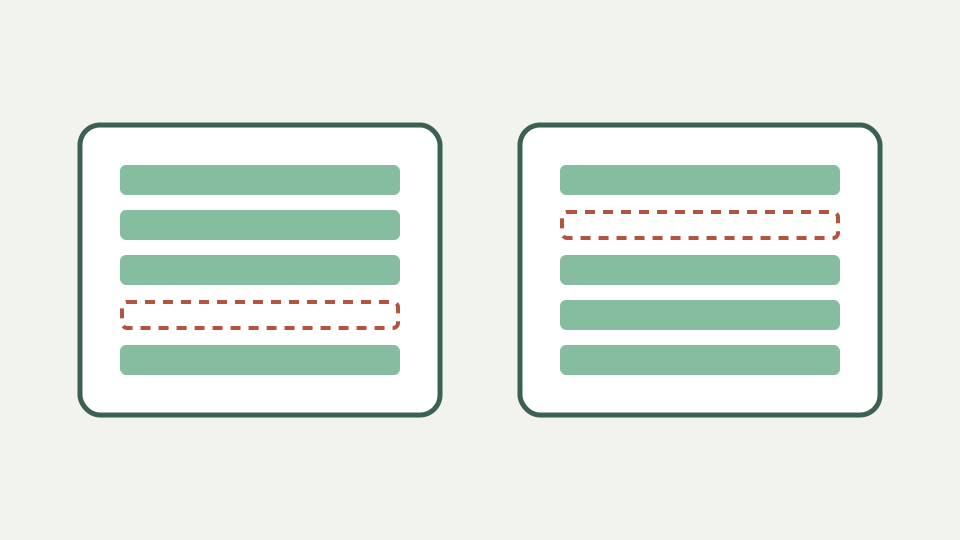
Compares the three common levels of text comparison, explains why line-based diff is the default for files, and shows a preparation trick that gives finer results from a line tool.
One changed word, one giant red paragraph — shows why a prose paragraph stored on a single line reports as fully changed
Changing one word inside a paragraph stored as a single line can replace the entire paragraph in a line diff. The output is accurate at its chosen unit, but it feels oversized to a writer expecting the changed word to be highlighted. Granularity determines what “one change” means.
ToolAcre does not offer a hidden word mode. It splits on newline conventions, compares line keys and renders complete original rows. Preparing input around that fact produces a clearer review than expecting a line algorithm to infer sentence or token boundaries.
Line granularity: fast, predictable, built for source files — explains the unit of comparison and why it suits code and configuration
Line granularity gives stable positions and compact output for source code, lists and configuration. Insert one row and neighboring equal rows can remain aligned. Common prefixes and suffixes are inexpensive to trim, while the differing middle receives the bounded LCS calculation.
Its weakness appears when a logical unit spans a long physical line. Minified code, wrapped JSON and prose paragraphs can turn a tiny edit into broad red and green bands. Reformat only a disposable comparison copy when changing line breaks would be unsafe for the original artifact.
Word granularity: what it adds and where it misleads — covers word-level highlighting and its tendency to produce confetti on heavily edited sentences
A word diff can isolate vocabulary changes, but the repository does not implement one. Defining “word” also requires punctuation, apostrophe and script decisions. Heavy rewriting may scatter tiny highlights across a sentence and make the resulting mosaic harder to read than two complete lines.
Use a verified word-aware editor when that view is essential. Do not describe ToolAcre’s remove-and-add line pair as word highlighting merely because a browser paints both rows. The complete row is the smallest displayed textual unit in this route.
Character granularity: precise but noisy — describes when character-level output helps, such as short strings, and why it is unreadable for paragraphs
Character comparison is useful for short identifiers, numbers or protocol fragments where a single symbol matters. Across paragraphs it can become visually noisy, and combining Unicode characters complicate the assumption that one displayed glyph equals one JavaScript string position.
Again, that mode is outside this implementation. ToolAcre can still help by placing each short value on its own line, but it will report the old value removed and the new one added. A character inspector supplies the internal detail when the two rows look deceptively similar.
Worked example: one sentence per line — reformats a paragraph so each sentence sits on its own line, then compares again to get a readable result from a line-based tool
For prose, make a temporary copy with one sentence per line. A changed sentence becomes one replacement pair, unchanged sentences remain anchors, and a newly added sentence becomes one insertion. Keep the authoritative draft untouched if its wrapping carries publishing meaning.
This technique does not make the algorithm semantic. Sentence boundaries were supplied by the editor, and abbreviations or quotations may complicate automatic splitting. Manual preparation is often safer for a short document because the reviewer can preserve the intended sentence units.
Choosing granularity by content type — offers a short guide: lines for code and config, sentence-per-line for prose, character-level only for short identifiers
Choose lines for source files, configuration, ordered lists and exports already organized by records. Sentence-per-line can adapt essays or product copy. Reserve character tools for small strings where exact internal positions matter and where visual density will remain manageable.
The decision should follow the review question. If you need to know whether a setting row changed, line units fit. If you need authorship, tracked revisions or language meaning, changing granularity alone does not supply that missing context.
What this does not cover — ToolAcre's Text comparison works line by line; this post does not describe word-level highlighting within its output or semantic comparison
ToolAcre’s output does not highlight words, parse abstract syntax trees or judge equivalent formatting. It also does not reflow paragraphs for you. Ignore whitespace only transforms each existing line’s key; it never invents new line boundaries or joins separate rows.
Moved blocks remain remove-plus-add operations at every preparation style because ordered LCS has no move row. Rich-document formatting, comments and tracked-change metadata are absent once content is reduced to plain text. Select another workflow when those properties are the evidence under review.
Takeaway: shape the input to match the tool — summarises the sentence-per-line technique and how the browser-based comparison handles the result without any upload
Shape a comparison copy so each line represents the unit you want reviewed. That small preparation step can turn a full-paragraph replacement into one changed sentence among stable neighbors without pretending the browser performed linguistic analysis.
Keep both the prepared comparison and original source available. The former improves readability; the latter preserves exact layout. ToolAcre provides the line account, case and whitespace options, collapsing and patch-shaped download, while the reviewer remains responsible for interpreting content.