Developer tools · Base64 encoder & decoder
Base64 vs base64url: why a standard decoder rejects - and _
· How it works
base64 encoding developer-workflow
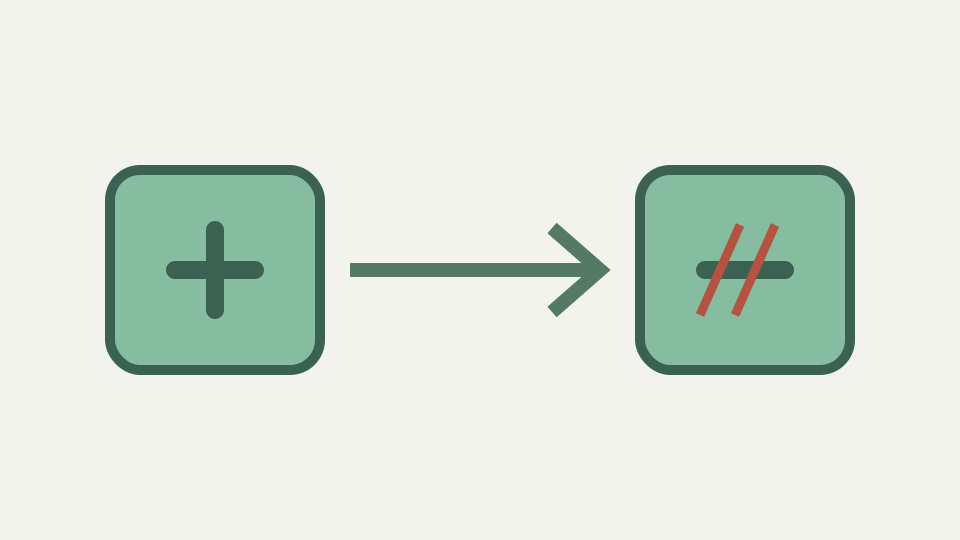
base64url swaps + and / for - and _ so the output can travel in URLs and filenames without escaping. This post explains the two alphabets, how to convert between them and why padding is usually dropped too.
The token that decodes everywhere except your code — an invalid-character error caused by a single - or _
A JWT segment fails to decode in standard Base64 decoder with invalid character error naming dash. But visually, no dash appears. Look again—it does. The base64url version uses - where standard Base64 uses +, and _ where it uses /. Many decoders accept only one alphabet, and token encoded for URL safety will be rejected by code expecting RFC 4648 standard Base64.
The two alphabets are equivalent; converting between them is mechanical character replacement. The problem arises because + and / have meanings in URLs. A plus sign represents space in application/x-www-form-urlencoded form data. Forward slash is path separator in URL. If you embed Base64 directly into URL query parameter without percent-encoding + and /, decoder might misinterpret them.
Why + and / are a problem in URLs and filenames — the reserved meaning of / in paths and of + as a space in form data
A + could be read as space before reaching decoder. A / could split parameter value at wrong place. RFC 4648 section 5 defines base64url alphabet to eliminate ambiguity: use - instead of + and _ instead of /, so output is safe in URLs and filenames. The two alphabets are identical except two characters.
Standard Base64 uses characters at positions 62 and 63: A–Z (0–25), a–z (26–51), 0–9 (52–61), + (62), / (63). base64url uses A–Z (0–25), a–z (26–51), 0–9 (52–61), - (62), _ (63). Everything else—bit regrouping, padding rules, mapping bits to indices—is same. String of indices for standard Base64 will produce string of indices for base64url; only character at positions 62 and 63 will differ.
The base64url alphabet from RFC 4648 section 5 — the two substituted characters and why nothing else changes
If input contains no indices 62 or 63 (no + or / in standard, no - or _ in base64url), both alphabets produce identical output. Converting standard Base64 to base64url is straightforward find-and-replace: swap + for - and / for _. Decoding base64url string in standard Base64 requires reverse: swap - for + and _ for /.
Conversion is symmetric and always valid. If you encounter token that fails decoding with invalid-character error naming - or _, check whether decoder accepts base64url. If not, apply character substitution, and if input otherwise well-formed, decoding should succeed. Consider JWT header {"alg":"HS256","typ":"JWT"} encoded as base64url. Standard UTF-8 bytes go through bit regrouping: three bytes become four indices, looked up in base64url alphabet. ToolAcre exposes padding as an encoder choice rather than tying it to the alphabet toggle. That separation is useful evidence: URL-safe output may be padded or unpadded, while the decoder normalises either form before calling the browser primitive. Alphabet and padding are related conventions, not one switch.
Padding in base64url is optional by convention — why JWTs omit = and how a decoder can restore it from the length
When index is 62, output character is -; when 63, output is _. Identical bytes through standard alphabet would produce + at index 62 and / at index 63. Converting base64url result to standard is character-by-character operation: scan for - and replace with +, scan for _ and replace with /, then decode as usual.
Bytes you recover are identical because indices were identical; only symbols differ. Padding in base64url is optional by convention, even though standard permits it. JWTs are structured as three base64url segments joined by dots; each segment uses padding if required, but many implementations omit it and rely on fact that consuming application knows expected byte length.
Worked example: converting a JWT header segment to standard Base64 — replacing characters, adding padding, decoding to JSON
A decoder can restore missing padding by dividing string length by four, computing remainder, appending 0, 1, or 2 equals signs. If string length is not multiple of four, missing padding is evident. If length is multiple of four, string was either padded then padding stripped, or input already multiple of four bytes (ending with three bytes in final block, needing no padding).
Concatenating base64url segments requires attention to padding. If three segments each end with =, concatenating directly produces strings like AAAA=BBBB=CCCC=, where padding in middle is now stray characters, not terminating markers. This is why JWTs omit padding in each segment: three-segment structure is explicit, so decoding proceeds independently on each part, and padding within middle of concatenated string is unnecessary and would break parsing.
Common mistakes — mixing alphabets in one string, or percent-encoding standard Base64 instead of using base64url
If building multi-segment payload, decide on padding convention at start: either include in each segment and never concatenate directly, or omit and restore from length only when decoding. RFC 4648 standard is authority on both alphabets. Section 4 specifies standard Base64; section 5 specifies base64url. Every conforming decoder should clearly state which alphabet it accepts.
Code accepting base64url but not standard Base64 (or vice versa) is implementing only subset. The base64url alphabet exists for compatibility with URL and filename constraints; it is not improvement or replacement, just variant for specific context. When you author API or token format, choose one alphabet and document which one. A common mistake is percent-encoding standard Base64 instead of using base64url. The implementation also explains the article boundary. It normalises hyphen and underscore before decoding, but it does not verify a token signature or interpret claims. Converting a JWT segment to bytes can reveal JSON; it cannot establish who issued that JSON or whether anyone changed it.
What this does not cover — verifying JWT signatures, base32 and the other RFC 4648 encodings
%2B is percent code for +; %2F is percent code for /. Percent-encoding turns TWFu into TWFu unchanged (no special characters) but TE9S+g== into TE9S%2Bg%3D%3D (too many characters to handle). Correct solution is to use base64url, which produces URL-safe output already. Percent-encoding Base64 is superfluous and wasteful. Use right alphabet for context. The Base64 encoder & decoder accepts both alphabets automatically.
If you paste string containing -, it treats it as base64url; if paste string containing +, it treats it as standard Base64. Tool also accepts URLs and treats them as URL-safe input. A practical check therefore has two independent results: the bytes round-trip, and the chosen representation fits its channel. Passing the first says the transformation is reversible. Passing the second says punctuation and padding will not be rewritten by the URL, filename, cookie or protocol carrying it.
Takeaway: two alphabets, one bit layout — how the Base64 encoder & decoder handles the standard alphabet in the browser, and where its tool page states what it accepts
When decode JWT segment or URL-safe token, you can paste directly without conversion, and tool identifies alphabet from context. Debugging failed decode becomes simple: paste token, see if tool accepts it, and if not, manually swap characters and try again.
The substitution itself is one line of code, but a failed decode can also come from impossible length, misplaced padding, corruption or non-Base64 input. The tool normalizes both alphabets automatically, so acceptance confirms only that bytes can be recovered. A decoded JWT payload is still an unsigned claim until a separate verifier checks its signature and expected algorithm.