Text & everyday tools · QR & Barcode Toolkit
Why you should not type a Wi-Fi password into an online QR generator
· Why it matters
qr-code privacy security
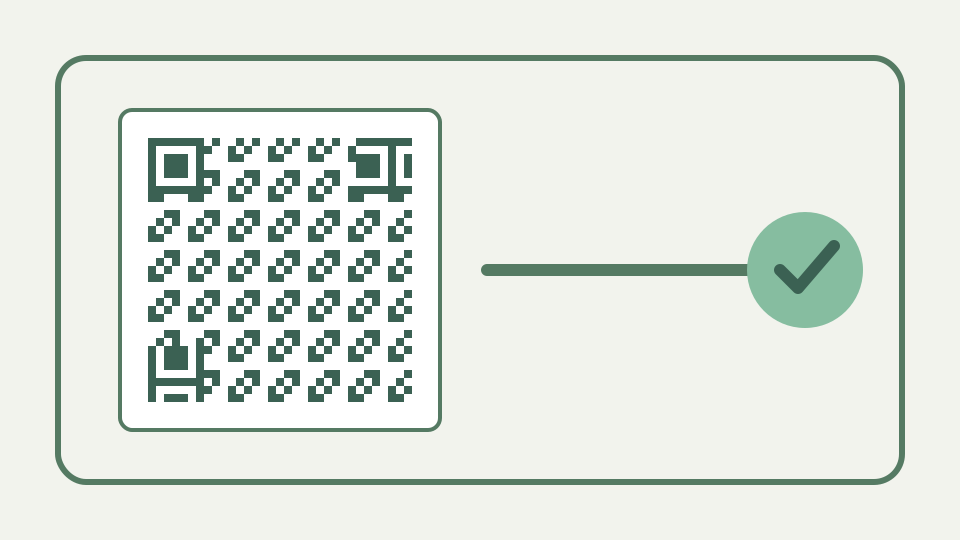
Walks through what a server-rendered generator can see and keep when you submit a WIFI: payload, and why generating the code on your own device removes the question entirely.
A remote architecture can receive the Wi-Fi payload; claims about a specific service require direct evidence
A WIFI payload contains the network name, authentication type, password when required and hidden-network flag. Sending that complete string to a remote generator would disclose those values to its processing path, but this article does not accuse an unexamined service.
The payload preview makes the exposure concrete. A protected network becomes `WIFI:T:WPA;S:...;P:...;;`, with the password present as recoverable text before encoding. Error correction protects those bytes from damage; it does not encrypt them. Anyone who can decode the printed card can read the credential, which is why the builder always warns that photographing the code is equivalent to copying a written password.
Remote retention varies by service, so verify policies instead of assuming logs or caches
Request logs, caches and error reports are common architectural possibilities, not evidence about every site. For a remote tool, inspect its network requests, privacy terms and retention controls; for ToolAcre, inspect the browser-side implementation and your session.
Architecture reviews should distinguish possibilities from observed retention. A payload-bearing request proves a remote processor received the value; it does not reveal its storage duration by itself. Conversely, a privacy promise does not override a captured request. Use runtime inspection plus current policy for remote tools, and keep the test credential harmless so the act of auditing does not create the disclosure being investigated.
The same problem for contact cards and internal links — payloads that reveal names, numbers and unpublished URLs
Contact cards and unpublished links raise the same data-flow question because their raw fields are sufficient to build the code. The sensitivity differs, but the useful test remains whether the payload leaves the page during generation.
The same reasoning applies to a vCard with private numbers or a URL that reveals an unpublished path. ToolAcre’s builders produce structured strings whose contents are visible under the preview, making sensitivity easier to assess. If the payload would be damaging when copied from the exported image, local generation alone is insufficient; revise the data, restrict distribution or avoid putting it in a scannable artifact.
What 'runs on your device' changes — no request, no log, nothing to delete afterwards
ToolAcre builds the WIFI text and QR matrix in browser JavaScript, so its generation functions require no server request. That removes a remote processor from this step, although it cannot erase credentials already shared elsewhere.
The shared UI calls the same `buildWifiPayload`, `generateQrMatrix` and local renderers used by the broader toolkit, rather than maintaining a second Wi-Fi implementation. That reduces a practical risk: escaping and warnings cannot drift between the dedicated route and another panel. It also provides a precise audit target—three browser-side stages—rather than a vague claim that every part of the website is offline.
Verify that generation sends no payload-bearing request rather than trusting a broad privacy slogan
Open the network panel, clear it, enter a distinctive harmless guest credential, generate the code and search captured requests for that value. This produces bounded evidence about payload transmission during the observed generation.
Search for a distinctive test SSID and password in requests generated after the page loads. Confirm the raw preview includes expected escapes and that the exported code decodes to the same fields. Those checks cover transmission and correctness separately. A request-free generator can still produce a bad credential if the wrong security type was selected, while a correct payload could still be disclosed by a remote implementation.
Worked example — creating a guest network card locally, then rotating the password and regenerating the card in a minute
When the guest password changes, update the field and export a new card; static QR content cannot update itself. Destroy or replace old printed cards, because local generation does not revoke a credential that remains readable on paper.
Rotation is operationally simple but physically incomplete. Update the guest password, regenerate and test the new card, then remove every old copy; the old QR remains a perfect representation of the old password. If that credential is still accepted anywhere, photographing an outdated sign still grants access. The generator cannot locate distributed prints or revoke data already encoded into them.
What this does not cover — securing the router itself, or the printed card once it is on the wall
This workflow does not configure router isolation, choose a safe password, secure the guest network or control who photographs the card. Those are network and physical-security tasks beyond QR payload construction.
Router configuration remains the security boundary. Use a guest network when appropriate, isolate it from internal systems, choose current authentication supported by the router and treat WEP warnings seriously. ToolAcre can identify an empty password paired with protected security and can format `nopass`, but it cannot verify the access point, firewall, firmware or whether the SSID belongs to the intended property.
The takeaway — a Wi-Fi card is one of the best uses of a QR code, and the QR & Barcode Toolkit lets you make it without disclosing the password
Use a guest network, construct the WIFI payload locally, test it on representative phones and rotate the credential when needed. Local generation narrows disclosure during creation; sensible router and print handling complete the workflow.
A safe handoff records the network owner, rotation date and where cards are displayed without storing the password in unnecessary systems. Generate locally, test with representative devices and control physical access to the card. That workflow uses ToolAcre’s verified privacy property for creation while acknowledging that the purpose of the finished code is to disclose the credential to anyone allowed to scan it.