Documents · PDF Toolkit
What Happens Under the Hood When You Merge PDFs in a Browser
· How it works
pdf file-formats browser-processing
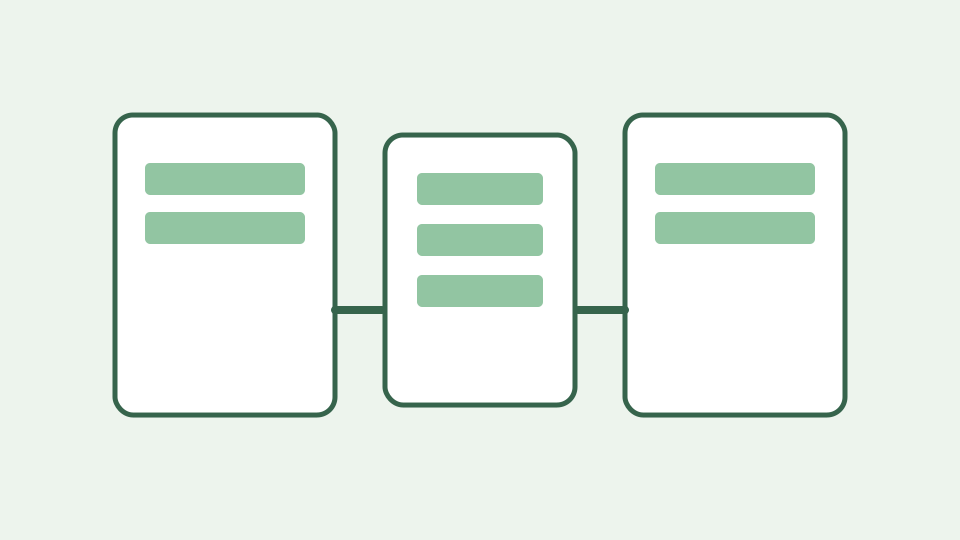
Merging PDFs looks like stapling, but the tool is actually copying page objects, fonts and images from one object graph into another and writing a new cross-reference table. This post walks through that process as it happens inside a browser tab.
The staple that isn't — why two PDFs cannot simply be concatenated as bytes and what a merge tool must rebuild
Two PDFs each have their own header, object numbers, page tree and cross-reference information. Appending the bytes of the second file after the first does not add its pages to the first document’s page tree. A merger must write a new PDF with references pointing to its own objects.
Reading each file into memory — how the browser loads your PDFs as byte arrays through the File API without any upload
The file picker gives the browser File objects, not server URLs. The PDF interface reads each selected file with file.arrayBuffer() and passes Uint8Array bytes to the processing operation. The merge does not upload files. This is distinct from claiming that visiting the website never makes network requests: loading the site itself needs a connection.
Parsing the object graph — headers, numbered objects, the page tree and the cross-reference table the parser has to reconstruct
The PDF library loads each source document and resolves its page indices. Pages refer to objects elsewhere in the file, including fonts, images and graphics state. A cross-reference section or stream helps a reader locate indirect objects; it is not a list of pages to glue together. A damaged or encrypted input can prevent parsing.
Copying pages and their resources — why every font, image and graphics state a page references has to travel with it
The implementation calls PDFDocument.create(), then out.copyPages(source, source.getPageIndices()) for each input in order, and adds each copied page to the output. The library transfers referenced structures needed by each page; it is not making bitmap screenshots. Do not assume every document-level feature moves with the pages.
Writing the merged file — renumbering objects, building a new page tree and cross-reference table, then handing you a download
After adding the pages, the library saves a new PDF byte array. Its writer handles object references and serialization, rather than concatenating the original files. The application offers the result as a download. Because this is a new document, the byte size need not equal the sum of the inputs.
Worked example — merging a three-page cover letter and a twelve-page scanned agreement, and what the result's page order and size tell you
Suppose an office administrator selects a three-page cover letter first and a twelve-page agreement second. The result should have fifteen pages: cover pages 1–3, then agreement pages 4–15. Check the first and last pages and the total before sending the file. A scanned agreement may keep the output large because its pages contain image resources.
What this does not cover — bookmarks, form fields and document metadata, whose handling depends on the tool's own rules and is documented on its page
Page copying does not guarantee preservation of bookmarks, form fields, metadata or signatures. In particular, never assume a cryptographic signature remains valid after a structural rewrite. Keep the originals and verify any legal signing requirements separately; the new file is not a signed original.
Takeaway — merging is a structural rewrite, not a concatenation, and the PDF Toolkit performs that rewrite in the tab with the file never leaving your device
A PDF merge is a structural rewrite. The PDF Toolkit reads selected bytes in the tab, copies pages in selected-file order and writes a new file. To check the local-processing boundary during your session, inspect the browser Network panel while merging; distinguish website asset loads from any upload of your document.