Documents · Freelance Invoice Tool
Why Accounts Payable Rejects Freelance Invoices and How to Avoid It
· Why it matters
invoice validation pdf
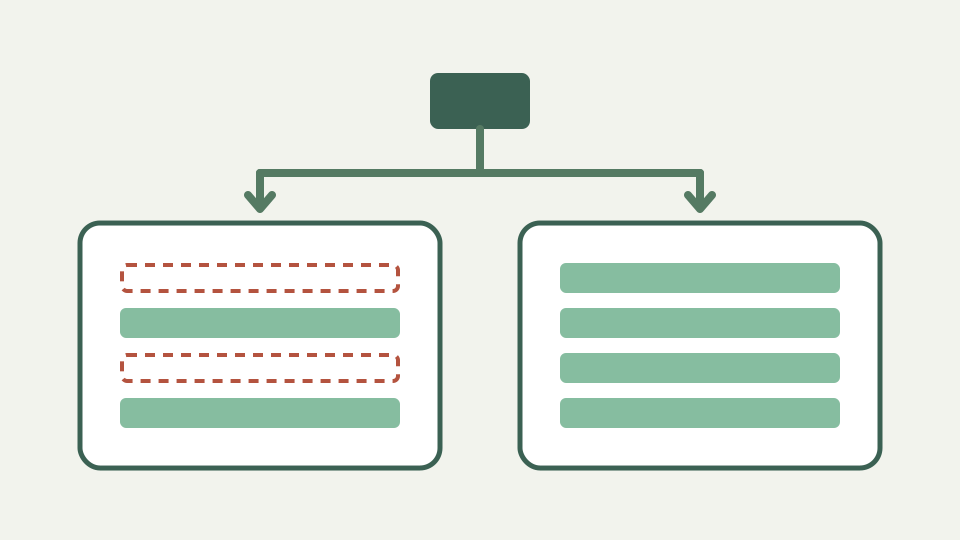
Large clients pay through processes, and processes reject invoices for missing or ambiguous details. This post lists the usual reasons, explains why each blocks payment, and shows how a clean, complete PDF avoids the loop.
Thirty days later, 'we never received a valid invoice' — the rejection that resets your payment clock
A document can look polished and still fail the recipient’s intake rules. The repository does not establish a universal payment-clock policy, so the useful response is preventive: obtain the client’s submission instructions, compare them with the finished PDF and keep evidence of what was sent.
Wrong or incomplete legal names — invoicing the person you dealt with instead of the entity that pays
Use the legal seller and customer identities the engagement requires rather than only the familiar contact name. The model provides party name, attention, address, email, phone, business identifier and tax-registration fields, but it does not verify any value or discover the paying entity for you.
Missing references — purchase order numbers, project codes and contact names the client's system keys on
Purchase-order numbers, project codes and internal contacts are client-specific references, and the tool has no dedicated PO or project-code fields. If the client requires them, place the agreed reference clearly in notes, payment reference or another client-approved location and confirm the receiving system will read it.
Ambiguous dates, currencies and terms — details that are obvious to you and unreadable to a processing team
State issue and due dates, document number, currency code and payment terms without relying on context from an email thread. The generated PDF formats ISO dates into an English day-month-name form and formats money consistently, but an accurate due date and currency selection still come from the author.
Missing tax identifiers and payment details — the fields that turn a document into something a finance team can act on
The party blocks provide business and tax identifiers, while the footer can carry payment instructions and a reference. Whether those fields are required or sufficient is outside the tool. Country presets do not validate identifiers, and a PDF does not satisfy a portal or structured e-invoice mandate.
Worked example — a rejected invoice and its corrected version, field by field
Review a rejected draft field by field against the client’s own checklist: paying entity, contact, order reference, dates, currency, descriptions, totals, tax treatment and payment route. Correct the underlying document data and regenerate the PDF instead of annotating an inconsistent old export.
What this does not cover — client-specific portals and e-invoicing mandates, which add their own requirements
Client portals, file naming, purchase-order matching and e-invoicing channels can impose requirements the layout cannot represent. The app builds one invoice or quotation at a time and does not send it. Delivery acceptance must be checked in the system the client actually uses.
Takeaway — completeness is a checklist, and the Freelance Invoice Tool gives you a clean, consistently labelled PDF to run it against
Completeness is a comparison against an agreed process, not a promise attached to a template. The Freelance Invoice Tool supplies a consistent document with standard party, line, total and payment areas; use notes for supported free-form context and verify every client-specific requirement separately.