Developer tools · Crontab generator
Cron step and range syntax: */15, 1-5, lists and how they combine
· How it works
cron scheduling developer-workflow
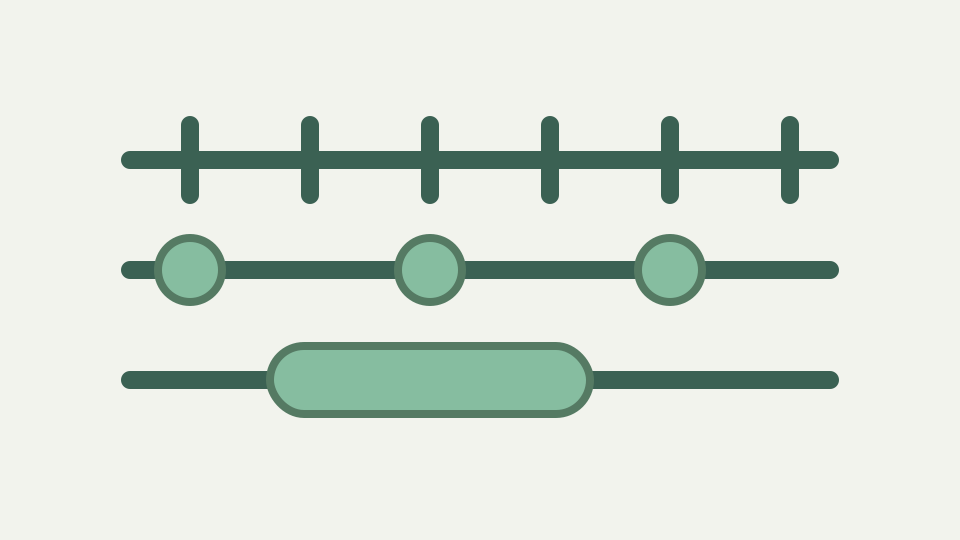
Steps, ranges and lists are the part of cron syntax that people copy without understanding. This post explains each, how they nest, and surprises like */7 not meaning 'every seven days'.
Every 15 minutes, but only 9 to 5 — the naive expression fires at night as well
“Every fifteen minutes during office hours” contains two independent restrictions. The minute field needs quarter-hour marks, while the hour field needs a bounded span. Writing only `*/15 * * * *` solves the first half and still produces runs throughout the night. The expression must encode both constraints before it says anything about weekdays.
ToolAcre parses the five schedule fields, not a command. Start with `*/15 9-17 * * 1-5`, then inspect the sentence and next-run preview. That check catches the common mistake of putting `9-17` in the minute position or leaving the weekday field unrestricted. The generator creates and explains an expression; it does not install or execute a job.
Ranges — 1-5 and 9-17 as inclusive spans within a single field
A hyphen creates an inclusive range inside one field. `9-17` in the hour position expands to nine values: 9 through 17. Likewise, `1-5` in the weekday position expands to Monday through Friday because this parser maps Sunday to 0, Monday to 1 and so on. Both endpoints participate, so 17:00 is inside the selected hour range.
Ranges cannot wrap across a field boundary. The parser rejects a backwards form such as `17-9` and suggests splitting the desired values into two list items. That refusal is useful because wrapping rules differ among scheduling products. Here a range always moves upward between values that already satisfy the field’s numeric or accepted-name limits.
Steps — */15 and 9-17/2, and why the step restarts at the field's lower bound rather than counting continuously
A slash chooses every nth value from a starting point. `*/15` in the minute field starts at its minimum, zero, and expands to 0, 15, 30 and 45. `9-17/2` starts at 9 and yields 9, 11, 13, 15 and 17. The step belongs to one field; it does not count elapsed minutes across hour boundaries.
The parser also accepts a bare start with a step. `5/15` in the minute field means 5, 20, 35 and 50 because the implicit upper endpoint is 59. Steps must be positive whole numbers and cannot exceed the size of the field’s full range. A zero, nonnumeric or oversized step receives a field-specific validation error instead of a guessed interpretation.
Lists can combine values, ranges and stepped ranges in one field
Commas unite several pieces within the same field. A simple `1,15,30` names three minute values. More elaborate input can combine a lone value, an inclusive range and a stepped range: the tested `0,10-20/5,59` expands to 0, 10, 15, 20 and 59. Duplicate results are removed and the expanded values are sorted before later calculations use them.
This grammar is compositional but still narrow. Each comma item may contain one slash, and a range must have exactly two nonempty endpoints. A stray comma, multiple slashes or an unfinished range is rejected with a reason naming the field. That makes a mixed expression reviewable without pretending malformed punctuation has a conventional meaning.
Worked example: */15 9-17 * * 1-5 — enumerating the minutes it produces and the 17:45 edge case
For `*/15 9-17 * * 1-5`, the minute values are 00, 15, 30 and 45; the hours are 09 through 17; and the weekday values are Monday through Friday. On each included weekday the first candidate is 09:00 and the final one is 17:45. There is no 18:00 because 18 is outside the hour range.
The last-run edge illustrates why field expansion beats conversational shorthand. “Nine to five” might mean stop at 17:00 to one reader and include the full five-o’clock hour to another. Cron’s hour field selects an hour bucket, then the minute field selects positions inside it. If 17:45 is unwanted, the desired boundary needs a different expression or command-side logic.
A day-of-month step expands from day 1 each month; it is not an elapsed-week interval
`*/7` in day-of-month expands from that field’s minimum of 1, producing 1, 8, 15, 22 and 29 where those dates exist. When the next month begins, the field again starts at 1. It therefore describes selected calendar dates, not a continuously advancing seven-day interval. February and shorter months simply lack some high dates.
The same syntax has a different starting value in another field. `*/7` minutes begins at 0, whereas `*/7` days of month begins at 1. ToolAcre’s parser derives the sequence from each field specification, and its preview searches calendar dates. For an actual weekly cadence, restrict day-of-week instead of treating day-of-month stepping as elapsed duration.
Unsupported operators are refused rather than interpreted as another cron dialect
This five-field parser does not implement `L`, `W`, `#` or `?`. Those characters are not silently discarded and are not presented as portable crontab syntax. Six fields are also refused, with an explanation that the extra leading position belongs to a seconds-oriented scheduler style rather than the format this route reads.
The boundary is deliberate: minute, hour, day of month, month and day of week are the complete positional grammar here. Before moving an expression from another scheduler, count its fields and identify its operators. The generator can validate its own dialect; it cannot certify Quartz, systemd calendar syntax or a cloud service’s variation.
Takeaway: steps mean 'starting from the bottom of the range' — and the generator explains a step expression in words you can check
Ranges define an inclusive span, commas merge pieces, and slashes sample values from a field-specific start. Reading those operations in that order turns a dense token into a finite set that can be inspected. It also explains edges such as 17:45 without relying on a copied phrase whose author may have meant something else.
Use the generator as a review surface: enter the expression, read the description, inspect warnings and compare the next five wall-clock runs in the intended zone. Then place the verified five fields beside the real command in your own environment. Schedule construction and job execution remain separate responsibilities.