Documents · Freelance Invoice Tool
Where Your Invoice Data Lives When a Tool Runs Only in the Browser
· How it works
invoice privacy browser-processing
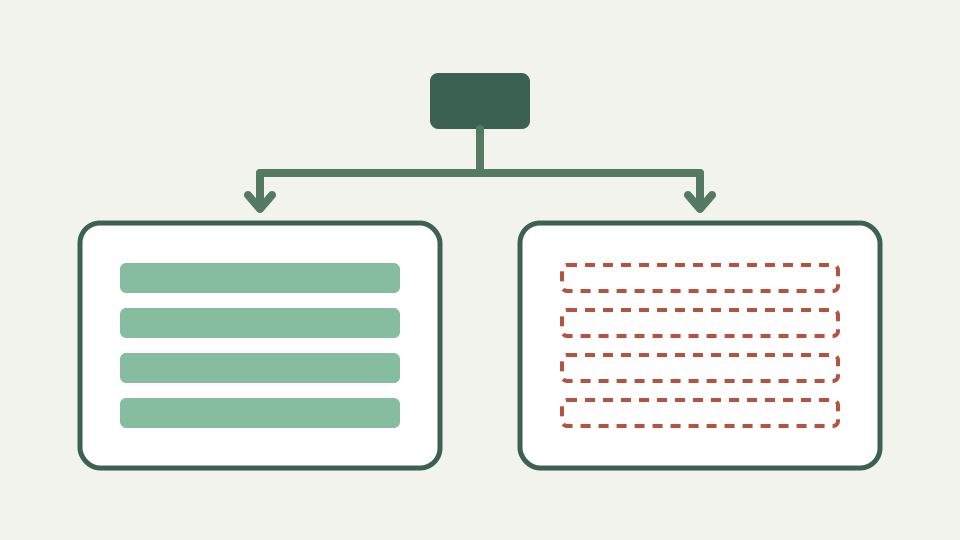
'Data kept on your device' can mean memory that vanishes when the tab closes, or browser storage that persists on the same machine. This post explains the options, how to see for yourself, and how to keep your own archive of exported PDFs.
Closed the tab, lost the invoice? — the two different things 'on your device' can mean and why the distinction matters
“On your device” can describe temporary page state, persistent browser storage or a downloaded file, and those are not interchangeable. Closing a tab destroys ordinary in-memory state, while storage tied to the browser profile can survive. A reliable privacy claim says which mechanism is used.
Page memory — state that lives only while the tab is open and disappears completely when it closes
The live document exists as JavaScript state while the page runs. Calculations and PDF construction operate on that state in the browser. Memory alone would disappear when the tab closed, but the invoice app adds a separate persistence layer so an ordinary reload does not erase the draft.
Browser storage — local storage and similar mechanisms that persist on this device and profile, and how to inspect or clear them
The storage module serialises the draft into localStorage under a versioned key. That store belongs to this site in this browser profile; clearing site data removes it, and another device does not receive it. The app reports a storage failure rather than pretending the draft was saved.
What never happens — no account, no server copy and nothing to delete afterwards, and how the Network panel proves it
For this tool, the manifest says there is no account and no network required after load, while the limitations page says invoice fields are not uploaded or sent to ToolAcre analytics. You can corroborate the implementation with the Network panel, but extensions and deployment-level scripts remain separate things to inspect.
Your archive is the PDF — filing exported invoices with a consistent name and backing them up like any other business record
A downloaded PDF is the portable record you control, but it is not the only possible archive because the app can also save and reload JSON. Store exported records in your own backed-up filing system. LocalStorage is a convenience draft, explicitly not a cloud backup or cross-device history.
Worked example — inspecting the browser's storage panel before and after building an invoice, then checking the Network panel
Open developer tools, create a harmless sample, and watch the application’s localStorage key appear or change. Reload and verify the draft returns, then clear site data and confirm it is gone. Keep the Network panel open during editing and export to distinguish local persistence from outgoing requests.
The exact persistence behaviour this repository verifies
The workbook says exact persistence is not covered, but the repository does document it: the draft is written to localStorage and restored on the same browser, while the logo is excluded from that draft and from JSON exports. There is no server copy, sync service, customer database or remote deletion request.
Takeaway — the Freelance Invoice Tool keeps your data on your device; knowing where lets you manage it deliberately
Treat localStorage as recoverable working state, not records management. The Freelance Invoice Tool keeps the draft in the current browser and builds downloads locally; you remain responsible for naming, storing and backing up the PDF or JSON files that matter to the business.