Images & photos · Image Metadata Privacy Tool
What a Geotagged Marketplace Photo Reveals About Your Home Address
· Why it matters
exif image-privacy privacy
A photo taken at home with location services on carries coordinates precise enough to point at your street, and combined with a listing that says when you are available it publishes more than you meant to. This post walks through what the GPS block contains and why stripping it matters for sellers.
The sofa listing that pointed at a front door — how a routine marketplace photo can carry your coordinates
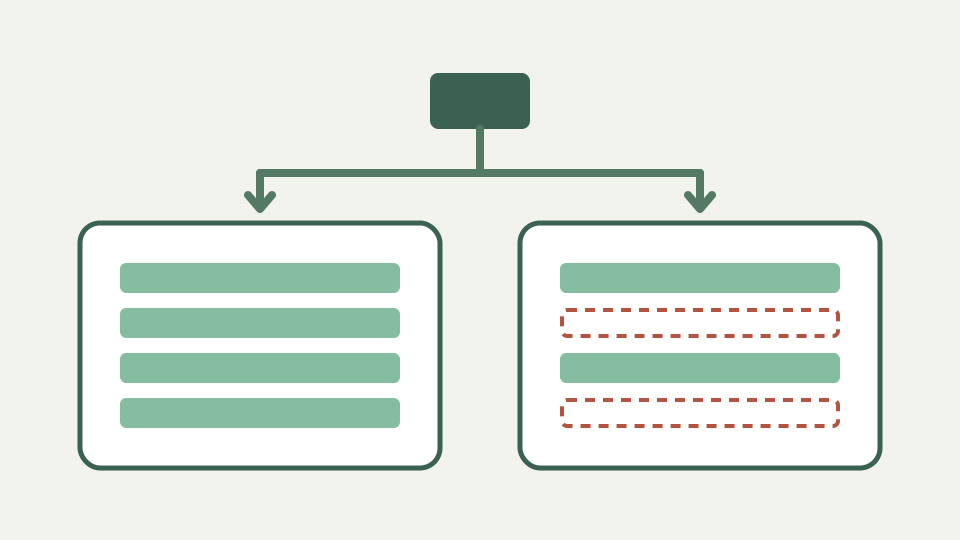
A furniture photo taken at home can carry GPS latitude and longitude even when the doorway or street is outside the frame. If that original file is shared, the coordinates become an additional location channel. ToolAcre prints a readable pair only when both latitude and longitude parse, then offers removal of the complete metadata block rather than pretending to delete one field selectively.
What the GPS block contains — latitude, longitude, altitude, a UTC timestamp and sometimes the direction the camera faced
The GPS sub-directory can include latitude, longitude, altitude, a time stamp, speed, date and the direction the camera faced. Every field in that directory is classified as location data, including unknown tags. Latitude and longitude arrive as degrees, minutes and seconds plus north, south, east or west references and are converted to signed decimal values for display.
What the coordinate values do and do not establish
Six displayed decimal places communicate the stored coordinate clearly, but the repository does not establish the original receiver’s accuracy or whether a coordinate identifies one doorway. Values may be stale, edited or deliberately false. Treat a coordinate as sensitive location information without converting its formatting precision into a claim about real-world measurement accuracy.
Why every marketplace or classified route needs verification
The repository contains no evidence about the current pipelines of named marketplaces, rental sites or classified services. Some destinations may transform files and others may preserve them, but that requires current testing. Removing GPS before upload avoids relying on a destination’s undocumented or changing behaviour and protects any later resend of the same cleaned copy.
Timestamps compound the risk — DateTimeOriginal plus a caption about when you are available tells a stranger when the house is empty
Timestamps compound context because DateTimeOriginal can say when the shutter fired while GPSDateStamp records a date in the location directory. The tool reports these as supplied by the writing program and does not authenticate them. Even approximate time combined with listing text may disclose more routine information than either channel alone.
Worked example: inspecting a listing photo — reading the GPS entries in the report, stripping, and confirming the output has none
Choose the listing photo, inspect Location first and note any coordinate pair or other GPS fields. Select Remove metadata, confirm APP1 Exif or the equivalent PNG/WebP block appears in the removed list, verify the cleaned bytes and download the suffixed copy. The original remains untouched, so select the new file deliberately during upload.
What this does not cover — visible clues in the photo itself (house numbers, street views through windows) need cropping, not metadata removal
Removing hidden location does not crop a house number, reflection, landscape or document visible in the frame, and it cannot retract copies already sent. It also removes camera, timestamp, orientation and exposure data with GPS because the operation drops the whole EXIF block. HEIC and other unsupported phone formats are rejected rather than silently returned.
Takeaway: strip every listing photo before upload — the Image Metadata Privacy Tool shows you the GPS block and removes it without re-compressing the image
Strip every listing photo before upload when the technical metadata is unnecessary, then review the pixels as a separate privacy task. The tool preserves compressed picture data byte for byte, so the change concerns supported metadata blocks rather than visual quality. Keep a private master and publish only the verified derivative.