Developer tools · Unix timestamp converter
One timestamp, two clocks: why UTC and local time differ for one epoch
· How it works
timestamps unix-time time-zones
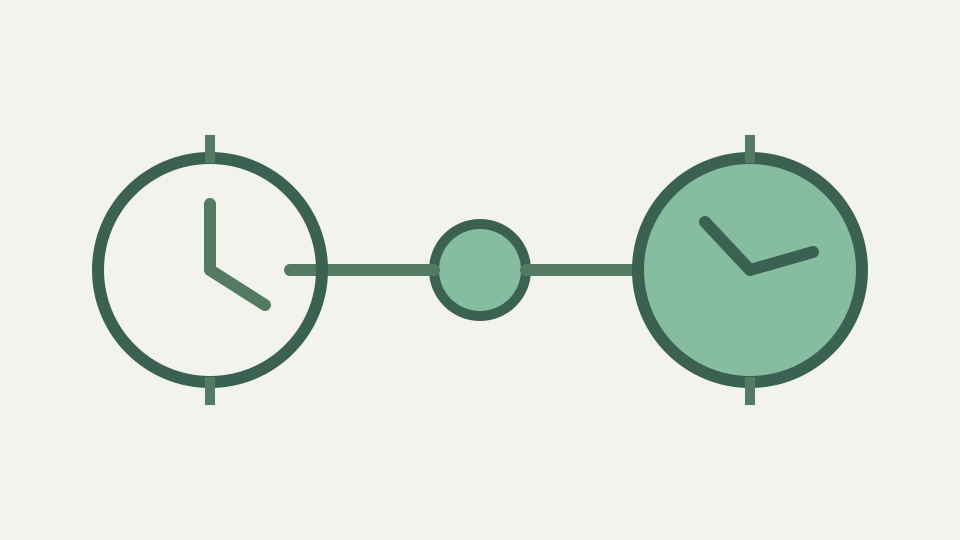
An epoch value names one instant, but the wall-clock time you see depends on where you are. This post explains offset arithmetic, why the date itself can differ, and why a converter shows both readings.
The customer says 9 a.m., the log says 16:00 — the same event, two clocks, and a support ticket that goes nowhere
A support case can stall when one person reports “nine in the morning” while the application log records 16:00. Neither clock label identifies an event until its zone or offset is known. If both references resolve to the same epoch, searching for a seven-hour processing delay wastes the investigation on a display difference.
Start by collecting the raw timestamp and each observer’s zone context. ToolAcre shows UTC and the current browser-local reading from one conversion, so the comparison is immediate for the person holding the log. A colleague elsewhere should compare the shared ISO value, not assume the first person’s local row applies to their machine.
An epoch is an instant, not a wall-clock time — the count of seconds since 1970 that has no zone of its own
An epoch is a distance from 1970-01-01T00:00:00Z in seconds or milliseconds. It contains no city, daylight-saving flag or preferred clock notation. The value 1,700,000,000 therefore identifies one instant; labels such as Tuesday evening or Wednesday morning are projections made after choosing how to read that instant.
This is why storing a corrected “local epoch” is a category error. Adding an offset changes the count and points at another moment. Store or transmit the original instant, then apply a reading rule at the edge where a person needs a calendar. ToolAcre follows that shape by preserving numeric seconds and milliseconds beside formatted outputs.
How an offset is applied — adding or subtracting hours and minutes, half-hour and 45-minute zones, and offsets that change during the year
For a fixed offset, the arithmetic is straightforward: UTC+09:00 shows a clock nine hours ahead of UTC, while UTC−05:00 shows one five hours behind. Fractions of an hour are handled as minutes, so a forty-five-minute offset is not safely represented by rounding to an integer hour. The sign belongs to the displayed local reading.
A fixed offset is still only one observation. ToolAcre asks Intl for the offset applicable to the chosen instant in the browser’s current zone. It does not assume that today’s offset applies throughout the year. Copying one offset into application configuration can therefore appear correct during testing and fail when the environment’s applicable rule changes.
When the date changes too — instants near midnight that fall on different calendar days in UTC and locally
Clock arithmetic can cross a calendar boundary. An instant at 00:20 UTC appears on the previous date under a negative offset and later the same date under a positive one. A ticket that records only “the 14th” can consequently refer to different slices of a UTC log, even when both participants remember their own calendars accurately.
Use full date, time and offset when handing an event between teams. The converter’s ISO row prevents the date from being detached from UTC, while the local row supplies familiar context. If an incident spans midnight, order entries by epoch or UTC rather than sorting human labels that were written in several zones.
Worked example: 1700000000 in UTC, in a UTC+9 zone and in a UTC−5 zone — the arithmetic written out and the dates compared
The existing published unit article establishes that 1,700,000,000 seconds is `2023-11-14T22:13:20.000Z`. Under a fixed +09:00 reading, add nine hours to obtain 2023-11-15 07:13:20; under fixed −05:00, subtract five hours to obtain 2023-11-14 17:13:20. The date changes only in the eastern example.
These two offset readings are arithmetic demonstrations, not claims about named cities on that date. The ToolAcre local row should be allowed to report whatever offset Intl supplies for the actual browser zone. Compare it with the UTC value, and write down the displayed offset rather than forcing either illustrative value onto the result.
Worked example: one epoch in UTC, then two explicit fixed-offset readings
Showing both readings removes mental subtraction from a debugging session. The server team can quote UTC, while the person reproducing a problem can recognise the local clock they saw. Because both rows derive from one Date, matching seconds and milliseconds prove they have not been independently edited or rounded into separate events.
The pair is especially useful in screenshots: include the unit note and ISO row rather than cropping to the familiar local value. A cropped clock can be reinterpreted after travel or a zone-setting change. An epoch plus ISO remains stable, and the local rendering explains the user experience without replacing that stable reference.
What this does not cover — historical offset changes and political time zone decisions, which live in the tz database rather than in arithmetic
Simple addition cannot describe a regional zone whose applicable offset varies. The converter delegates local formatting to Intl, but its repository does not expose the underlying rule table or historical decisions. This article therefore does not list past changes, predict future policy or promise identical output from engines carrying different data.
When an application must schedule “09:00 in this place,” retain the named zone and use a zone-aware scheduling design. When it must record “this request happened now,” retain an instant. Those are different data requirements. A fixed `+02:00` can describe a reading at one instant without identifying the regional rule that produced it.
Fixed-offset arithmetic cannot reproduce changing regional rules
Think of the epoch as the pin through the timeline and clock faces as labels placed around it. UTC supplies a common label; local formatting supplies a convenient one. ToolAcre presents both without modifying the pin, which is why a difference of hours is expected rather than evidence of lost time.
For a disputed event, paste the raw count, state the unit explicitly, and share the ISO output. Then attach local readings only as annotations. That order turns “my clock versus yours” into a checkable mapping and keeps date-boundary changes from masquerading as events on different days.