Video & subtitles · Subtitle Toolkit
What 'cleaning' a subtitle file means: tags, codes and stray formatting
· How it works
subtitles text-processing file-formats
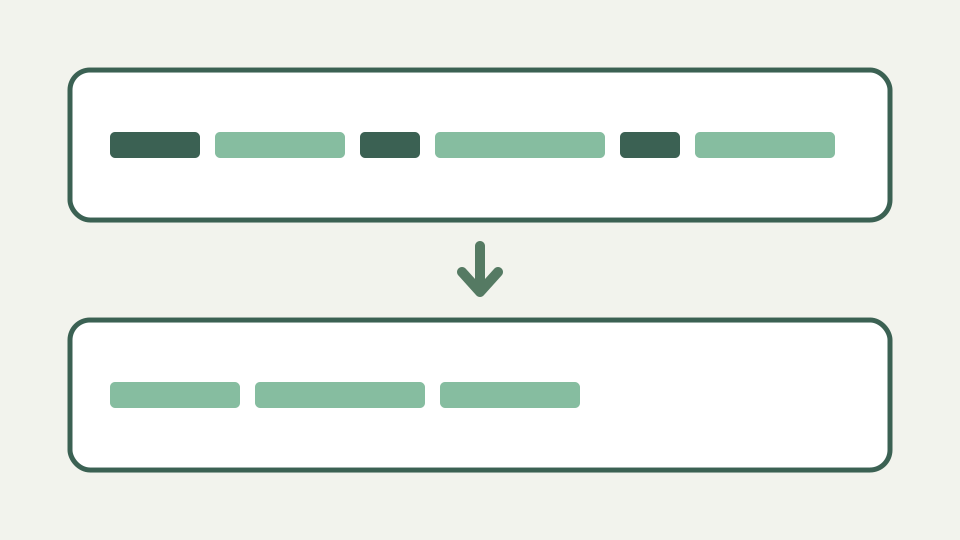
Subtitle files collect junk: HTML-like tags, styling codes from other formats, stray BOMs and mixed line endings. This post explains what each kind of clutter is, where it comes from and how a clean step removes it without touching the words.
The captions display '{\an8}' and '<i>' on screen — the visible symptoms of an unclean subtitle file
When a caption displays the characters of a tag instead of obeying it, the player is telling you it does not implement that markup. SRT has no formatting specification, so support is conventional: many players honour a small set of HTML-like tags, and anything outside that set is drawn as literal text. A file that renders correctly in one player and shows braces in another has not changed; only the set of tags being honoured has.
This is why cleaning is a real operation rather than cosmetic tidying. The clutter is not decoration that happens to be ugly. It is instructions written for one format that a different player reads as dialogue, and the fix is to remove the instructions while leaving every word intact.
Where the clutter comes from — exports from styling-heavy formats, OCR output and editors that add their own markup
Most clutter arrives through conversion. A file authored in a styling-heavy format such as ASS or SSA carries positioning and appearance directives inline, and a converter that maps the timings faithfully will often pass those directives through as text. Captioning editors add their own markup for speaker identification and emphasis, and optical character recognition of burned-in subtitles introduces stray punctuation and doubled spaces that no author typed.
None of these sources are malformed in their own world. The ASS override block is meaningful in ASS. The problem is that SRT has no equivalent, so a lossless-looking conversion produces a file where the instruction survives as characters rather than as behaviour.
Formatting tags — italics, bold and font tags, which players honour them and which show them literally
Angle-bracket tags are handled first, with a regular expression that removes everything between a less-than and the next greater-than. That covers italic and bold tags, WebVTT class tags such as a cue class annotation, and voice tags that name a speaker. The important property is that this is a text substitution, not an HTML parser, and it does not try to match opening tags to closing ones.
That simplicity has a cost worth knowing. A line of dialogue that genuinely contains a less-than and a greater-than, such as a spoken inequality, will have the text between them removed along with the brackets. It is rare in dialogue and common in technical captions, so it is worth scanning the output of a cleaning pass on material that discusses code or mathematics.
Positioning and style codes — what codes like {\an8} mean in ASS/SSA and why they are noise in SRT
Brace codes are removed by a second substitution covering everything between an opening and closing brace. In SubStation formats these are override blocks, and the most frequently seen is the one that moves a line to the top of the frame so it does not collide with burned-in text. Others set font, colour, rotation or karaoke timing.
In an SRT file none of them mean anything, which is why they are removed rather than translated. A position directive has no SRT equivalent to translate into: the format simply does not carry placement. Removing the code loses the author intent that the line should sit at the top of frame, and that loss is real, but it is preferable to printing the code to the viewer.
Invisible clutter — byte-order marks, mixed CRLF and LF line endings and trailing spaces
The invisible clutter is handled earlier, during parsing, and it is worth separating because it is not part of the text at all. A byte order mark at the start of the file is stripped before anything else, because otherwise it attaches to the first index number and costs the first cue. Carriage returns are normalised, both the Windows pair and a lone carriage return, so a file edited on two platforms splits into blocks correctly.
Whitespace inside a cue is handled with the tags. Runs of two or more spaces or tabs collapse to a single space, every line is trimmed individually, and the cue as a whole is trimmed after the lines are rejoined. Character entities are deliberately left alone: an ampersand entity is content a viewer should see, not markup, and a cleaner that decoded it would be editing the dialogue rather than removing instructions.
Worked example: cleaning a 200-cue export — what changes, what stays and how to check the result
Cleaning a large export changes less than it appears to. Take a two-hundred cue file where a converter has prefixed the top-of-frame code to sixty cues and wrapped emphasis tags around a further forty. The two substitutions remove the code and the tags, the whitespace pass collapses the doubled spaces the removals leave behind, and two hundred cues become two hundred cues with the same words and the same timings.
Two further steps matter. A cue whose entire content was a stray code becomes empty once the code is gone, and empty cues are removed in a separate pass rather than emitted as blank blocks, because a cue with a timestamp and no text is a gap that some players render as a flash. Writing the file back renumbers the cues from one and keeps them contiguous, so the removals do not leave holes in the sequence. Check the result by comparing cue counts and spot-checking any line that originally contained an entity.
What this does not cover — rewriting the text itself, spelling or translation; the words are yours
Cleaning removes markup and does not touch language. It does not correct spelling, expand abbreviations, fix transcription errors, or translate. If a caption says the wrong word, it will say the wrong word afterwards, correctly formatted. That boundary is deliberate: a tool that silently rewrote dialogue would be impossible to trust on material it does not understand.
It also does not repair structure. A file whose blocks lack timestamps has a parsing problem, not a formatting one, and removing tags from it will not produce cues. Encoding faults are similarly out of scope. A file decoded with the wrong character set yields perfectly well-formed cues whose text is wrong, and no amount of tag removal detects that, because nothing about the structure is broken.
Takeaway: remove markup, keep meaning — how the Subtitle Toolkit's clean step handles common clutter and documents what it leaves alone
The rule is remove markup, keep meaning. Angle-bracket tags and brace codes go because they are instructions a player either ignores or prints. Doubled spaces and per-line padding go because they are artefacts of the removal or of the original export. Entities, punctuation and every word stay, because those are what the viewer is meant to read.
Run a tag-heavy export through the Subtitle Toolkit converter and compare it against the original rather than trusting the output at a glance. Confirm the cue count is unchanged except where cues were genuinely empty, check that any line containing an entity still contains it, and scan lines that discuss code or mathematics for text lost to a stray angle bracket.