Documents · Freelance Invoice Tool
Invoicing Software vs a Browser Invoice Tool: What Freelancers Need
· Why it matters
invoice browser-processing privacy
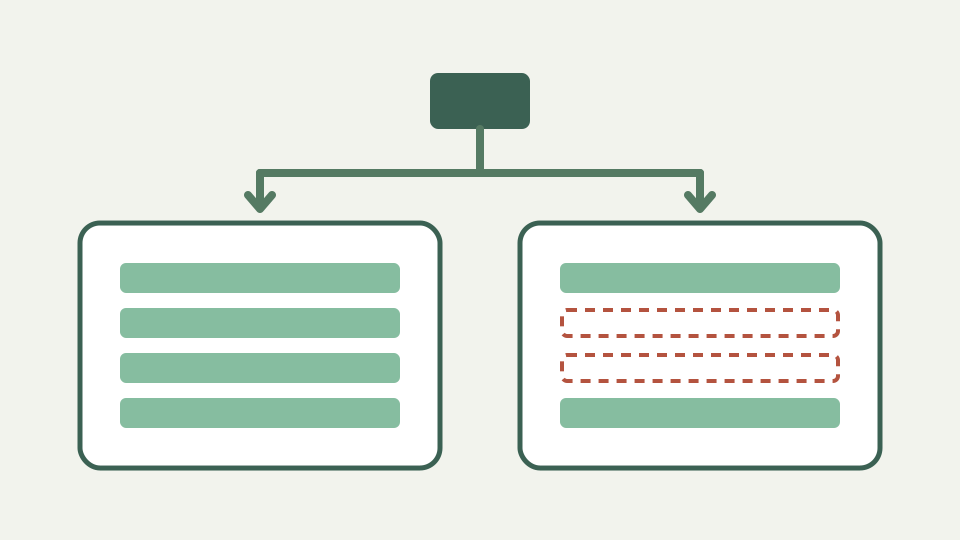
Subscription invoicing suites bundle bookkeeping, reminders and payment collection; a browser tool builds the document. This post compares the two honestly by volume, cost and data footprint so you can pick the one that fits.
Paying monthly to send three invoices — when a full suite is more product than the job requires
A recurring subscription can be unnecessary for a small number of straightforward documents, but price alone is not the decision. The real comparison is between a system that manages an invoicing process and a tool that creates one document. Count the workflow you need, not just invoices sent.
What suites do beyond the document — client records, recurring billing, reminders, payment links and bookkeeping
Broader suites commonly differentiate themselves with customer records, recurring billing, reminders, payment collection, status tracking and accounting connections. Availability and pricing vary by product, so this article does not assign those features to every suite or invent a subscription figure.
What a single-purpose tool does — builds and exports a correct, country-labelled PDF, and stops there
The Freelance Invoice Tool builds one invoice or quotation, calculates totals from the values entered and exports PDF or JSON. It adds country-labelled fields and local draft persistence, then stops. There is no sending, customer database, history, reminder engine or payment collection.
The cost comparison — subscription fees against zero, but also account creation, data held elsewhere and lock-in
The manifest states the browser tool is free, requires no account and has no paid tier. Its non-price costs are manual filing and manual workflow. A managed system may hold business data and create switching concerns, but evaluate its actual contract rather than assuming every provider behaves alike.
Where the browser tool is enough — low volume, simple terms and a freelancer who keeps their own records
The focused tool fits a freelancer who can keep their own records, follow up independently and review one uncomplicated tax rate and currency per document. It is especially clear when the desired output is simply a human-readable PDF accepted by the client.
Where it is not — high volume, automatic reminders or integrated accounting, which need a system rather than a document tool
Move to a system when the pain is orchestration: repeated customer data, recurring schedules, automated reminders, integrated payments, status visibility or accounting synchronisation. Trying to reproduce those jobs with filenames and localStorage turns a small builder into an unreliable manual database.
What this does not cover — tax filing and bookkeeping practice, which neither tool replaces on its own
Neither category decides correct tax treatment or replaces bookkeeping practice. This tool explicitly disclaims tax, legal and accounting advice. A feature-rich service may help record decisions, but the user still needs current rules and an appropriate professional or official source.
Takeaway — match the tool to the volume, and for straightforward invoicing the Freelance Invoice Tool costs nothing and keeps your data local
Match the tool to the job boundary. For a local, account-free document, the Freelance Invoice Tool makes its omissions explicit. For workflow automation and shared records, choose software designed to own that system rather than expecting a PDF builder to grow invisible operational features.