Developer tools · Base64 encoder & decoder
Base64 vs hex vs base32: comparing three ways to write bytes as text
· Background
base64 encoding
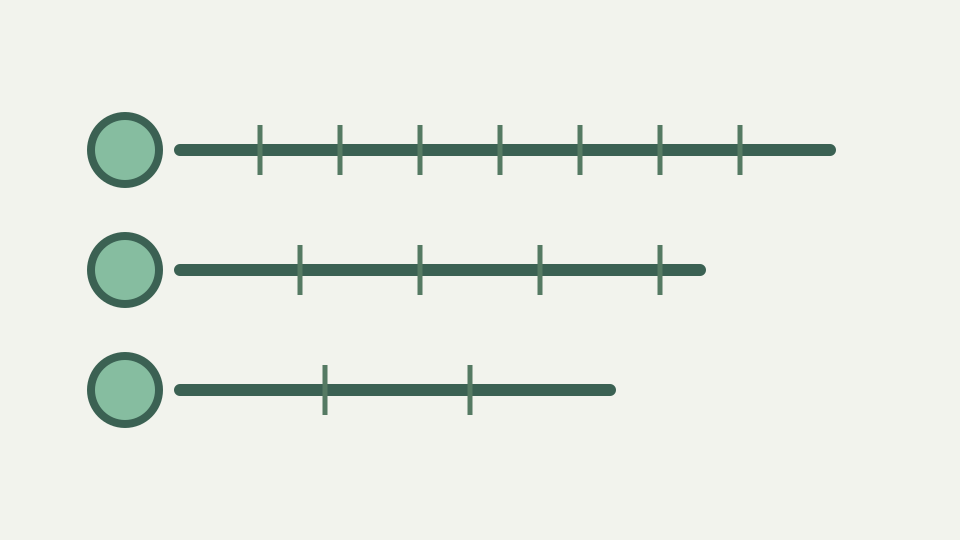
Hex, base32 and Base64 solve the same problem with different trade-offs in size, readability and safety. This post compares them on density, case sensitivity, URL safety and human error.
The API key that was mistyped because of l, 1, I and O — a concrete readability failure that hex would not have had
Three common ways to represent bytes as text are hex, base32, and base64. They all solve the same problem (expressing arbitrary bytes in printable ASCII) but with different trade-offs in size, readability, and error resilience. Hex is 2 characters per byte (F3 A2 B1 ...), so 16 bytes become 32 characters. Base32 is 1.6 characters per byte (approximately 5 characters per 3 bytes), so 16 bytes become 26 characters.
Base64 is 1.33 characters per byte (exactly 4 characters per 3 bytes), so 16 bytes become 24 characters or less. If file size matters, base64 is most compact. If human transcription matters, hex and base32 are safer. The readability difference is critical when a value is typed, copied or spoken. Hex uses 0-9 and a-f (case-insensitive in most contexts). A transcription channel changes the decision because a representation optimized for machines can be awkward for people. Base64 is case-sensitive and uses two punctuation symbols; hex uses a smaller visual vocabulary. The implementation here tests exact strings, not a human-error rate, so no invented probability is attached.
Density: 2×, 1.6× and 1.33× — how many characters each encoding needs per byte and why
Base32 uses A-Z and 2-7, avoiding 0, 1, O and I which are easily confused on paper. Base64 uses A-Z, a-z, 0-9, + and /, including both uppercase and lowercase, making it case-sensitive and mixing digits that look similar (0 versus O, 1 versus I versus lowercase l). An API key in hex might be f3a2b1e4; the same bytes in base64 might be 86KrvE== (with padding), or in base32 6VEV7FI= (with padding).
If a user must type the value by hand, hex or base32 is safer than base64. Reserved characters in URLs matter. Hex and base32 are safe for URLs; both use only alphanumeric characters (hex also uses 0-9, base32 also uses 2-7). Base64 uses plus and slash which are URL-reserved (plus represents a space in form-encoded data, slash is a path separator). Base64 density follows directly from six useful bits per output symbol and padding to four-character blocks. Hex carries four bits per symbol, making two characters per byte. Base32 is discussed as comparison context only because this repository provides neither its alphabet nor an encoder to verify outputs.
Density from bit width — exact Base64 and hex arithmetic, with Base32 treated as comparison context
A base64 string in a URL parameter must be percent-encoded (plus becomes %2B, slash becomes %2F), adding 4 extra characters for each occurrence. Base64url (RFC 4648 section 5) replaces plus with dash and slash with underscore, making it URL-safe without percent-encoding. Most APIs that use base64 in URLs actually use base64url, but the distinction is often not explicit in documentation.
TOTP secrets (the codes used by authenticator apps) are typically distributed as base32. A TOTP enrollment screen shows a base32 secret because it is easier to type and transcribe than the same bytes in base64 or hex. SHA hash digests are often displayed in hex because it is the traditional format and because hex is case-insensitive, making typos less likely. Case sensitivity matters when someone reads a value aloud or retypes it, since changing one letter’s case changes its index. ToolAcre preserves case exactly and will decode the resulting different bytes without knowing a human made a transcription error. The representation itself has no checksum.
Reserved characters and URL safety — where + and / bite, and how base32 and hex avoid the problem
JWTs use base64url. File checksums might be hex or base64; both are common. The choice is historical convention, not technical necessity. Error resilience is a subtle but important difference. Base32 avoids the digits 0, 1, 8, and 9 (which look like letters), reducing transcription errors. Base64 includes all digits, making 1 ambiguous (is it a letter I, lowercase l, or the digit 1?).
Hex is even more error-prone: 0 looks like O, l looks like 1. A checksum that must be typed or read from a printout is safer in base32. An API key that is pasted directly from a computer is safe in any format; readability matters only when human eyes are involved. Bytes the same, but encoding different: the 16-byte sequence [0xf3, 0xa2, 0xb1, ...] becomes f3a2b1... Standard Base64’s plus and slash need channel-aware handling; URL-safe mode replaces them with hyphen and underscore. Hex avoids those separators by using digits and letters alone. Base32 conventions vary, so this article avoids promising safety properties that the repository does not implement or test.
Worked example: the same 16 bytes in all three encodings — lengths compared and visual inspection
in hex, 6VEV7FI=... in base32, and 86KrvE== in base64. None of these strings are interchangeable. An application receiving f3a2b1... expects hex and will try to parse it as hex. Receiving 86KrvE== will fail if the application expects hex. The encoding format is part of the data's contract: sender and receiver must agree on which encoding is used. Padding is another difference.
Hex does not use padding (4 bytes are always 8 hex characters, no exceptions). Base32 and base64 both use equals padding to align output to a multiple of characters (8 for base32, 4 for base64). The padding is necessary mathematically; it ensures that every n-byte input produces a deterministic character count. Padding rules vary: some applications require padding, others allow it to be omitted. The worked comparison uses a fixed byte sequence and computes Base64 and hex mechanically. Its Base32 length can be discussed from five-bit grouping, but an exact Base32 text value is omitted because no reviewed implementation generated it. Length arithmetic and output verification are kept distinct.
Where each is conventional — hashes in hex, TOTP secrets in base32, JWTs and data: URIs in Base64
When pasting a base32 or base64 value without padding, decoders may accept or reject it depending on implementation. Cryptographic keys and tokens show the encoding difference.
An HMAC key is 32 bytes, which becomes 64 hex characters, 52 base32 characters (with padding), or 44 base64 characters (with padding). When distributing a key, the encoding should be documented. If documentation says the key is 44 base64 characters but you receive 52 characters, something is wrong. Convention can guide readers but does not prove suitability. Hash digests are commonly displayed as hex, while JWT segments use Base64url. The right choice still depends on channel rules, whether people copy the value, and whether another protocol has already fixed the representation.
What this does not cover — base58, base85 and checksummed encodings
The shorter base64 encoding makes it slightly easier to fit tokens into systems with character limits (like QR codes or URLs). The choice of encoding for a value is set by whatever ecosystem it came from. Web APIs often use base64url. Cryptographic documentation often uses hex. Authenticator apps use base32. When building a system, pick one encoding, document it clearly, and stick with it.
Mixing encodings (saying base64 or base32) introduces confusion. When debugging, the first step is to identify which encoding the value uses; the Base64 encoder & decoder tool can help by attempting to decode it multiple ways and seeing which one produces sensible output. No encoding is universally better. Base64 is most compact for raw storage. Hex is most familiar to cryptographers and most human-readable for small sequences. Base58, Base85 and checksummed encodings make different trade-offs and are absent from ToolAcre’s Base64 panel. Their alphabets, ambiguity rules and checksums should be evaluated with dedicated sources and implementations rather than extrapolated from this tool’s tested behavior.
Takeaway: pick the encoding for the channel and the reader — how the Base64 encoder & decoder covers the Base64 case in the browser, alongside the SHA hash calculator in the same product
Base32 is most resilient to transcription errors. The choice depends on context: where the value lives, how it is shared, and what systems will consume it.
Understanding the trade-offs helps you choose wisely when designing an API or a system. The Base64 encoder & decoder tool demonstrates base64 encoding; using it alongside a hex or base32 tool lets you see the same bytes in all three formats and understand their size and readability differences. For the Base64 case, encode a sample, note the exact UTF-8-byte and output-character counts, and test standard versus URL-safe punctuation. For digest work, use the separate SHA panel. Keeping those operations distinct prevents an encoding choice from being mistaken for hashing or integrity protection.