Documents · Freelance Invoice Tool
Why Your Clients' Details Shouldn't Live in a Random Invoice Generator
· Why it matters
invoice privacy browser-processing
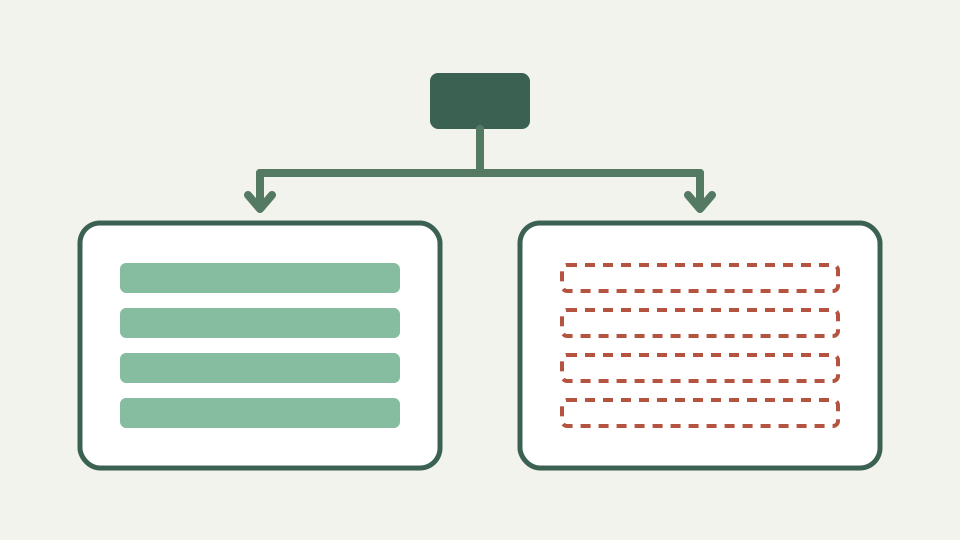
An invoice is a bundle of personal and financial data about two parties, one of whom never agreed to your choice of tool. This post explains what is at stake, the obligations you may carry toward client data, and why a tool with no account or server copy sidesteps the problem.
The client who asked where their address went — a privacy question freelancers rarely expect from an invoice
A client may reasonably ask where their address, tax identifier and project description went after you produced an invoice. They did not choose the generator, yet their details entered it. A defensible answer starts with the tool’s actual data flow rather than a generic privacy slogan.
What an invoice contains — names, addresses, tax identifiers, bank details, project descriptions and prices, for both parties
The document model can hold names, attention details, addresses, email, phone, business and tax identifiers, website, line descriptions, prices, notes and payment instructions. That combination describes commercial relationships as well as both parties, even without attaching a separate confidential file.
Your obligations toward client data — why data-protection rules can apply to a sole trader, described qualitatively rather than as legal advice
Rules and contracts can impose duties on people handling another party’s information, including sole traders, but the repository is not legal guidance and this article does not assign a jurisdictional rule. The practical minimum is to know what you collect, why, where it is stored and how it is removed.
Where hosted generators keep it — accounts, saved client lists and invoice histories on servers you do not control
A hosted invoicing service may intentionally offer accounts, saved customer lists and document history. Those features can be useful, but they also create copies outside your filing system and require evaluating retention, access and deletion. Do not assume every hosted generator follows one storage model.
The no-account alternative — nothing stored server-side, no email list, nothing to delete afterwards
This tool takes the narrower path: no account, server customer database or sync service, with the draft written to localStorage in the current browser. The source says invoice fields are not uploaded and the logo is re-encoded on device, while downloaded files exist wherever you choose to put them.
What you give up — no server-side history to fall back on, so your own filing of the exported PDFs matters
Local scope removes server history as a recovery mechanism. Clearing site data erases the draft, another browser will not have it, and localStorage is explicitly not a backup. Export the PDF or JSON you need and protect those records with the same access and backup discipline as other business documents.
What this does not cover — your legal duties in your jurisdiction, which depend on where you and your clients are
This design does not determine your legal obligations, secure your device, inspect browser extensions or protect a PDF after you email it. The correct process depends on the sensitivity of the work and the parties involved. Use offline software when the browser environment itself is not acceptable.
Takeaway — the least risky place for client data is your own device, and the Freelance Invoice Tool keeps it there
Minimise copies you do not need and be able to explain the copies you do create. The Freelance Invoice Tool keeps working data in your browser rather than a ToolAcre account, but you still own the decisions about retention, backup, sharing and disposal of the exported business record.