Video & subtitles · Subtitle Toolkit
Subtitle timecodes compared: SRT commas, VTT dots and SMPTE frames
· Background
subtitles timecodes frame-rate
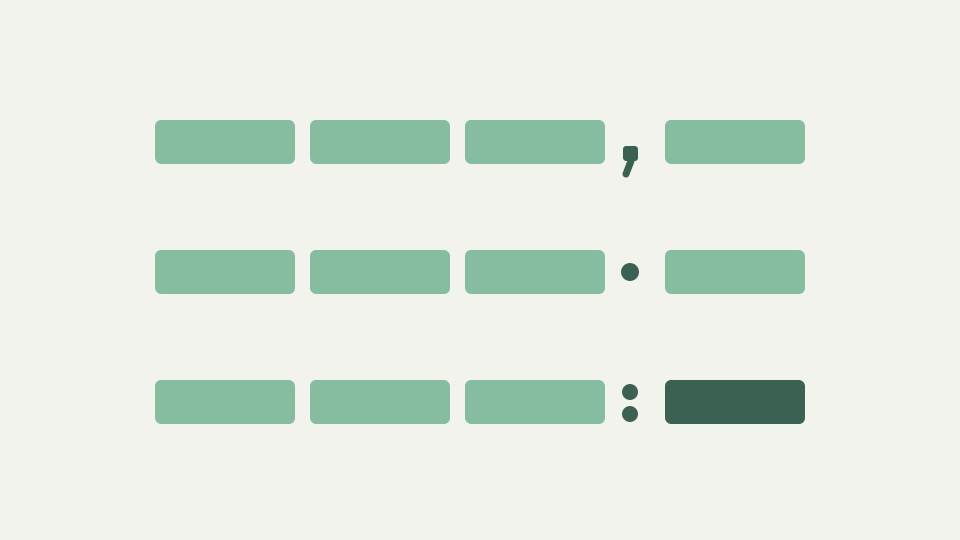
Three ways of writing time show up in caption work: SRT's HH:MM:SS,mmm, WebVTT's HH:MM:SS.mmm and SMPTE's HH:MM:SS:FF. This post explains what each means, how they convert and where conversions go wrong.
The same moment written three ways — a quick tour of the timecodes an editor meets in one project
One project can hand an editor the same instant written three ways. The subtitle file uses hours, minutes, seconds and a comma before the milliseconds. The web caption file uses a dot in the same position. The edit decision list uses a frame number instead of a fraction. All three name the same moment, and only one of them can be read without knowing anything else about the material.
That last point is the one that matters. Two of these notations are absolute and one is not, and conversions between them fail in a specific way when the difference is overlooked.
Milliseconds with a comma: SRT — a European decimal habit that became a format rule
SRT writes hours, minutes, seconds, a comma and exactly three digits of milliseconds. The comma is a decimal separator in the European convention, and it became a format rule by usage rather than by specification, since SubRip had no standards document to fix it. Nothing about the value is European; only the punctuation is.
The parser here reads milliseconds by padding whatever digits it finds on the right to three, so a timestamp ending in a single digit is read as hundreds of milliseconds rather than units. That matters because files written by hand or by a loose converter do not always supply three digits, and reading a single trailing digit as units would place the cue almost a second early.
Milliseconds with a dot: WebVTT — the same value, different separator, and why it matters to parsers
WebVTT writes the same value with a dot, and permits the hours field to be omitted entirely, so a two-field form is valid where SRT expects three. To a parser these are genuinely different grammars, which is why a file can be rejected for punctuation alone despite every number in it being correct.
Real files mix the two constantly, so the parser accepts either separator regardless of which format the file claims to be. That tolerance is on input only. On output the separator is chosen by the target format, a comma for SRT and a dot for WebVTT, so a converted file is canonical rather than a copy of whatever irregularity arrived.
Frames: SMPTE timecode — HH:MM:SS:FF, its dependence on frame rate and the drop-frame complication
SMPTE timecode replaces the fractional part with a frame number, giving hours, minutes, seconds and frames. Unlike the other two it cannot be interpreted alone: frame twelve is a different instant at twenty-five frames per second than at thirty, so a frame-based timecode without a declared rate is incomplete rather than merely ambiguous.
Drop-frame adds a second complication. Material at 29.97 frames per second is counted as though it were thirty, and to keep the count aligned with the clock two frame numbers are skipped at the start of most minutes, with every tenth minute exempt. The frames are not dropped; only the labels are. A drop-frame timecode is a counting convention, and treating it as a plain frame count produces an error that grows across the programme.
Converting frames to milliseconds — the arithmetic and the rounding that produces small but real errors
Converting frames to milliseconds is a division by the frame rate, and the rounding is where small errors enter. A frame index divided by the rate and multiplied by a thousand rarely lands on a whole millisecond, and the result has to be rounded to be stored. Internally cues are held as whole milliseconds counted from zero, so every conversion into that representation rounds once.
One rounding is harmless. The error to watch for is repeated conversion: a file taken from frames to milliseconds, back to frames at a different rate and forward again accumulates a rounding each time, and those errors do not cancel. Convert once from the authoritative source rather than passing a file through several tools.
Worked example: one cue at 25 fps and at 29.97 drop-frame — converting both to milliseconds and comparing
Take one cue at one minute thirty seconds and twelve frames. At twenty-five frames per second, twelve frames is twelve twenty-fifths of a second, which is four hundred and eighty milliseconds exactly, so the instant is ninety thousand four hundred and eighty milliseconds.
At 29.97 drop-frame the same label is a different instant. Count the frames: ninety seconds at the nominal thirty gives two thousand seven hundred, plus twelve, minus the two labels dropped at the first minute, which is two thousand seven hundred and ten frames. Divide by the true rate of thirty thousand over one thousand and one and the instant is about ninety thousand four hundred and twenty-four milliseconds. The two timecodes look almost identical and differ by roughly fifty-six milliseconds, which is small enough to survive review and large enough to be visible on a tight cue.
What this does not cover — hours beyond 99, negative times and timecode in container metadata
This covers the timecode notations a subtitle file carries. It does not cover hour fields beyond ninety-nine, which some systems use for reel identification rather than elapsed time, and it does not cover negative times, which neither subtitle format can express; a shift that would produce one is clamped at zero.
Timecode stored in container metadata is also out of scope. A video file can carry a start timecode that offsets everything inside it, so a subtitle file that is correct against the programme can appear wrong against the file, and no amount of examining the subtitle timestamps will reveal that.
Takeaway: know which clock you are reading — how the Subtitle Toolkit converts between SRT and WebVTT timecodes exactly
Know which clock you are reading. A comma and a dot are the same value written for different parsers, and converting between them should change punctuation and nothing else. A frame count is a different kind of number, meaningless without its rate and misleading when the rate is a drop-frame one.
Convert between SRT and WebVTT with the toolkit and compare a timestamp before and after: the separator should change and the digits should not. If a number moved, the file went through a frame-based step somewhere, and that is the conversion to examine.